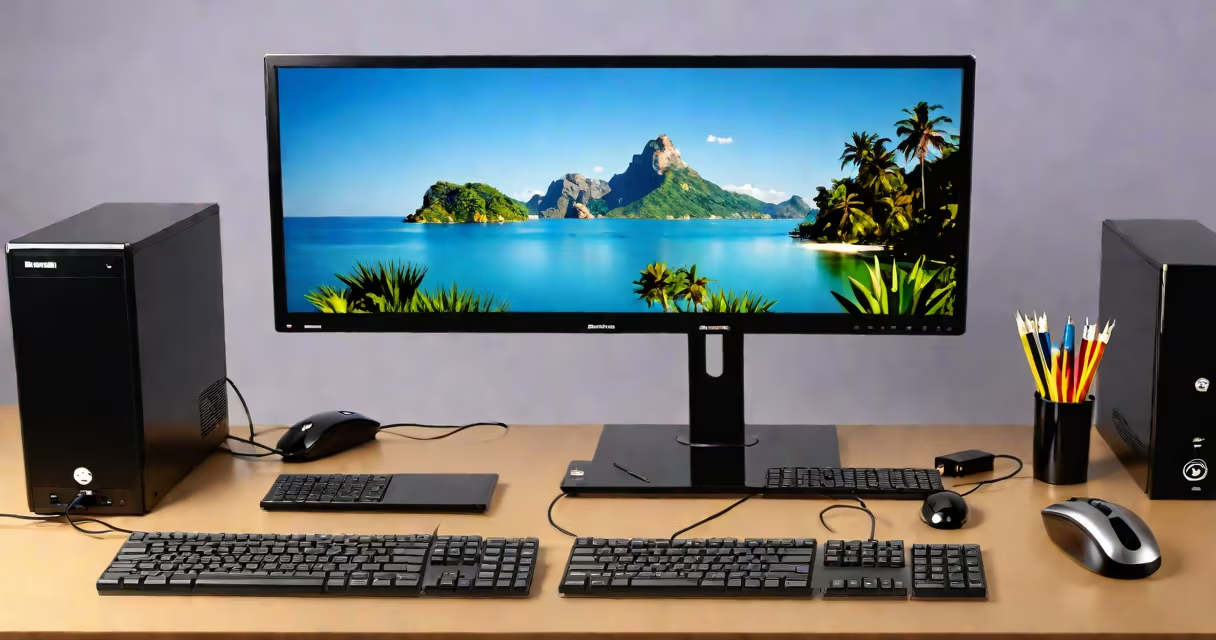
An output device is a piece of computer hardware that conveys information from a system to a user or another system. Examples include monitors, printers, and speakers. These devices receive processed data and present it in a form humans can perceive.
Output devices translate digital signals into visual, auditory, or physical formats. The computer processes raw input-like keystrokes or sensor data-and sends results through output channels. For example, when you type a document, the CPU and GPU render text on screen via the monitor, which is an output device.
Common output devices include displays (monitors), audio systems (speakers), printing hardware (printers), and even projectors. They differ from input devices-such as keyboards, mice, and webcams-that send data *to* the computer. Understanding this distinction clarifies how computers communicate with users.
When a program runs, it generates data that must be communicated to the user. The operating system routes this data through drivers to the appropriate output interface-HDMI, USB, audio jack, or network port. The device then converts the digital stream into a perceivable format.
A monitor uses a graphics card to render pixels based on frame buffer data. A printer interprets print commands from software and applies ink or toner to paper. Speakers convert electrical signals into sound waves using transducers. Each device relies on firmware and system-level protocols to function correctly.
For example, when you play a video file, the media player sends decoded audio and video frames to the GPU and sound card. The GPU outputs video over HDMI to the monitor. The sound card sends audio to the speakers. Both devices are essential for full multimedia experience.
Output devices fall into categories based on sensory modality: visual, auditory, tactile, and printed.
| Type | Examples | Function |
|---|---|---|
| Visual | Monitor, projector, LED panel | Displays images, text, and motion |
| Auditory | Speakers, headphones, audio interface | Reproduces sound and music |
| Printed | Printer, plotter | Produces hard copies of documents |
| Tactile | Braille display, haptic feedback devices | Conveys information through touch |
Monitors remain the most common visual output device. Modern displays use LCD, OLED, or microLED panels. A 27-inch 4K monitor with HDR1000 support delivers high contrast and color accuracy. Printers vary widely: laser printers offer faster page rates (up to 60 pages per minute), while inkjet models provide better photo quality.
Audio output devices differ in fidelity and connectivity. A pair of studio-grade headphones with 40mm drivers and 16-20kHz frequency response reproduces subtle audio details. Built-in laptop speakers often lack bass and clarity due to size constraints.
Many people mistake dual-function devices as purely output. A touchscreen combines input and output-touching the screen sends coordinates (input), while displaying visuals is output. But the screen itself is still classified as an output device.
Another error is assuming all peripherals are output devices. A webcam captures video and sends it to the computer-it's an input device. Similarly, a microphone records sound and feeds it into the system. These are not output devices, even though they interact with the user.
Some older systems used teletypewriters (TTYs) as both input and output. They typed responses back to users, but their primary role was communication. Today, such devices are obsolete, but the concept illustrates why function-not form-defines classification.
Consider a typical office workstation: a desktop PC, a 24-inch monitor, a mechanical keyboard, a wireless mouse, a USB headset, and a laser printer.
The monitor displays emails, spreadsheets, and presentations. The printer produces signed contracts. The headset plays audio during video calls. All three are output devices.
The keyboard sends keypresses to the OS. The mouse moves a cursor. The headset's microphone captures voice. These are input devices. The printer, despite being physically separate, is not an input device-even though it may have status lights or a control panel. Its purpose is to deliver output.
When asked "Which of the following is an output device?" among these options, the correct choices are the monitor, printer, and headset (for audio output).
I once set up a classroom lab with 12 student PCs. Each had a monitor, keyboard, mouse, and a shared network printer. Students struggled to identify the printer as an output device because they associated "output" only with screens. After demonstrating a print job, showing the physical document emerge from the machine, confusion lifted. The tangible result clarified the concept.
Input devices send data *into* the computer. Output devices send data *out*. This separation ensures data flows logically through the system.
For example, typing "Hello" into a text editor sends characters to the CPU. The CPU stores them in memory. When displayed on screen, the monitor renders the text. The monitor is output. The keyboard is input.
Even network-connected devices follow this rule. A smart thermostat receives temperature data (input) and adjusts heating (output). But the display on the thermostat shows settings and readings-it's an output device, even if it also accepts touch input.
According to the Cisco Networking Academy, output devices are defined by their role in delivering processed information to users. They emphasize that output is the final stage of data processing.
Microsoft's documentation on Windows hardware identifies output devices as those that "receive data from the system and present it in a usable form," confirming that monitors, printers, and audio devices meet this standard.
Which of the following is an output device? Monitors, printers, speakers, and projectors are all output devices. They take processed data from a computer and make it visible, audible, or tangible. Any device that presents information to a user after computation qualifies as output.
Understanding this helps diagnose issues-like a blank screen (monitor failure) or silent audio (speaker or driver problem). Knowing which components are output devices enables accurate troubleshooting and informed purchasing decisions.