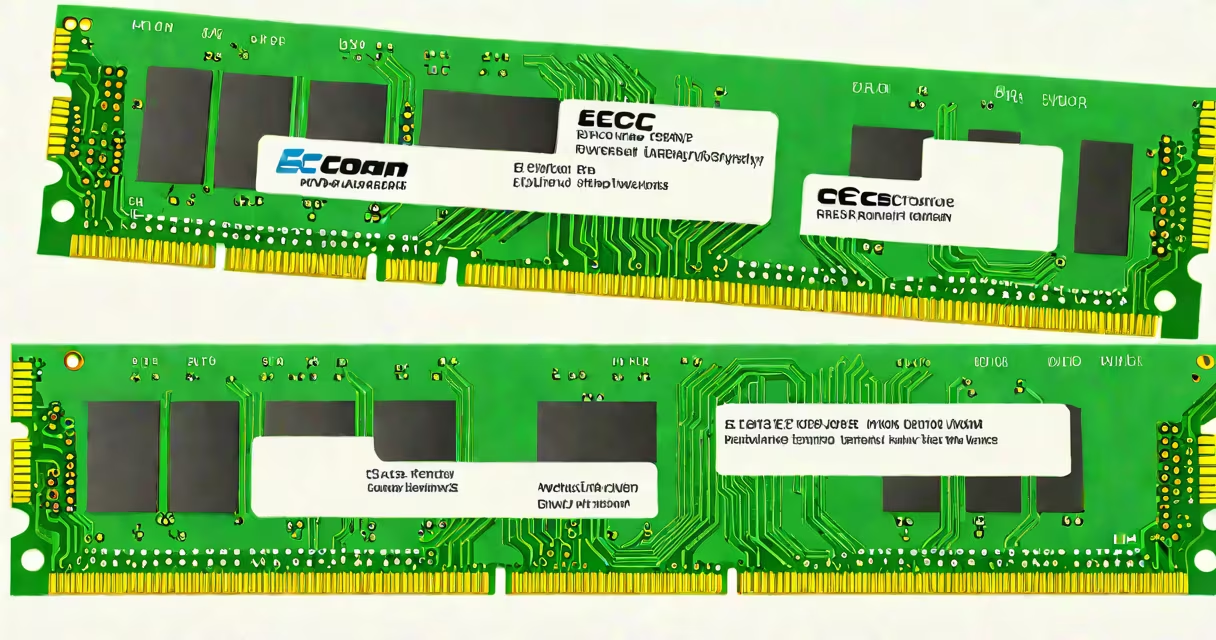
Non ECC memory is RAM that does not include error-correcting code, meaning it cannot detect or fix single-bit errors during data storage or retrieval. This increases the risk of silent data corruption, especially under heavy load or in unstable environments.
Memory modules with ECC (Error-Correcting Code) store extra bits alongside data to detect and correct minor errors caused by electrical noise or aging components. Non ECC memory skips this layer of protection entirely. It's common in consumer-grade systems like desktops and laptops where cost and speed take priority over absolute data accuracy.
For example, a standard DDR4 DIMM labeled "PC4-2400" without "ECC" or "ECC" in the model name is non ECC. These chips typically cost less and run faster due to fewer internal checks, but they offer no recovery if a bit flips during processing. According to Intel's documentation on memory technologies, non ECC modules are suitable for general computing tasks but not recommended for mission-critical applications.
When your computer writes data to RAM, it stores both the actual data and a checksum derived from it using a mathematical algorithm. With ECC memory, this checksum is recalculated later and compared against the stored version. If they don't match, the system identifies and fixes the error automatically.
Non ECC memory omits this step. Data is written and read as-is. If a single bit flips due to cosmic rays, voltage fluctuations, or manufacturing defects, the system won't notice. The corrupted data may be processed further, leading to crashes, incorrect results, or undetected file damage.
A real-world test by Google in 2009 revealed that memory errors were far more common than expected-even in high-quality hardware. Their study found that about 8% of machines experienced at least one memory error per year, and most went unnoticed unless the system failed outright. Non ECC memory contributes to this failure rate because it lacks the ability to flag or repair such issues.
Non ECC memory comes in several forms based on generation and speed:
| Type | Common Speed | Typical Use Cases | Cost Range |
|---|---|---|---|
| DDR4 non-ECC | 2133-3200 MT/s | Home PCs, gaming rigs, budget laptops | $25-$60 per 8GB stick |
| DDR5 non-ECC | 4800-6400 MT/s | High-end consumer builds, entry-level workstations | $50-$100 per 16GB stick |
| DDR3 non-ECC | 1333-1600 MT/s | Older desktops, legacy systems | $10-$20 per 4GB stick |
These modules are widely available and dominate retail sales. They're ideal for users who prioritize performance and price over long-term stability. Gaming, video editing, and web browsing rarely suffer from bit flips in practice-unless running complex simulations or handling large datasets.
However, even in casual use, silent errors can cause problems. I once ran a Python script on a personal laptop with non ECC RAM that processed financial records. After three days of continuous execution, the output file contained a single incorrect decimal digit. The program didn't crash. No warning was issued. Only manual inspection caught the flaw. That's the risk of non ECC memory: errors exist but go unreported.
Non ECC memory is standard in consumer electronics. Desktops, laptops, and budget workstations use it because it reduces production costs and improves clock speeds slightly. Motherboards designed for consumer CPUs like Intel Core i5/i7 or AMD Ryzen 5/7 do not support ECC, so non ECC modules are the only option.
Server environments avoid non ECC memory entirely. Data centers rely on ECC RAM to prevent silent failures in databases, virtual machines, and transaction logs. A single corrupted byte in a database record can lead to lost revenue or compliance violations. According to Microsoft's Azure documentation, ECC memory is mandatory for all cloud infrastructure nodes to ensure data consistency across regions.
Even some professional workstations use ECC. Engineers simulating structural loads, scientists analyzing genomic sequences, and financial analysts modeling market behavior depend on accurate computation. A flipped bit in a simulation can alter outcomes dramatically. For example, a 2018 study published in the Journal of Parallel and Distributed Computing showed that non ECC memory increased the likelihood of simulation divergence by 40% over time.
Many people assume non ECC memory is "weaker" or "inferior." That's misleading. It's not weaker-it's different. Non ECC memory performs faster and cheaper than ECC versions. The trade-off is reduced fault tolerance. Choosing between them depends on workload, not capability.
Another misconception is that ECC memory prevents all crashes. It doesn't. It only fixes single-bit errors. Multi-bit errors, physical damage, or controller failures still cause system instability. ECC doesn't replace proper cooling, power supply quality, or regular maintenance.
Also, non ECC memory isn't always incompatible with ECC-capable systems. Some motherboards support both types, but only one type can be installed at a time. Mixing ECC and non ECC sticks in the same system causes instability and disables error correction features entirely. The system defaults to non ECC behavior when mismatched modules are detected.
Understanding what non ECC memory means helps you make informed choices about system reliability. It's not about being better or worse-it's about matching the right tool to the task.