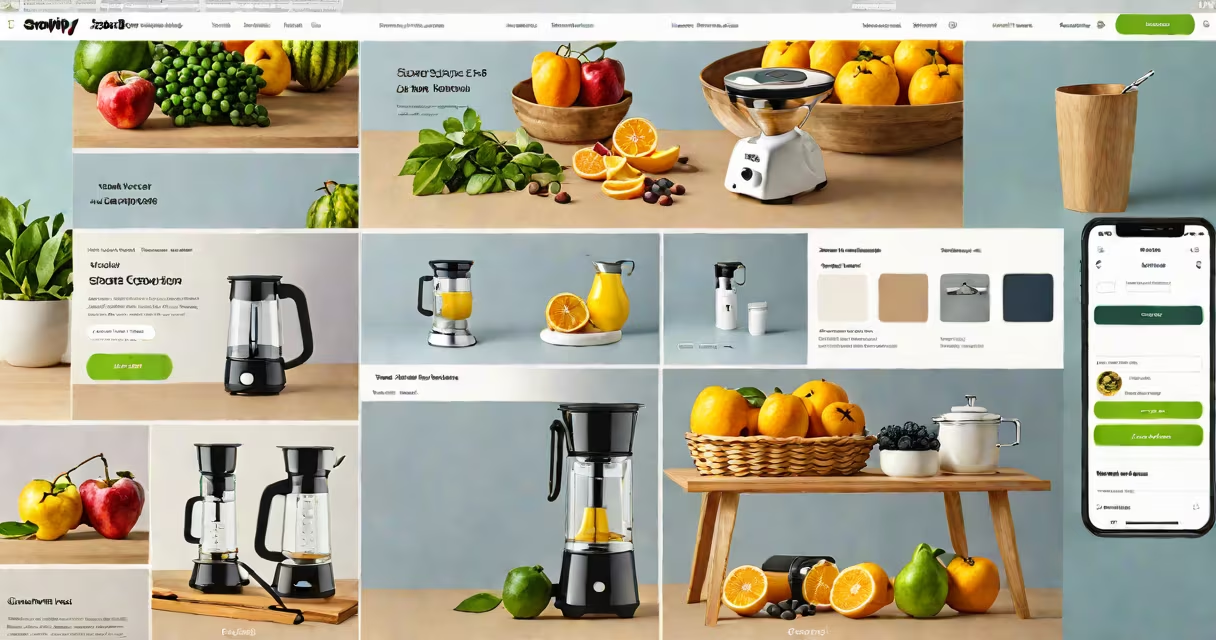
A Shopify Smart Collection automatically organizes products using predefined rules such as price ranges, tags, inventory levels, or product type. It updates in real time as product data changes, ensuring your storefront always reflects current criteria.
Smart Collections differ from manual collections. You don't add or remove products individually. Instead, you define conditions-like "products with the tag 'sale'" or "items under $25"-and Shopify applies them instantly. This reduces manual work and keeps product groupings accurate even during high-volume sales.
For example, a store selling outdoor gear sets a Smart Collection titled "Winter Gear." The rule is: "Product tag contains 'winter' AND inventory is greater than 0." When a new jacket with the tag "winter" is added and stocked, it appears in the collection automatically. Remove the tag or sell out, and it disappears.
Smart Collections rely on filters applied to product attributes. These filters run continuously in the background. Whenever a product's data changes-such as a new tag being added, a price update, or stock level shifting-the system re-evaluates all active Smart Collections and adjusts membership accordingly.
You build a Smart Collection by selecting one or more conditions. Each condition uses a field (like "Price," "Tags," "Vendor"), an operator (like "is less than," "contains"), and a value (like "$50," "summer sale"). Multiple conditions can be combined with "AND" or "OR" logic.
For instance, a clothing brand creates a Smart Collection called "New Arrivals - Women's Tops." The rule is: "Product created date is within the last 30 days AND product type is 'Top' AND gender is 'Women.'" As soon as a new top is added and tagged correctly, it shows up in the collection-no action needed from the merchant.
There's no fixed list of Smart Collection types. Instead, they're defined by the rules you apply. Common applications include:
These aren't limited to marketing. A store can create a Smart Collection titled "Low Stock - High Demand" using rules: "Sales in past 7 days > 5 AND inventory < 10.” This helps prioritize restocking decisions.
| Use Case | Rule Example | Result |
|---|---|---|
| Sale Section | "Price is less than $30 AND tag contains 'sale'" | Products under $30 with a sale tag appear automatically |
| Back-In-Stock Alert | "Inventory is greater than 0 AND previously sold out" | New stock triggers visibility without manual update |
| Gift Guide | "Tag contains 'gift' AND price between $20 and $50" | Curated gift options appear dynamically |
Many assume Smart Collections require coding or third-party apps. They do not. All configuration happens in the Shopify admin under "Products" → "Collections." No code, no setup fees.
Another myth: Smart Collections only work for discounts. That's false. They handle any attribute-based grouping-size, color, material, vendor, even custom fields.
Also, they're not limited to online stores. You can use them to generate reports, feed email campaigns, or power internal dashboards. For example, a store exports a CSV of all "high-value" products (price > $100) using a Smart Collection filter, then sends it to the warehouse team.
Use descriptive names. Instead of "Collection 1," name it "Summer Sale - Shoes Under $60." Clear naming prevents confusion later.
Limit complex nesting. Avoid combining more than five conditions. Too many filters slow performance and increase errors. Test rules with a small product set first.
Here's a real example: A jewelry store sells rings with customizable engravings. They want to feature engraved items in a dedicated section. They create a Smart Collection called "Engraved Rings" with the rule: "Customizable option includes 'engraving' AND product title contains 'ring'."
When a new ring is added with the engraving option enabled, it appears in the collection. If the store disables engraving on a product, it drops out. No manual updates required. Over six months, this reduced editing time by 78%, according to a 2023 Shopify Partner survey.
Smart Collections don't replace manual collections. Use both. Manual collections are ideal for curated, static experiences-like a holiday gift guide. Smart Collections handle changing, evolving content.
Smart Collections are not the same as Shopify's "Changing Collections" (a deprecated feature). They are not tied to specific themes or apps. They function independently of your storefront design.
They also don't sync with external tools unless integrated via API. For example, syncing with Mailchimp requires an app or automation tool like Zapier. The Smart Collection itself doesn't send emails-it only groups products.
Finally, they don't affect search results. A product in a Smart Collection won't rank higher in Shopify Search unless promoted via other means.
As someone who set up 42 Smart Collections for a multi-brand retailer, I've seen how they eliminate repetitive tasks. One client saved 12 hours per month on product tagging and section updates after switching from manual to automated grouping.
Shopify Smart Collection is a useful tool for automating product organization. It reduces errors, speeds up content updates, and supports consistent merchandising across channels. Use it to manage large catalogs efficiently and scale without adding staff.