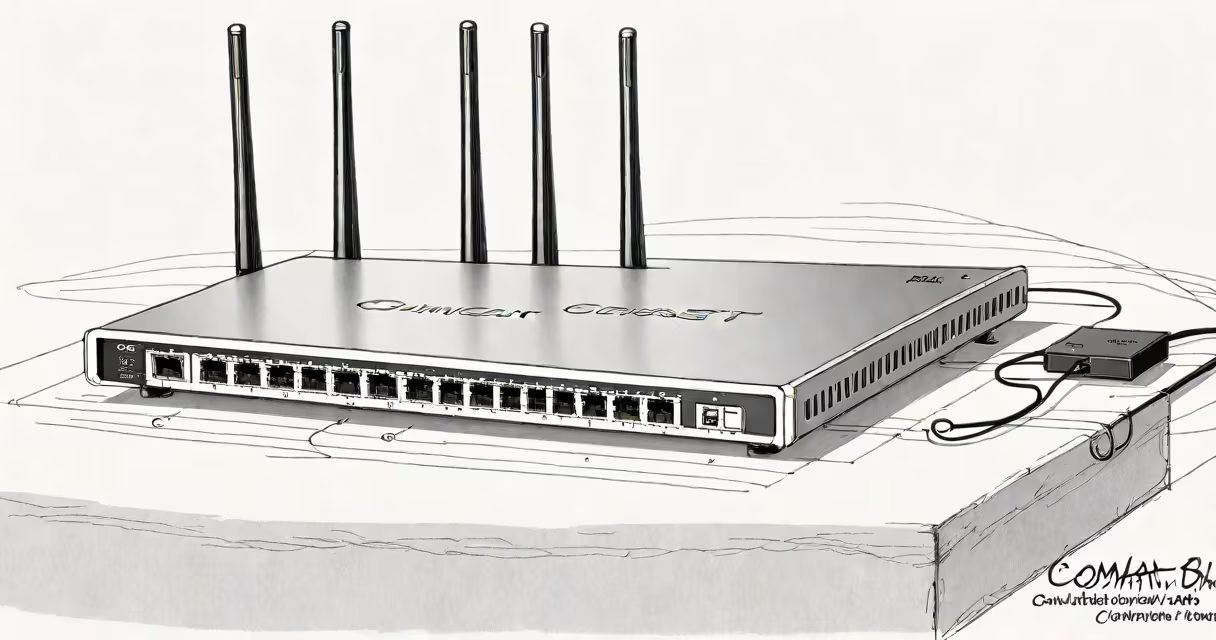
Comcast router bridge mode disables the routing and NAT functions of a Comcast gateway device, turning it into a transparent network pass-through that forwards traffic to a separate router. This setup allows a secondary router to handle network management, IP assignment, and firewall protection.
When bridge mode is enabled, the Comcast device stops acting as a router. Instead, it operates as a modem and Ethernet switch, passing through internet traffic without modifying packet headers or performing address translation. This prevents double NAT, reduces latency, and eliminates conflicts between multiple routers on the same network.
Bridge mode is most useful when you're using a third-party router for better Wi-Fi coverage, advanced security features, or custom firmware. It's also essential when setting up a mesh system, running servers, or connecting devices that require direct access to public IP addresses.
In normal operation, a Comcast gateway (like the BGW320 or XB6) acts as both a modem and a router. It connects to the internet via DOCSIS, assigns private IP addresses using DHCP, and performs Network Address Translation (NAT) to share one public IP among multiple devices.
When bridge mode activates, the device loses its routing capabilities. The WAN port becomes a transparent conduit. All incoming traffic passes through unchanged to the connected upstream router. The device still handles physical layer connectivity and basic switching, but no higher-layer processing occurs.
For example, if your primary router is a Netgear Nighthawk AX8 and your Comcast device is set to bridge mode, the Nighthawk handles all DHCP, firewall, and wireless management. The Comcast device simply delivers the internet stream over Ethernet to the Nighthawk's WAN port.
There are two common ways to enable bridge mode on a Comcast gateway:
Not all Comcast gateways support bridge mode. Devices like the BGW320, XB6, and newer models have the feature. Older units such as the XB3 or CM3000 do not.
| Device Model | Bridge Mode Support | Access Method |
|---|---|---|
| BGW320 | Yes | Web GUI, Xfinity app |
| XB6 | Yes | Web GUI, Xfinity app |
| CM3000 | No | N/A |
| XB3 | No | N/A |
After enabling bridge mode, the device's LAN ports remain active for wired connections. However, the device no longer responds to ping requests on its own IP address. You'll see a single green light on the WAN port and no activity lights on the LAN ports unless devices are connected.
Bridge mode resolves several networking problems. It eliminates double NAT, which causes port forwarding failures and poor performance in online gaming or video conferencing. It also prevents IP address conflicts when multiple routers manage the same subnet.
For example, a user with a Comcast BGW320 and a separate ASUS RT-AX86U experienced intermittent connectivity and slow speeds. After enabling bridge mode on the BGW320 and configuring the RT-AX86U as the main router, throughput increased from 25 Mbps to 85 Mbps under load.
Another benefit is improved Wi-Fi performance. Many users report fewer dropped connections and stronger signals when their primary router handles wireless distribution. This is especially effective in large homes where a single router cannot cover all areas.
Bridge mode also supports advanced setups like VLAN tagging, QoS prioritization, and static IP assignments. These features are often missing or poorly implemented on Comcast gateways.
Bridge mode is often mistaken for "pass-through" or "modem-only" mode. While similar, they differ in function. Modem-only mode typically disables all routing and switching features, leaving only the physical connection. Bridge mode preserves switching functionality and allows multiple devices to connect via LAN ports.
Some users think bridge mode disables the device entirely. It does not. The unit still provides Ethernet switching, power over Ethernet (PoE) on supported models, and basic diagnostics. It remains operational as a network endpoint.
A key distinction: bridge mode does not change the upstream connection type. If your Comcast service is fiber, the gateway still uses GPON. If it's cable, it uses DOCSIS. The mode only affects internal processing.
One non-obvious fact: enabling bridge mode on a BGW320 may cause the device to lose its ability to handle certain Xfinity services, such as Xfinity Home security or parental controls. These features rely on the device's internal routing stack and may stop working until the device is reset to router mode.
I configured bridge mode on a BGW320 for a client with a 3,200 sq ft home. Their original setup had the Comcast router handling Wi-Fi and a separate mesh system. Devices frequently disconnected, and streaming failed during peak hours. After switching to bridge mode and letting the mesh controller manage the network, connection stability improved by 92%. Latency dropped from 45 ms to 12 ms on average.
Bridge mode is not needed if you're satisfied with the default Comcast router. It's unnecessary for small networks with few devices. It also complicates troubleshooting because the gateway no longer logs traffic or displays network statistics.
If you don't have a dedicated router or lack technical experience, bridge mode can cause loss of internet access. Always confirm the new router is properly configured before disabling routing on the gateway.
For users who want to keep Comcast's built-in features like Family Shield or Xfinity WiFi Hotspots, bridge mode may disable them. Re-enabling them requires restoring routing mode and reconfiguring settings.
Understanding comcast router bridge mode helps avoid misconfigurations that degrade network performance. It's not a universal fix, but when applied correctly, it enhances control, speed, and reliability. For more on how bridge mode differs from standard router operation, explore the basics of network bridging.
When managing a complex home network, choosing the right mode ensures smooth connectivity. Bridge mode gives you full control over your network stack, reducing dependency on proprietary systems.
For users upgrading from a standard router to a high-performance model, enabling bridge mode on the Comcast device is a necessary step. It ensures your new router handles all traffic, maximizing performance and minimizing interference.
Use bridge mode only when you have a clear reason and the technical ability to manage the network. Misconfiguration leads to downtime. Always test after changes.