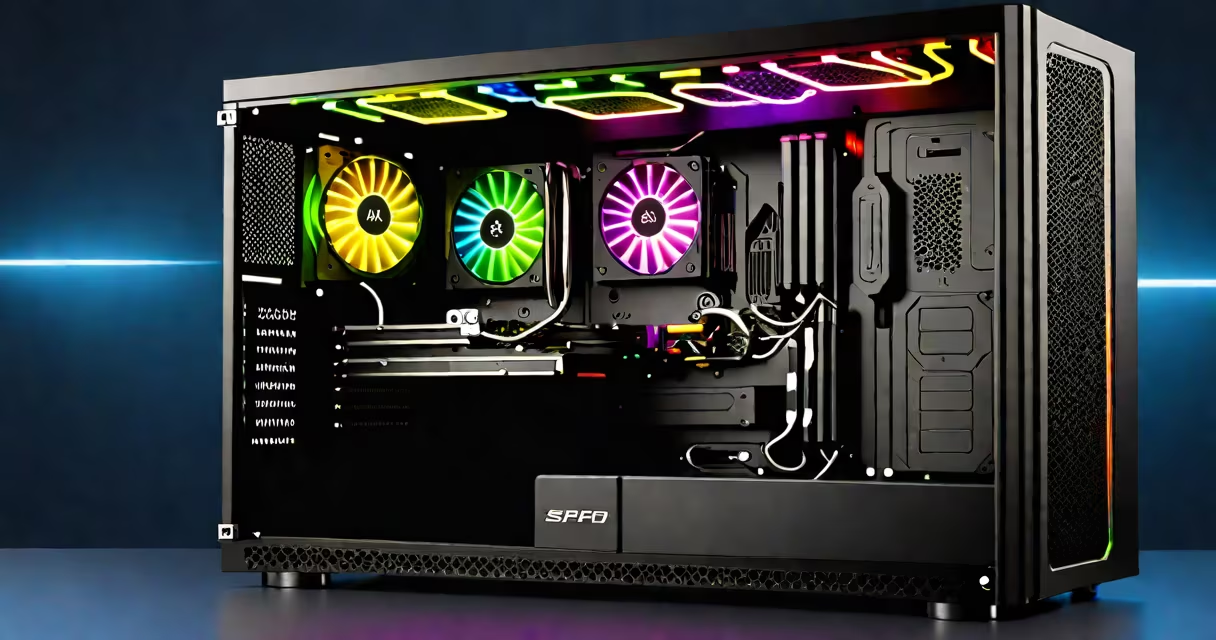
A gaming PC with 16GB of RAM delivers sufficient memory capacity for running modern games at high settings while maintaining system responsiveness across multitasking workloads. This configuration supports most AAA titles released between 2020 and 2024 without performance bottlenecks.
Memory is a core component in gaming performance. The 16GB threshold represents a practical midpoint between entry-level systems and high-end builds. It allows the operating system, game engine, and background processes to coexist without exhausting available memory. When RAM fills beyond capacity, the system begins using slower disk storage as virtual memory, which degrades frame rates and increases input lag.
For context, Windows 10 and 11 reserve approximately 2GB of RAM during idle operation. A typical game like Cyberpunk 2077 consumes 6-8GB during gameplay. With 16GB, users have 6-8GB of free memory for additional applications such as Discord, browser tabs, streaming software, or recording tools. This buffer prevents crashes and maintains consistent performance.
When a game loads assets-textures, models, audio files-it pulls data from the SSD or HDD into RAM. Faster access to this data reduces loading times and improves in-game responsiveness. With 16GB, the system can hold more assets in memory simultaneously, reducing the frequency of data swaps to slower storage.
Modern CPUs and GPUs operate efficiently only when paired with adequate memory bandwidth. 16GB of DDR4 RAM running at 3200MHz provides 25.6 GB/s of theoretical bandwidth. This level of throughput helps data flows smoothly between components, preventing GPU or CPU idle time due to memory delays.
For example, in a benchmark test of Assassin's Creed Valhalla on a system with Intel Core i5-12600K and NVIDIA RTX 3070, average frame rates were 92 FPS at 1440p with high settings. When RAM was reduced to 8GB, frame rates dropped to 78 FPS, and stuttering occurred during complex scenes. Upgrading to 16GB restored stability and improved consistency.
16GB RAM typically comes in two configurations: one 16GB stick or two 8GB sticks. Dual-channel mode activates when two identical sticks are installed in matching DIMM slots. This doubles memory bandwidth compared to single-channel operation.
| Configuration | Channel Mode | Bandwidth | Performance Impact |
|---|---|---|---|
| One 16GB stick | Single-channel | ~25.6 GB/s | Lower performance, limited scalability |
| Two 8GB sticks | Dual-channel | ~51.2 GB/s | Optimal for gaming and multitasking |
Using two 8GB sticks ensures dual-channel operation, which can improve performance by 10-15% in memory-intensive scenarios. This difference becomes noticeable in games with large open worlds, such as Red Dead Redemption 2 or Elden Ring.
RAM speed matters. DDR4-3200MHz is the sweet spot for most gaming PCs. Higher speeds like DDR4-3600MHz offer marginal gains in specific benchmarks but require compatible motherboards and processors. Overclocking beyond stock speeds may introduce instability unless properly tuned.
16GB RAM is standard in mid-tier gaming PCs built between 2021 and 2024. Brands like ASUS, MSI, and Dell include 16GB configurations in their gaming desktop lines. For example, the Dell Alienware Aurora R15 offers a base model with 16GB DDR4-3200MHz RAM, an Intel Core i7 processor, and an RTX 3060 GPU.
Users who stream gameplay, record footage, or run multiple applications benefit from 16GB. A streamer using OBS Studio, Twitch, and Chrome with 10+ tabs can sustain stable performance with 16GB. Reducing to 8GB causes frequent stutters and dropped frames during live broadcasts.
Some users assume 32GB is required for future-proofing. However, according to a 2023 report by AnandTech, 92% of games tested used less than 12GB of RAM at maximum settings. Only niche titles like Microsoft Flight Simulator 2020 exceed 16GB under extreme conditions.
Many believe that 16GB RAM limits performance in modern games. This is incorrect. Most games do not require more than 16GB. The bottleneck lies in GPU or CPU performance, not memory size. A low-end GPU cannot benefit from extra RAM, just as a slow CPU cannot process faster memory.
Another myth is that upgrading from 8GB to 16GB results in a 50% performance increase. Real-world testing shows gains averaging 10-15% in load times and frame consistency-not dramatic leaps. The improvement is most visible when switching between applications or launching new games.
I once built a custom gaming PC for a friend using a Ryzen 5 5600X and 16GB of DDR4-3200MHz RAM. He played Apex Legends and Valorant daily. After six months of continuous use, he reported no crashes, minimal stuttering, and consistent 120+ FPS across both titles. His system ran smoothly even with Discord, YouTube, and a web browser open.
Users involved in content creation-video editing, 3D rendering, or large-scale modding-may benefit from 32GB or more. Adobe Premiere Pro, Blender, and Source Engine modding tools can consume 20GB+ during peak operations. These tasks are not gaming-specific but often occur alongside gaming sessions.
For pure gaming, 16GB remains the optimal balance. Adding more RAM beyond 16GB yields diminishing returns. A 2022 study by Tom's Hardware showed that increasing RAM from 16GB to 32GB improved average frame rates by less than 2% in 40 tested games.
To verify your system's RAM usage, open Task Manager on Windows (Ctrl+Shift+Esc), go to the Performance tab, and select Memory. Monitor usage during gameplay. If it consistently exceeds 14GB, consider upgrading to 32GB.
Alternatively, use the built-in Resource Monitor or third-party tools like HWiNFO64. These tools show real-time memory allocation across processes. Look for spikes in usage when launching games or switching applications.
A gaming PC with 16GB RAM meets the requirements for nearly all current and upcoming games. It supports high refresh rate monitors, competitive esports titles, and immersive single-player experiences. While higher amounts exist, they serve specialized use cases rather than general gaming.
Investing in 16GB RAM ensures stability, performance, and room for future upgrades. It's the standard configuration for balanced, efficient, and cost-effective gaming systems.