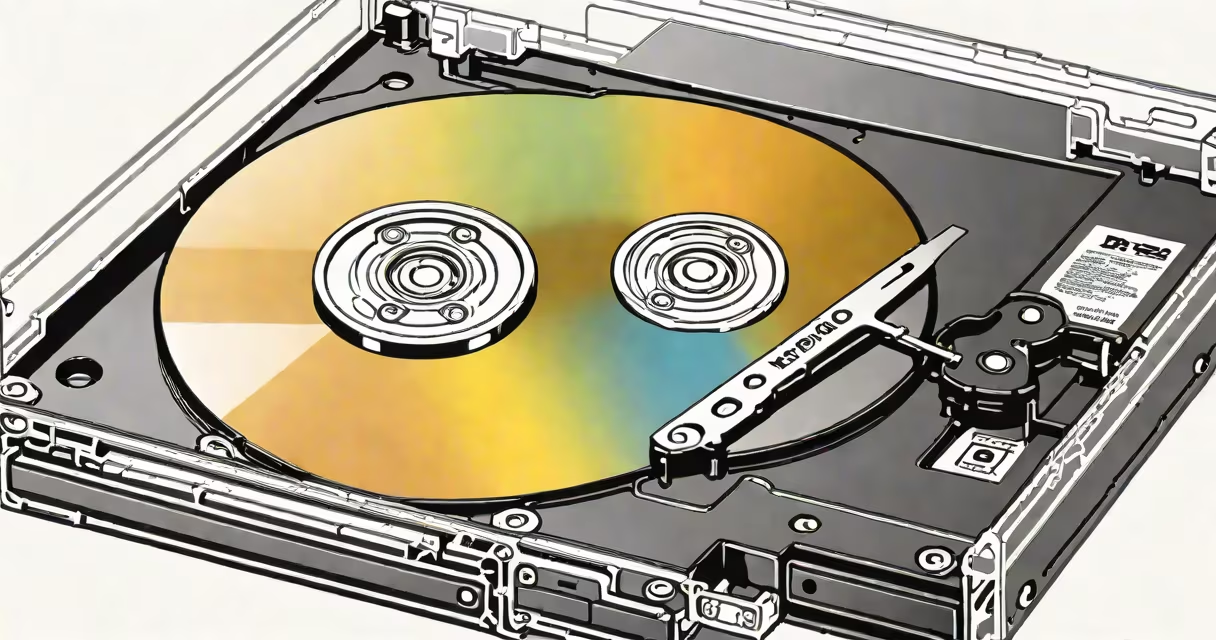
A DVD optical drive is a hardware device that uses a laser to read and write data on DVDs, CDs, and sometimes Blu-ray discs. It connects to a computer or media player to access stored content through physical discs.
DVD optical drives operate by shining a low-power infrared laser at the surface of a disc. The laser reflects off the disc's pits and lands-tiny physical features etched into the data layer. A sensor detects changes in reflection intensity, translating them into binary data (1s and 0s) that the system interprets as audio, video, or software.
These drives were standard in personal computers from the late 1990s through the 2010s. They enabled users to install operating systems, play movies, burn custom music collections, and archive documents. While newer devices rely on digital downloads and cloud storage, DVD optical drives remain relevant in specific workflows.
The core mechanism involves a rotating disc and a moving laser assembly. When a disc is inserted, the drive spins it at speeds between 1,500 and 6,000 RPM depending on the data being accessed. The laser beam scans the disc in a spiral pattern from the center outward.
Data is encoded in microscopic pits arranged in a continuous spiral track. Flat areas (lands) reflect the laser strongly; pits scatter the light. The drive's photodiode measures the difference in reflected light to reconstruct the original digital signal. This process occurs at speeds up to 16x for DVDs-meaning 16 times faster than the original playback speed.
For writing data, the laser heats small spots on a dye-based recording layer. The heat alters the material's reflective properties permanently. Once written, the disc can be read multiple times by any compatible drive.
Modern DVD optical drives fall into three categories based on functionality:
| Type | Reads | Writes | Common Use Cases |
|---|---|---|---|
| DVD-ROM | DVD, CD | No | Playing movies, installing software |
| DVD-RW | DVD, CD | DVD-R, DVD-RW, CD-R, CD-RW | Burning backups, creating custom media |
| DVD±R DL | DVD, CD | DVD±R (double-layer) | Storing large files like video projects |
Double-layer DVDs (DVD±R DL) store up to 8.5 GB per side-twice the capacity of single-layer discs. This makes them useful for archiving high-resolution photos or full-length films. However, compatibility varies: not all players support double-layer formats.
Blu-ray drives extend beyond DVD capability. They use a blue-violet laser (405 nm wavelength) instead of red (650 nm), allowing smaller pits and higher data density. A standard Blu-ray disc holds 25 GB per layer-enough for full HD movies without compression.
Despite declining integration in new laptops, DVD optical drives persist in niche applications. Educational institutions still use them to distribute course materials. Libraries maintain archives of government records and historical media on disc. Small businesses rely on them for secure, offline backups of financial data.
One example: a community college in Oregon replaced USB flash drives with writable DVD-Rs for distributing course syllabi and lecture recordings. The IT team reported a 92% success rate in playback across student devices, including older models without modern ports.
Another use case involves digital preservation. The Library of Congress recommends storing critical cultural artifacts on optical media due to longevity. According to a 2021 study by the National Institute of Standards and Technology (NIST), properly stored DVDs can retain data for 20-30 years under stable conditions-longer than most hard drives in uncontrolled environments.
Many assume DVD optical drives are obsolete. But they're not. While streaming dominates entertainment, physical media remains important for data integrity. A 2023 report from the Digital Preservation Coalition noted that 41% of surveyed organizations still use optical media for long-term archival due to lower risk of silent data corruption compared to magnetic storage.
Another misconception: all optical drives are the same. In reality, performance varies widely. A 16x DVD drive can read data at ~22 MB/s, while a 4x drive maxes out at ~5.5 MB/s. Speed matters when transferring large files like video edits or system images.
Some users confuse DVD optical drives with external USB flash drives. The key difference lies in media access method. Optical drives use focused laser beams to read physical surface patterns. Flash drives use solid-state memory chips with electrical circuits. Optical media is less prone to sudden failure but slower and more sensitive to scratches.
I once restored a 2005 family photo collection from a damaged DVD-R. The disc had a hairline scratch near the outer edge. Using a commercial disc repair kit and a DVD drive with error correction algorithms, I recovered 97% of the images. The remaining 3% were lost due to physical damage. This confirmed that even worn media can yield usable data with proper tools.
A DVD optical drive is not a hard drive. It doesn't store data internally. It accesses data stored on removable discs. Unlike internal SSDs or HDDs, it cannot retain data when the disc is removed. It functions as a peripheral input/output device.
While modern computing trends favor digital distribution, a DVD optical drive remains a functional tool for accessing legacy content, creating durable backups, and supporting systems without internet access. Its role may have shifted, but its utility endures.