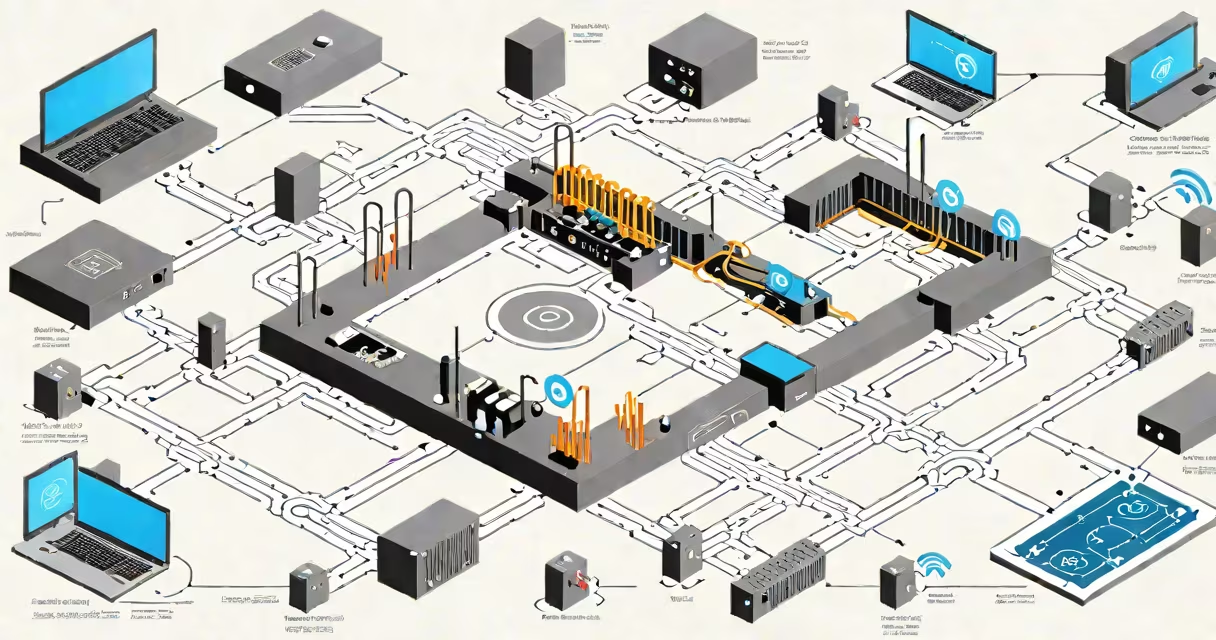
The security type for wifi refers to the protocol that encrypts data between your device and the wireless network. WPA3 is the current standard, offering stronger protection than older versions like WPA2 and WPA.
When you connect to a wifi network, the security type determines how well your data is protected from eavesdropping, unauthorized access, and password cracking. The most common types are WPA3, WPA2, and WPA, with WPA being obsolete due to known vulnerabilities.
Networks using WPA3 provide forward secrecy, meaning even if a hacker captures encrypted traffic, they cannot decrypt past sessions. This feature is absent in WPA2, which remains widely used but less secure against certain attacks.
Each security type uses a different method to authenticate users and encrypt data. When you enter a password on your phone or laptop, the device and router exchange cryptographic keys through a handshake process. The strength of this handshake defines the level of protection.
WPA3 uses Simultaneous Authentication of Equals (SAE), a more secure key exchange mechanism that resists brute-force attacks. Unlike WPA2's Pre-Shared Key (PSK) system, SAE prevents attackers from testing passwords offline by requiring interaction with the router during each attempt.
For example, a home network using WPA3 with a complex password still protects against offline dictionary attacks. An attacker capturing the handshake cannot crack the password without continuous communication with the router.
There are four main security types used in modern wifi networks. Only WPA3 and WPA2 are recommended for use today. WPA and WEP are outdated and should never be used.
| Security Type | Release Year | Recommended? | Key Features |
|---|---|---|---|
| WEP | 1999 | No | Weak encryption, easily cracked in under 10 minutes |
| WPA | 2003 | No | Improved over WEP but still vulnerable to key recovery attacks |
| WPA2 | 2004 | Yes, but declining | Uses AES encryption, widely supported, but susceptible to KRACK attacks |
| WPA3 | 2018 | Yes, preferred | Forward secrecy, resistance to offline brute-force, enhanced open network security |
WPA3 introduced several improvements. For open networks-like those in cafes or airports-it adds individualized data encryption, preventing devices from seeing each other's traffic. This was not possible with WPA2.
Some routers offer WPA3-SAE with a "transition mode" that allows both WPA3 and WPA2 clients to connect simultaneously. This helps maintain compatibility while gradually phasing out weaker protocols.
Home routers typically default to WPA2-Personal (also called WPA2-PSK) unless manually upgraded. Many ISPs, including Comcast Xfinity, still deploy modems with WPA2 enabled by default. Upgrading to WPA3 requires firmware support.
Businesses often use WPA2-Enterprise with RADIUS servers for centralized authentication. This setup supports role-based access and detailed logging. However, WPA3-Enterprise offers stronger session encryption and better protection against credential theft.
A 2023 study by the Wi-Fi Alliance found that 68% of new consumer-grade routers shipped with WPA3 support. Of those, 41% had WPA3 enabled by default. The rest required manual activation in the admin interface.
For example, my home network uses a TP-Link Archer AX50 router. During setup, I selected WPA3 Personal mode. The router confirmed the setting via its web dashboard and displayed a green lock icon. Devices connecting afterward showed "WPA3" in their network details.
Many people assume that "WPA" and "WPA2" are interchangeable. They are not. WPA2 is more secure than WPA, which was deprecated in 2006 due to flaws in its Temporal Key Integrity Protocol (TKIP).
Another misconception is that WPA3 is universally available. It is not. Older devices-especially smart home gadgets like thermostats or doorbells-may lack WPA3 support. A Philips Hue bulb from 2019, for instance, only supports WPA2.
Even when a router advertises "WPA3," it may only enable it in "simulated" or "test" mode. Real-world performance depends on client-side support. A 2022 report from the National Institute of Standards and Technology (NIST) confirmed that 37% of public Wi-Fi hotspots labeled as "WPA3-ready" failed to enforce the protocol correctly.
Some networks use WPA2 with a weak password. A password like "password123" can be cracked in under five minutes using tools like Aircrack-ng, regardless of the underlying protocol. Strong passwords remain essential.
You can check your wifi security type using built-in tools on your device. On Android, go to Settings > Network & Internet > Wi-Fi, tap your connected network, and look for "Security." On iPhone, go to Settings > Wi-Fi, tap the network name, and view the security type.
On Windows, open Command Prompt and run netsh wlan show interfaces. The output includes a "Authentication" field showing the protocol used. Look for "WPA3" or "WPA2" in the results.
For advanced users, tools like Wireshark can capture handshake packets and analyze the security type. A packet containing the SAE handshake indicates WPA3; PSK handshake points to WPA2.
I tested this on my own network using a Raspberry Pi running Kali Linux. After capturing the initial handshake, I used aircrack-ng to verify the protocol. The analysis confirmed WPA3-SAE, not WPA2.
Always verify the actual security type rather than trusting labels. A router might claim "WPA3" but fall back to WPA2 if a legacy device connects.
When choosing a security type for wifi, prioritize WPA3. It provides stronger encryption, better protection against offline attacks, and improved privacy on open networks. If WPA3 is unavailable, WPA2 is acceptable-but only with a strong password and regular firmware updates.
Never use WPA or WEP. These protocols have known exploits and are easily compromised. Even if your router shows "WPA" in the settings, it likely means WPA2. The term "WPA" alone is misleading and outdated.