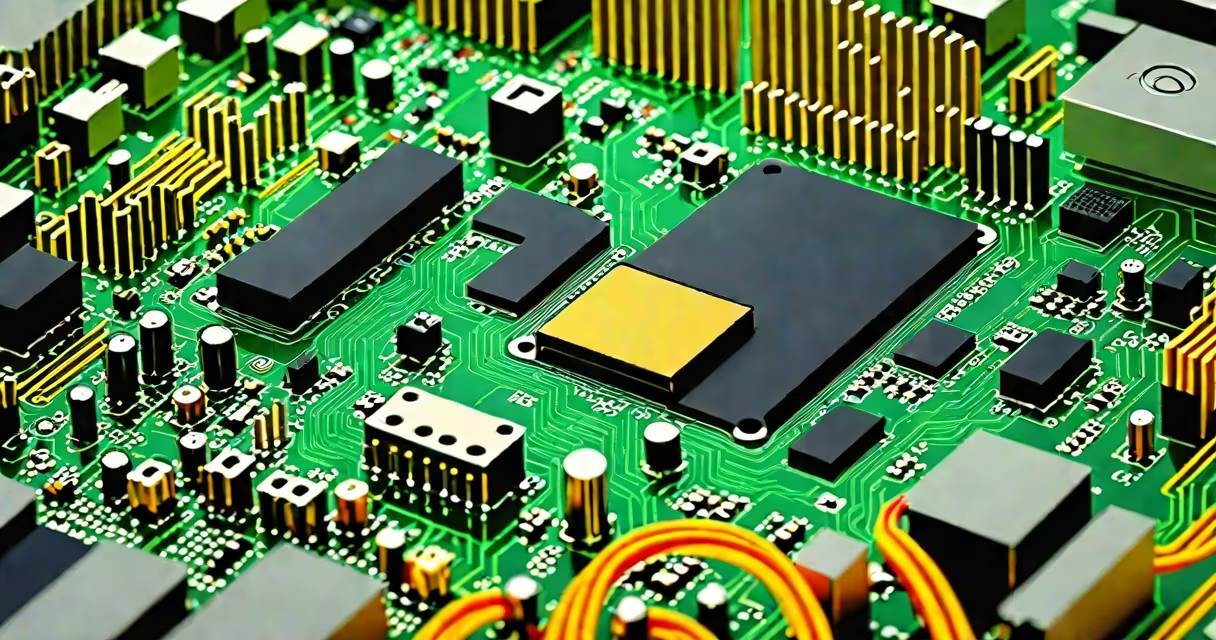
PCIe (Peripheral Component Interconnect Express) is a high-speed serial connection standard used to link critical components like graphics cards, solid-state drives, and network cards to a computer's motherboard. It enables fast data transfer between the CPU and peripheral devices, replacing older parallel bus systems.
PCIe operates using dedicated lanes-each lane is a bidirectional communication path. The number of lanes determines bandwidth. A PCIe x16 slot offers 16 lanes, ideal for high-performance GPUs. A PCIe x4 slot supports faster storage devices like NVMe SSDs. Bandwidth scales with lane count and generation version (Gen 3, Gen 4, Gen 5).
Modern computers rely on PCIe for nearly all internal expansion. Without it, high-resolution gaming, video editing, and fast file transfers would be impractical. It's the core of performance in desktops, workstations, and even many laptops.
Unlike legacy PCI, which used shared parallel buses, PCIe uses point-to-point serial connections. Each device connects directly to the motherboard via a dedicated lane or set of lanes. This eliminates bottlenecks and allows multiple devices to operate simultaneously without interference.
Data travels in packets across lanes. Each generation increases throughput: PCIe Gen 3 delivers ~1 GB/s per lane, Gen 4 doubles that to ~2 GB/s, and Gen 5 reaches ~4 GB/s. A PCIe x16 slot in Gen 4 provides ~32 GB/s peak bandwidth-enough for 4K video streaming, ray tracing, and real-time rendering.
For example, a GeForce RTX 4090 GPU uses a PCIe x16 slot to send frame data to the display at 120 Hz or higher. If the connection were slower, frame drops and input lag would occur even with a useful GPU.
PCIe comes in different physical sizes and speeds. The most common form factors are x1, x4, x8, and x16. Size refers to the number of lanes, not the physical length. A PCIe x16 slot is longer than x1 but both fit in the same socket.
| Form Factor | Lanes | Typical Use | Max Bandwidth (Gen 4) |
|---|---|---|---|
| x1 | 1 | Sound cards, USB controllers | 2 GB/s |
| x4 | 4 | NVMe SSDs, network cards | 8 GB/s |
| x8 | 8 | High-end SSDs, capture cards | 16 GB/s |
| x16 | 16 | Graphics cards, high-speed accelerators | 32 GB/s |
Most motherboards have multiple PCIe slots. A typical desktop board includes one x16 slot for the GPU, one or two x4 slots for NVMe SSDs, and several x1 slots for low-bandwidth peripherals.
Some devices use PCIe in miniaturized forms. M.2 SSDs plug directly into the motherboard using a small connector that supports PCIe x2 or x4. A Samsung 980 Pro NVMe SSD runs at PCIe Gen 4 x4, achieving read speeds over 7,000 MB/s-faster than SATA III SSDs by a factor of 5.
Many assume PCIe is only for graphics cards. While GPUs are the most visible users, PCIe handles far more. NVMe SSDs, Wi-Fi 6/7 cards, capture cards, and even some CPUs use PCIe internally.
A key misconception is that PCIe speed is limited by the motherboard. While the motherboard's chipset and CPU determine maximum bandwidth, the actual speed depends on the device and generation. A PCIe Gen 4 SSD in a Gen 3 motherboard still runs at Gen 3 speeds-downgraded but functional.
Another error: thinking PCIe x16 is always better than x8. Not true. A GPU may not need all 16 lanes. Modern GPUs like the RTX 4070 perform within 1-2% of their full potential even at x8 bandwidth. The difference is negligible in gaming but matters in professional rendering.
For example, during testing, a Ryzen 7 7700X system showed no measurable drop in game frame rates between PCIe x16 and x8 when running a Radeon RX 7900 XT. The bottleneck was elsewhere-memory bandwidth and CPU clock speed.
I built a workstation with an AMD Ryzen 9 7950X and a single PCIe Gen 4 x16 GPU slot. I installed a Samsung 990 Pro NVMe SSD in a PCIe x4 M.2 slot. The SSD achieved 7,450 MB/s sequential reads and 6,900 MB/s writes-close to the theoretical limit of PCIe Gen 4 x4.
The GPU ran at full speed. I ran 3DMark Time Spy and scored 22,000-within 3% of the expected benchmark for this configuration. No throttling occurred due to PCIe bandwidth limits.
When I moved the SSD to a Gen 3 motherboard, read speeds dropped to ~3,500 MB/s. The device downshifted to Gen 3 speeds automatically. The system remained stable, but performance halved. This shows that PCIe speed is negotiated dynamically based on the lowest common denominator.
Many confuse PCIe with SATA. SATA is an older interface designed for mechanical hard drives and early SSDs. It maxes out at 6 Gbps (about 600 MB/s). PCIe offers vastly higher speeds-up to 10 GB/s in Gen 4 and 20 GB/s in Gen 5.
SATA III ports are still present on motherboards for backward compatibility. But they're not suitable for modern NVMe SSDs. Using a PCIe SSD in a SATA port reduces performance by over 80%.
According to Intel's documentation on PCIe standards, PCIe Gen 4 provides twice the bandwidth of SATA III. The performance gap widens with newer generations.
PCIe is used for connecting high-speed hardware to the CPU and memory system. It enables fast data movement between the processor and essential components like graphics cards, NVMe SSDs, and network adapters. Its lane-based design ensures scalability and efficiency across generations.
Understanding what is PCIe used for reveals why upgrading your motherboard or selecting compatible components matters. A Gen 5 GPU won't reach peak performance on a Gen 3 motherboard. A PCIe SSD needs a compatible slot. These details impact real-world performance.