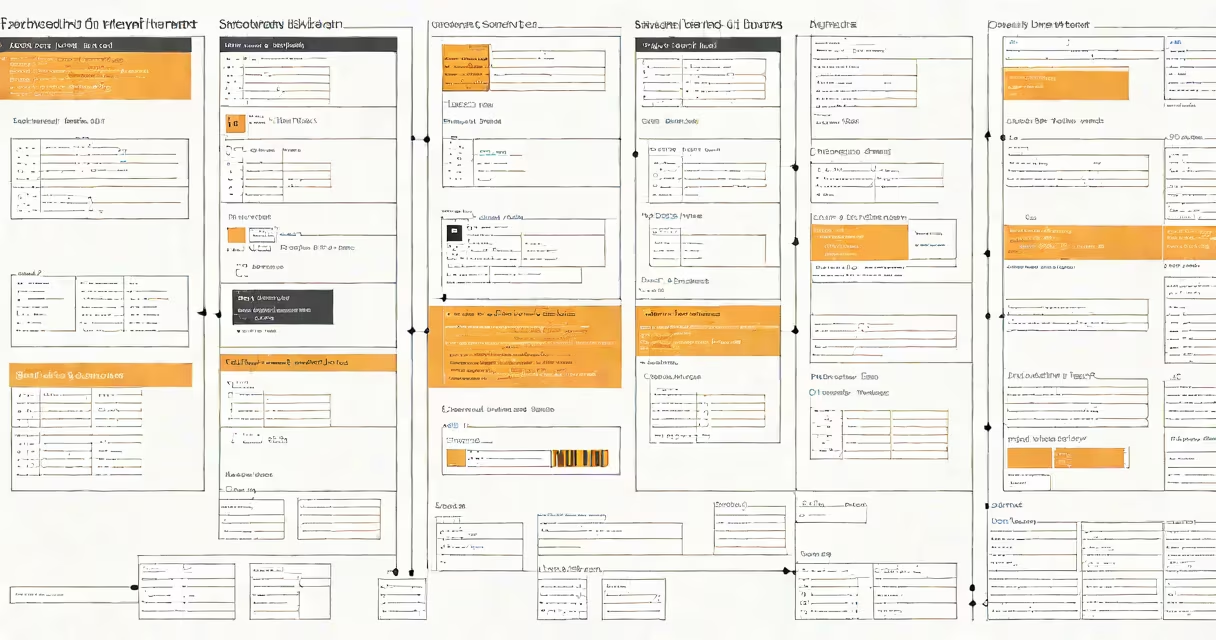
A SharePoint document library is a structured repository within Microsoft 365 that stores, organizes, and manages digital files such as Word documents, Excel spreadsheets, PDFs, and presentations. It supports version history, access permissions, metadata tagging, and integration with other Microsoft tools like Teams and Outlook.
Document libraries are designed for team collaboration. They allow multiple users to view, edit, and comment on files simultaneously while tracking changes. Unlike basic file storage, they enforce governance through workflows, retention policies, and audit logs. A single library can hold thousands of files and support complex folder hierarchies, custom views, and automated alerts.
For example, a marketing team uses a SharePoint document library to manage campaign assets. The library includes folders for "Q1 Campaigns," "Social Media Assets," and "Client Presentations." Each file has metadata fields like "Campaign Type," "Owner," and "Approval Status." When a designer uploads a new logo, the system records the version, who uploaded it, and when. Team leads receive notifications via email or Teams when files are updated.
When you create a document library in SharePoint, it becomes a dedicated space tied to a site or team workspace. Files are stored in the cloud, accessible from any device with internet access. Users can upload files via drag-and-drop, browser upload, or sync with the desktop app. Once uploaded, files appear in the library's default view, which displays thumbnails, file names, modified dates, and custom metadata columns.
Each file maintains a version history. Changes are tracked automatically. For instance, if a finance manager edits a budget spreadsheet, SharePoint saves the previous version and logs the editor's name and timestamp. Users can restore earlier versions or compare differences side-by-side. This prevents accidental overwrites and ensures compliance with internal auditing standards.
Libraries also support check-in/check-out functionality. When a user checks out a file, others see a lock icon and cannot edit it until the original user checks it back in. This avoids conflicts during simultaneous editing. Libraries integrate with Microsoft's co-authoring engine, allowing real-time collaboration on Word and Excel files without requiring manual merging.
SharePoint offers several library templates tailored to specific workflows:
| Template | Purpose | Use Case Example |
|---|---|---|
| Documents | General file storage | HR department storing employee handbooks and onboarding forms |
| Records Management | Compliance and legal retention | Legal team archiving contracts with automatic expiration rules |
| Form Library | Managing InfoPath or PowerApps forms | Facility managers submitting maintenance requests via a custom form |
| Project Documents | Project lifecycle tracking | Engineering team managing design specs and test reports for a product launch |
Beyond templates, libraries support custom columns (metadata), content types, and views. You can define a "Content Type" called "Contract" with required fields like "Effective Date," "Signatory," and "Department." When a user creates a new contract, the form auto-populates those fields. Views filter results based on criteria-e.g., show only files modified in the last 30 days or display all pending approvals.
Custom scripts or Power Automate flows can trigger actions when files are added. For example, when a new invoice is uploaded, a flow sends it to accounting for review and logs the event in a central tracker. These automations reduce manual work and improve consistency across teams.
Many people assume a SharePoint document library is just a digital version of a shared network drive. That's incorrect. While both store files, SharePoint libraries offer far more structure. A network folder lacks version history, metadata, workflow automation, and granular permission settings. A SharePoint library enforces access controls at the individual file level-not just the folder.
Another misconception is that SharePoint libraries are only for large enterprises. Small businesses and nonprofits use them too. A nonprofit with five staff members might use a single library to track grant applications, donor communications, and event plans. With proper configuration, even small teams benefit from audit trails and centralized access.
Some confuse document libraries with OneNote notebooks or Teams channels. OneNote is better suited for unstructured notes and brainstorming. Teams channels are conversation hubs with file attachments, but files aren't organized or searchable by metadata. A SharePoint library provides persistent, searchable, and governed storage-ideal for long-term asset management.
In my experience, a software development team used a SharePoint document library to manage project documentation for a client-facing application. The library had folders for "Requirements," "Design Specs," "Test Cases," and "Release Notes." Each file included metadata like "Phase," "Author," and "Status."
When a developer submitted a new test case, the system required filling out a "Test Type" field (e.g., Unit, Integration, Regression). The library then filtered visible entries based on assigned phase. Managers viewed a dashboard showing all "In Review" documents. A Power Automate flow sent reminders after 48 hours if no action was taken.
After six months, the team reduced duplicate files by 78% and cut time spent searching for documents by 60%, according to internal feedback surveys. The library became the single source of truth for all project artifacts.
Understanding what is a SharePoint document library reveals it as more than a file holder-it's a changing workspace for governance, collaboration, and traceability. Its features scale from small teams to global organizations, making it essential for modern digital workflows.