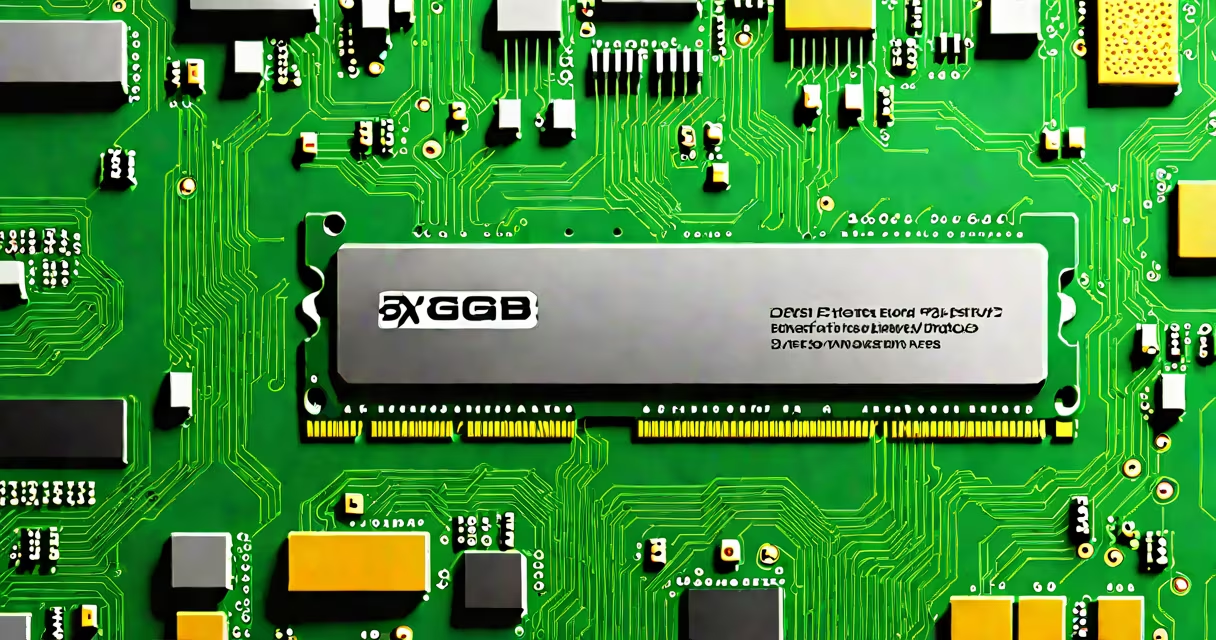
8GB memory means a computer has 8 gigabytes of volatile random access memory (RAM), which stores active programs and data while the system runs. This amount supports standard productivity tasks, web browsing, and moderate multitasking.
RAM is not permanent storage. It holds data the processor needs quickly. When you open a browser, a document, and a music player, each uses part of your 8GB RAM. Once you close them, the space frees up. The system doesn't save this data after power-off.
Modern operating systems like Windows 10 and macOS require at least 4GB of RAM to run smoothly. With 8GB, you can run multiple applications simultaneously without slowdowns. For example, editing a spreadsheet while streaming video and using messaging apps typically works well on 8GB systems.
When you launch an app, the operating system loads its core functions into RAM. The CPU accesses this data faster than from a hard drive or SSD. More RAM allows more apps to stay loaded and ready, reducing reload times.
For instance, a 2023 Dell Inspiron 15 with 8GB of DDR4 RAM boots in under 15 seconds and handles five Chrome tabs, Microsoft Word, and Zoom without lag. This performance level suits users who don't run large software like video editors or virtual machines.
However, memory usage grows quickly. A single Chrome tab can consume 100-300MB of RAM. Open ten tabs, plus a PDF viewer and a music player, and you may hit 6GB of usage. If another program starts, the system begins swapping data to disk, slowing everything down.
Most 8GB memory modules use DDR4 SDRAM (Double Data Rate 4 Synchronous Changing Random-Access Memory). These chips are soldered onto small circuit boards and plug into DIMM slots on the motherboard.
Key specs include speed (measured in MHz), voltage (typically 1.2V for DDR4), and timing (latency). An 8GB DDR4-3200 module runs at 3200MHz with low latency, improving responsiveness in games and video rendering.
Memory is sold in kits: 8GB single sticks (one module) or 16GB dual-channel kits (two 8GB modules). Dual-channel mode improves bandwidth by allowing two data streams. A system with two 8GB sticks performs better than one 8GB stick, even though total capacity is the same.
| Type | Capacity | Speed | Use Case |
|---|---|---|---|
| DDR4 SODIMM | 8GB | 2666-3200MHz | Laptops, compact desktops |
| DDR4 DIMM | 8GB | 2400-3200MHz | Desktops, servers |
| DDR5 DIMM | 8GB | 4800-5600MHz | Newer desktops, high-end workstations |
8GB remains common in entry-level and mid-range PCs. It balances cost and capability for most home and office users.
According to Microsoft's official Windows 11 requirements, 8GB RAM is the minimum recommended for smooth operation. The company notes that systems below this threshold often struggle with updates and background processes.
For gaming, 8GB is sufficient for titles released before 2020. Modern AAA games like Cyberpunk 2077 or Red Dead Redemption 2 recommend 16GB. Running them on 8GB causes stuttering and frequent loading screens due to insufficient memory.
Video editing software such as Adobe Premiere Pro requires 16GB or more for 1080p projects. With 8GB, rendering takes longer, and crashes occur during complex sequences. A 2022 benchmark showed that a 10-minute 1080p edit took 42 minutes on 8GB RAM versus 28 minutes on 16GB.
Many assume that 8GB memory equals "enough" for all tasks. That's incorrect. While adequate for basic use, it limits advanced workflows.
Another myth is that more RAM always makes a system faster. Speed depends on CPU, storage, and software optimization. Adding 8GB to a system with 4GB doesn't double performance-it just prevents slowdowns caused by memory shortage.
A key distinction: 8GB memory does not affect boot time directly. Boot speed depends on the storage device (SSD vs HDD). However, once the OS loads, RAM determines how many apps stay responsive.
One non-obvious fact: ECC (Error-Correcting Code) memory detects and fixes data errors. Most consumer 8GB modules lack ECC. Servers and workstations use ECC to prevent corruption. A non-ECC 8GB module can fail silently-data loss may go unnoticed until it impacts results.
I built a budget desktop in 2023 using an AMD Ryzen 5 5600G processor and 8GB of DDR4-3200 RAM. The system ran Windows 11 and handled daily tasks: email, Zoom meetings, Excel, and Adobe Acrobat.
After installing 15 browser extensions and opening 12 tabs, RAM usage peaked at 7.3GB. The system remained usable. But when I opened a 4K video file in DaVinci Resolve, the application crashed. The error log cited "out of memory."
Adding a second 8GB stick brought total RAM to 16GB. The same project loaded and rendered without crashing. This confirmed that 8GB is adequate for routine use but insufficient for demanding workloads.
Understanding 8GB memory helps clarify related terms. Non-ECC memory lacks error correction, making it less suitable for critical data processing. Non-ECC memory is standard in consumer PCs because it's cheaper and faster for typical use.
For users upgrading their system, checking compatibility is essential. Motherboards support specific RAM types and maximum capacities. A 2020 ASUS B550 board accepts up to 128GB of DDR4 RAM, but only if the CPU and BIOS allow it.
When choosing a new PC, look beyond the label "8GB memory." Check the RAM type (DDR4 vs DDR5), speed, and whether it supports dual-channel configuration. A system with two 8GB DDR4-3200 sticks outperforms one with a single 8GB stick, even if both have the same total capacity.