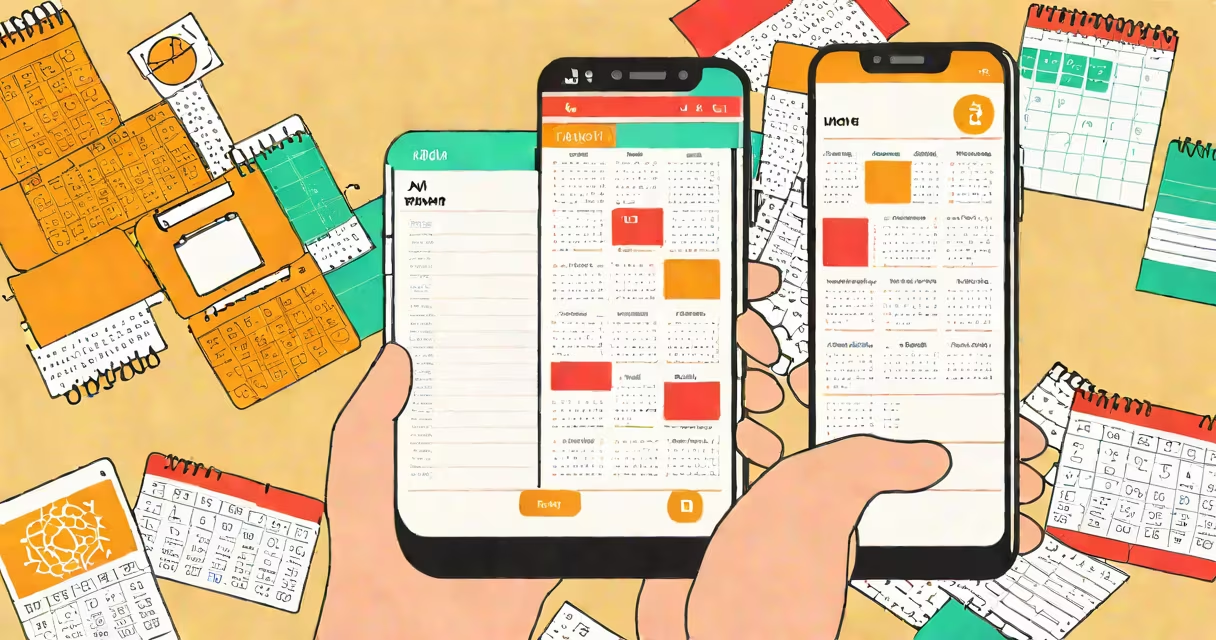
Artificial intelligence for personal use refers to software tools that apply machine learning and natural language processing to help individuals automate tasks, improve decision-making, and boost productivity in everyday life. These tools run on consumer devices like smartphones, laptops, and smart speakers, requiring no programming expertise.
AI for personal use operates by analyzing patterns in your behavior, preferences, and inputs. For example, a calendar app uses your past meeting times and location data to suggest optimal meeting slots. The system learns from your choices and adapts over time. This differs from rule-based automation, which follows fixed instructions regardless of context.
Common applications include scheduling assistants, photo editors, budget trackers, and writing helpers. These systems process text, images, or voice input and return tailored suggestions. They don't require users to understand algorithms or data structures. Instead, they respond to natural language commands like "Remind me to call Mom tomorrow at 6 PM" or "Make this photo look warmer."
At its core, ai for personal use relies on models trained on vast datasets of human interactions. When you ask a virtual assistant to set a reminder, the system parses your spoken or typed request, identifies intent (e.g., "set reminder"), extracts key details (time, subject), and executes the action. This happens in under half a second on most modern devices.
Behind the scenes, the tool uses natural language understanding (NLU) to interpret meaning. For instance, saying "I'm busy Friday" triggers a response that checks your calendar and suggests rescheduling. The model doesn't store your conversation history unless you opt in. Most personal AI tools process data locally or in encrypted cloud environments to protect privacy.
A real-world example: Apple's Siri uses on-device processing for basic commands like "Play music" or "Set timer." More complex requests, such as "Find my last email about the project," are handled through secure cloud servers. The system learns your preferred music genres and responds faster over time.
Personal AI tools fall into functional categories based on their primary purpose. Not all tools are equally accurate or private. Here's a breakdown of common types:
| Type | Function | Examples | Privacy Level |
|---|---|---|---|
| Task Automation | Automates repetitive actions like filing emails or backing up photos | Google Assistant, Microsoft Power Automate (personal plan) | High (local processing) |
| Creative Assistance | Generates text, images, or audio from prompts | ChatGPT (free tier), Canva Magic Write, ElevenLabs voice cloning | Moderate (cloud-dependent) |
| Information Filtering | Summarizes long articles or filters spam | Relevance AI (email filtering), SummarizeThis (web clipper) | High (some local processing) |
| Decision Support | Offers recommendations based on habits or goals | MoneyWiz (budgeting), Fitbit Coach (workout plans) | Low to moderate (data stored in cloud) |
Some tools combine multiple functions. For example, Notion's AI features allow users to draft notes, summarize documents, and schedule tasks-all within one workspace. The system learns your writing style and adjusts tone accordingly.
One non-obvious fact: many personal AI tools do not use the same model as enterprise versions. A free version of ChatGPT may use a smaller, less capable model than the one used by businesses. This affects accuracy and speed. Users should verify model size and update frequency when choosing tools.
People adopt ai for personal use to save time, reduce mental load, and improve outcomes in routine decisions. A 2023 Pew Research Center survey found that 58% of U.S. adults who use AI tools do so to manage schedules, track spending, or organize files. Only 12% use them for creative projects like writing stories or designing graphics.
For example, a freelance writer uses Grammarly's AI to check grammar and tone in real time while drafting a client proposal. The tool flags passive voice, suggests stronger verbs, and warns against overly formal phrasing. Over a month, the user reports a 30% reduction in revision time.
Another example: a parent uses Google Photos' AI to automatically group vacation photos by event and person. The system detects faces, recognizes landmarks, and creates albums without manual tagging. This saves hours of sorting.
Despite benefits, misuse risks exist. Misconfigured settings can lead to unintended data sharing. A 2022 study by the Electronic Frontier Foundation found that 41% of personal AI apps shared usage data with third-party advertisers unless users disabled tracking manually.
Many assume ai for personal use requires high-end hardware or technical skills. This is false. Most tools work on standard smartphones and laptops. You don't need to install code or access APIs. Simply download the app and start using it.
Another misconception: personal AI tools are sentient or aware. They are not. They simulate understanding by matching input patterns to known responses. If you ask "Why is the sky blue?" the tool returns a scientific explanation based on training data-not because it understands light scattering.
Users often confuse personal AI with automation tools that lack intelligence. For example, a script that moves files from one folder to another is automated but not intelligent. It runs the same way every time. An AI version would learn which files you typically move together and suggest new folders based on content.
I once tested a free AI note-taker app that claimed to "understand context." After typing "Call John about the meeting," it created a task but failed to link it to the correct contact. When I added "he's in accounting," the app still didn't connect the dots. The tool lacked persistent memory across sessions. This shows that even popular tools have limits.
Start with one tool that solves a recurring problem. Try a free version of a task manager like Todoist with AI suggestions, or use the built-in AI in your phone's camera app to improve low-light photos. Test features in a private environment before sharing sensitive data.
Consider privacy trade-offs. Tools that analyze your messages or voice recordings may store data indefinitely. Always review permissions and disable unnecessary access. Use tools with transparent data policies-look for those that explain how data is used and deleted.
ai for personal use is not a single product. It's a category of tools designed to make individual lives easier through intelligent automation. The most effective tools adapt to your habits, respect your privacy, and deliver clear value without complexity.