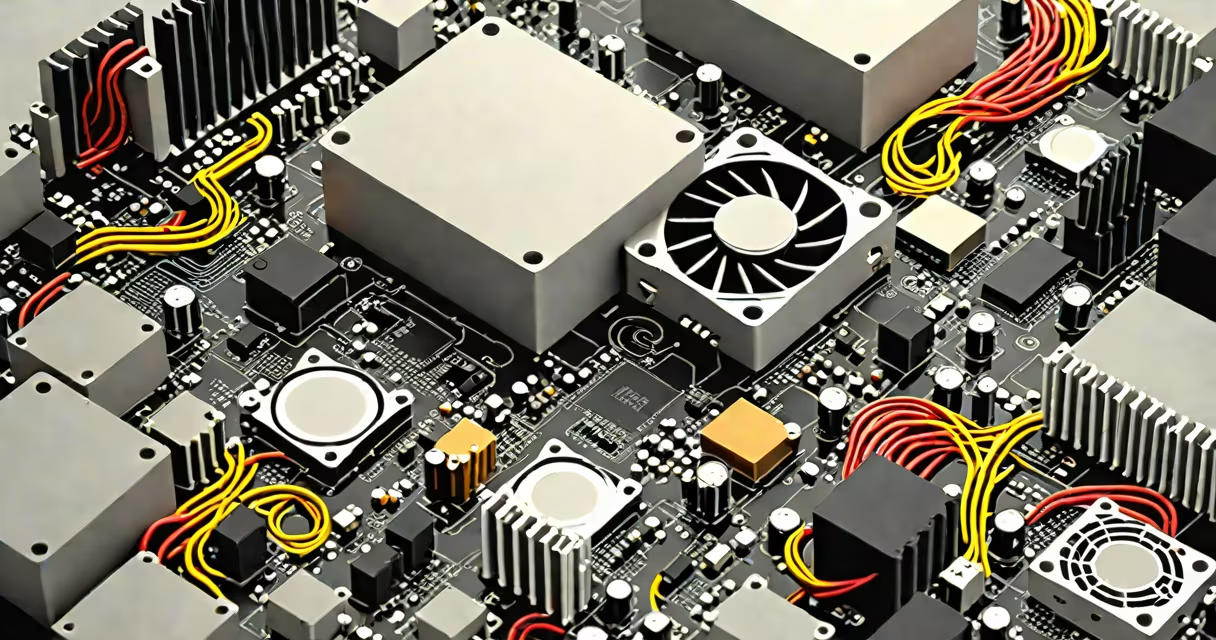
Old computer parts are electronic waste that require responsible handling-either through recycling, reuse, donation, or safe disposal. Improper disposal harms the environment and wastes valuable materials like gold, copper, and rare earth elements.
Computer components contain hazardous substances such as lead, mercury, and cadmium. Throwing them in regular trash violates federal and state regulations in the U.S., including the Resource Conservation and Recovery Act (RCRA). The Environmental Protection Agency (EPA) estimates that only 15-20% of e-waste is recycled properly, leaving the rest in landfills or incinerators.
Proper management begins with sorting parts by function and condition. Functional components may be reused in new builds, donated, or sold. Damaged or obsolete parts must be sent to certified recyclers who extract metals and safely dispose of toxins.
When a computer reaches end-of-life, its parts go through a series of steps based on material type and usability. The process starts with disassembly, followed by testing, sorting, and processing.
Functional components like CPUs, RAM, power supplies, and SSDs are tested for performance. A working 8GB DDR4 stick can be resold for $10-$15 or used in a home server. A 650W PSU from a gaming PC may serve as a backup power unit in a DIY solar setup.
Damaged or outdated parts enter recycling streams. Certified e-waste facilities use shredders, magnetic separators, and chemical baths to recover metals. For example, a single ton of circuit boards contains 40-80 times more gold than mined ore, according to the United Nations University.
Components fall into four categories: reusable, recyclable, hazardous, and obsolete. Knowing which category applies determines the next step.
Some parts have niche applications. A retired GPU from a 2015 workstation can run machine learning models for small-scale research. An old CRT monitor's cathode ray tube can be dismantled for phosphor powder, though this requires safety gear due to radioactive traces.
Local electronics recyclers often accept old computer parts free of charge. Many cities host annual e-waste collection events. For example, San Francisco's Department of Environment runs a citywide drop-off program that processes over 1,200 tons of e-waste annually.
Nonprofits like Computers for Schools and The National Cristina Foundation collect usable parts to build computers for students and underserved communities. These groups verify functionality and wipe data before distribution.
Donating functional parts reduces demand for new manufacturing. Producing a single desktop computer generates about 200 kg of CO₂ emissions, according to the European Environment Agency. Reusing parts cuts that footprint by up to 70%.
Many people assume that "throwing it away" is acceptable if the device is broken. This is false. Even non-functional devices contain regulated materials. The EPA classifies discarded electronics as hazardous waste under RCRA if they contain lead solder or flame retardants.
Another myth is that wiping a hard drive with standard formatting removes all data. It doesn't. A 2020 study by the National Institute of Standards and Technology (NIST) found that 67% of used drives sold online still contained readable personal data after basic erasure.
Physical destruction is required for secure disposal. Drilling holes through the platters or using a degausser ensures data cannot be recovered. For non-technical users, certified e-waste services offer data destruction certificates.
I once dismantled a 2008 Dell Optiplex with a Core 2 Duo CPU, 4GB RAM, and a 500GB HDD. The system was slow but still powered on. I removed the HDD and connected it to a USB adapter. After wiping it with DBAN, I donated it to a local library for use in a public access kiosk.
The RAM and PSU were sent to a local recycler. The motherboard had a cracked capacitor and was unusable. I salvaged the PCIe slot and used it in a DIY NAS project. The fan went into a custom water-cooling loop for a retro gaming rig.
None of the parts ended up in a landfill. The entire process took less than three hours and saved $120 in disposal fees.
Start by identifying which parts are functional. Test them with a multimeter or boot them in a test system. Label each part with its type and condition.
Never toss computer parts in household trash. The environmental cost and legal risk outweigh convenience. Proper handling turns old hardware into resources, not waste.
Understanding what to do with old computer parts protects your data, reduces pollution, and supports sustainable tech use. Follow the chain from disassembly to final disposition-and make sure your old components don't end up in a landfill.