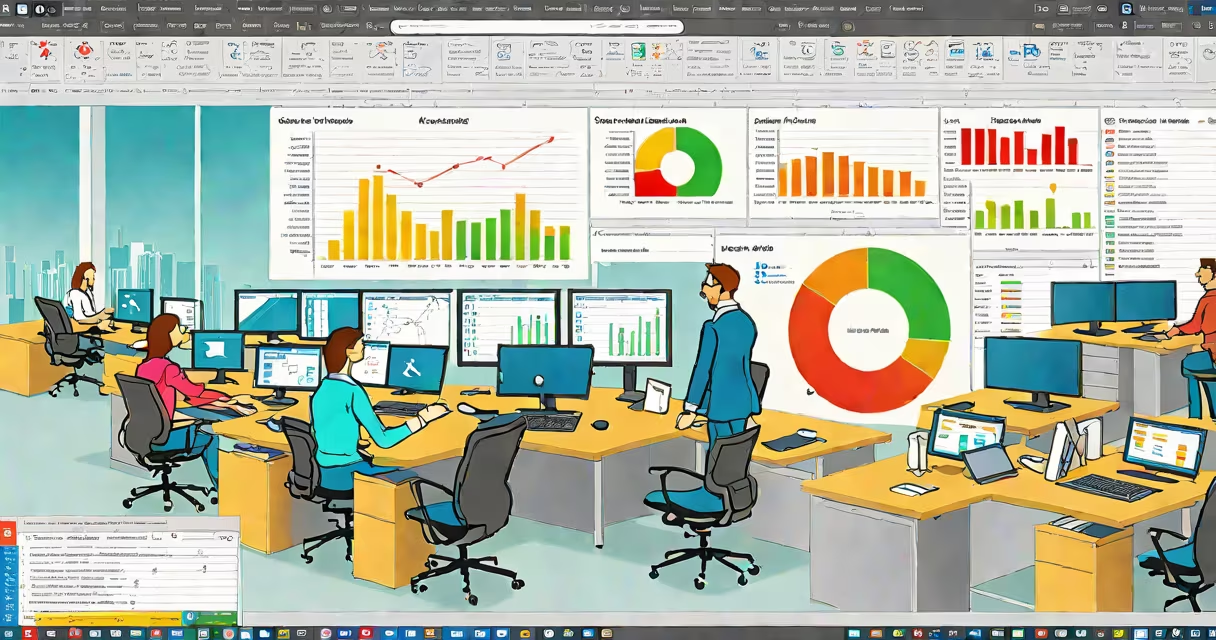
Oracle Smart View for Office is a Microsoft Office add-in that connects Excel, Word, and Outlook directly to Oracle's cloud and on-premise data sources, enabling real-time financial reporting, analysis, and data visualization without leaving the familiar Office environment.
It functions as a bridge between business users and enterprise data systems. Instead of exporting reports or manually copying data, users pull live data from Oracle Analytics Cloud, Oracle E-Business Set, or other supported databases directly into Excel worksheets. This eliminates delays and errors caused by manual updates and outdated spreadsheets.
For finance teams, this means faster budgeting, forecasting, and compliance reporting. A controller can open an Excel workbook, connect to the company's ERP system via Smart View, and populate a monthly close report with actuals pulled from the general ledger-all within minutes. The tool supports drill-downs, filters, and pivot tables, making it suitable for both high-level summaries and detailed variance analysis.
Smart View operates through a client-side plug-in installed on Windows machines. Once configured, it appears as a tab in Excel's ribbon, labeled "Oracle Smart View." Users select data sources from a connection manager, authenticate using their enterprise credentials, and then drag and drop dimensions (like account, period, or cost center) into worksheet cells.
Data flows in real time. When the underlying database changes-say, a new month's payroll entries are posted-the Excel sheet updates automatically upon refresh. This differs from static imports, which freeze data at a point in time. Smart View uses Oracle's OLE DB and ODBC drivers, ensuring compatibility with standard enterprise data models.
For example, a regional finance analyst at a multinational retailer uses Smart View to pull Q3 sales performance by store location from Oracle Fusion Applications. They filter results to show only stores in the Northeast region, apply a percentage variance calculation, and export the output to a Word memo for leadership review-all within 10 minutes and without touching a database client.
Smart View supports multiple data environments. The primary types are:
| Source Type | Connection Method | Use Case Example |
|---|---|---|
| Oracle Analytics Cloud (OAC) | HTTPS API with OAuth 2.0 | Real-time dashboards, shared workbooks, collaboration |
| Oracle E-Business Set (EBS) | Database direct via ODBC | General ledger reporting, AP/AR aging, inventory valuation |
| Oracle Database (on-prem) | ODBC or JDBC | Custom SQL queries, legacy system integration |
| Non-Oracle Systems (via ODBC) | ODBC driver | Connecting to SAP, SQL Server, or custom databases |
Users can create saved connections for frequent access. These are stored locally but require network access to the data source. Administrators can control access via role-based permissions in Oracle Identity Management.
A key feature is the ability to embed Smart View reports in Outlook emails. A CFO can generate a monthly P&L summary in Excel, attach it to a message, and send it to stakeholders-each recipient sees the data live, not as a snapshot. This reduces version confusion and ensures alignment across departments.
Smart View is often mistaken for a standalone BI tool. It is not. It does not replace Oracle Analytics Cloud or Tableau. Instead, it extends those tools into the desktop environment where most business decisions are made.
Another misconception is that it requires complex IT setup. While initial configuration may involve a system administrator, end users do not need technical training. The interface resembles standard Excel features-drag-and-drop fields, right-click context menus, and auto-complete suggestions.
Some assume Smart View works on Mac. It does not. The add-in is Windows-only, relying on COM automation and ActiveX controls unavailable on macOS. Users on Apple devices must either use virtualization software or switch to web-based Oracle Analytics Cloud interfaces.
Smart View does not cache data locally by default. All queries execute against the source system. This ensures accuracy but requires stable network connectivity. For offline use, users must export data manually to a local file.
I tested Smart View during a month-end close process at a mid-sized manufacturing firm. The accounting team had previously spent 12 hours reconciling data from three different systems. With Smart View, they connected Excel to Oracle EBS and pulled actuals, budgets, and forecasts into a single dashboard.
They applied conditional formatting to show variances exceeding 10%. The system updated automatically when the ERP team posted the final journal entries. Within 45 minutes, the team generated a report for the board meeting. The process reduced manual effort by 70% compared to prior months.
One limitation emerged: large datasets took time to load. A 500,000-row report took 8 minutes to retrieve. The solution was to pre-filter data using dimension hierarchies-limiting results to only relevant cost centers and periods. This cut load times to under 90 seconds.
According to Oracle's documentation, Smart View aims to reduce the gap between data and decision-making. It enables non-technical users to access enterprise data securely and accurately. The tool aligns with Oracle's focus on embedded analytics-delivering insights where people work, not where they go to find them.
For organizations using Oracle's financial set, Smart View is a critical component of operational efficiency. It reduces reliance on IT for basic reporting tasks and improves data governance by centralizing source systems.
When used correctly, it minimizes spreadsheet errors-a known risk in financial operations. A 2021 study by the Association of Certified Fraud Examiners found that 88% of financial fraud cases involved spreadsheets. Smart View mitigates this by reducing manual data entry and increasing audit trails.
Oracle Smart View for Office is not a replacement for advanced analytics platforms. But for finance professionals who rely on Excel, it transforms the application from a static calculator into a changing reporting engine connected to corporate data.