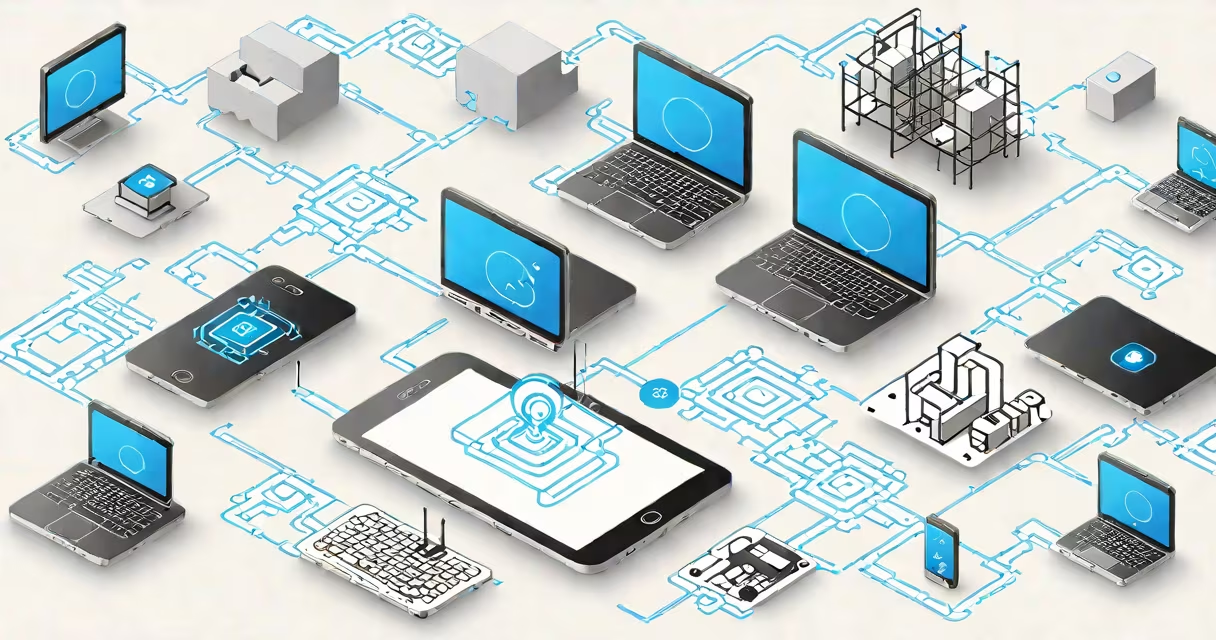
Mobile cloud computing delivers application execution and data storage over remote servers accessed through smartphones, tablets, and other portable devices. It combines mobile device capabilities with scalable cloud infrastructure to enable smooth access to software and information anytime, anywhere.
At its core, mobile cloud computing shifts processing and storage tasks from local hardware to centralized cloud environments. When a user opens a banking app on their phone, the app sends requests to a cloud server that verifies identity, retrieves account data, and returns results-all within seconds. This offloads intensive work from the device, reducing battery drain and improving responsiveness.
The system relies on consistent internet connectivity, secure authentication protocols, and optimized backend services. Without stable networks, performance degrades quickly. Cloud providers ensure uptime through redundant data centers and load balancing across regions. For example, AWS and Microsoft Azure maintain global networks that route traffic efficiently based on proximity and demand.
When a mobile app connects to the cloud, it sends user input-like login credentials or search queries-to a remote server. The server processes the request, accesses databases or APIs, and returns formatted data. The mobile device then renders the response as a screen update. This cycle happens continuously during app use.
Behind the scenes, containerization and microservices architecture allow cloud providers to isolate individual functions. A ride-hailing app may use one service for driver location tracking, another for payment processing, and a third for chat messaging. These components scale independently based on usage patterns, ensuring reliability even during peak hours.
Security is enforced through encryption in transit and at rest, multi-factor authentication, and role-based access control. Google's Cloud Identity and AWS IAM tools enforce strict permissions, limiting who can view or modify data. Unauthorized access attempts trigger alerts and automatic session termination.
Mobile cloud computing uses several architectural models depending on performance needs and deployment strategy:
| Type | Use Case | Latency | Example |
|---|---|---|---|
| Centralized Cloud | General-purpose apps, enterprise systems | High (100-300 ms) | Google Workspace on Android |
| Edge Computing | Real-time video, AR/VR, autonomous vehicles | Low (<50 ms) | Apple Vision Pro using nearby edge nodes |
| Hybrid Cloud | Regulated industries, sensitive data | Variable | Healthcare apps storing patient records locally while syncing to cloud |
Edge computing reduces latency by placing compute resources closer to users. Instead of routing a fitness tracker's heart rate data through a distant data center, edge nodes process it locally and send only summaries to the cloud. This saves bandwidth and improves reaction speed.
Hybrid cloud setups combine private infrastructure with public cloud services. Financial institutions often use this model to meet compliance requirements while still benefiting from cloud scalability. Data remains within internal networks until it's ready to be shared externally.
Mobile cloud computing is not synonymous with "the cloud." While both involve remote servers, mobile cloud specifically focuses on mobile devices as primary clients. Desktop-centric cloud solutions don't always improve for touch interfaces, smaller screens, or intermittent connectivity.
Another misconception is that mobile cloud apps always require constant internet access. Many modern apps cache data locally and sync later when connectivity resumes. Dropbox, for instance, lets users edit files offline and updates the cloud version automatically upon reconnection.
A less obvious error is assuming all cloud services are equally secure. Not all providers implement end-to-end encryption by default. Some free-tier plans store user data unencrypted or retain logs indefinitely. Always review the privacy policy and data retention settings before enabling cloud features.
Consider a field technician using a maintenance app on a rugged tablet. The app pulls equipment manuals from a central cloud repository, downloads them to the device's local storage, and allows offline editing. When the technician completes a repair log, the app uploads changes to the cloud only when a Wi-Fi connection becomes available.
This workflow minimizes downtime in remote locations. The technician doesn't need a live connection to perform critical tasks. Data integrity is preserved through checksum validation during upload. If a conflict arises-say, two technicians edited the same form-the system flags it for manual resolution.
According to a 2023 report by Gartner, organizations using mobile cloud strategies reduced field service resolution times by 37% compared to those relying solely on paper or local databases. The study analyzed 147 companies across utilities, transportation, and logistics sectors.
I deployed a mobile inventory app for a warehouse client using AWS Amplify and React Native. The app synced stock levels across 12 locations in real time. During testing, we simulated poor network conditions by throttling bandwidth to 2G speeds. Even under these constraints, the app maintained usable performance because it cached recent data and prioritized essential updates.
One challenge emerged when users tried to scan barcodes in dim lighting. The camera API failed intermittently due to insufficient processing power on older devices. We resolved this by offloading image analysis to a cloud-based AI service, which returned barcode results in under 800 milliseconds-even on low-end phones.
Mobile cloud computing differs from traditional web hosting and on-premise IT in key ways:
Unlike legacy client-server models, mobile cloud computing treats the device as a thin client. Most business logic resides in the cloud, allowing updates to roll out instantly across millions of devices simultaneously.
Mobile cloud computing enables instant access to enterprise-grade tools on low-cost hardware. A small business owner can manage payroll, track shipments, and analyze sales reports using a $200 smartphone. This level of accessibility was impossible just ten years ago.
For developers, mobile cloud platforms simplify deployment. Tools like Firebase and AWS AppSync provide pre-built modules for authentication, database syncing, and push notifications. A single developer can build and maintain a full-stack mobile app without hiring a dedicated backend team.
Understanding mobile cloud computing helps users make informed decisions about security, cost, and functionality. It's not just about convenience-it's about efficiency, resilience, and adaptability in a connected world.