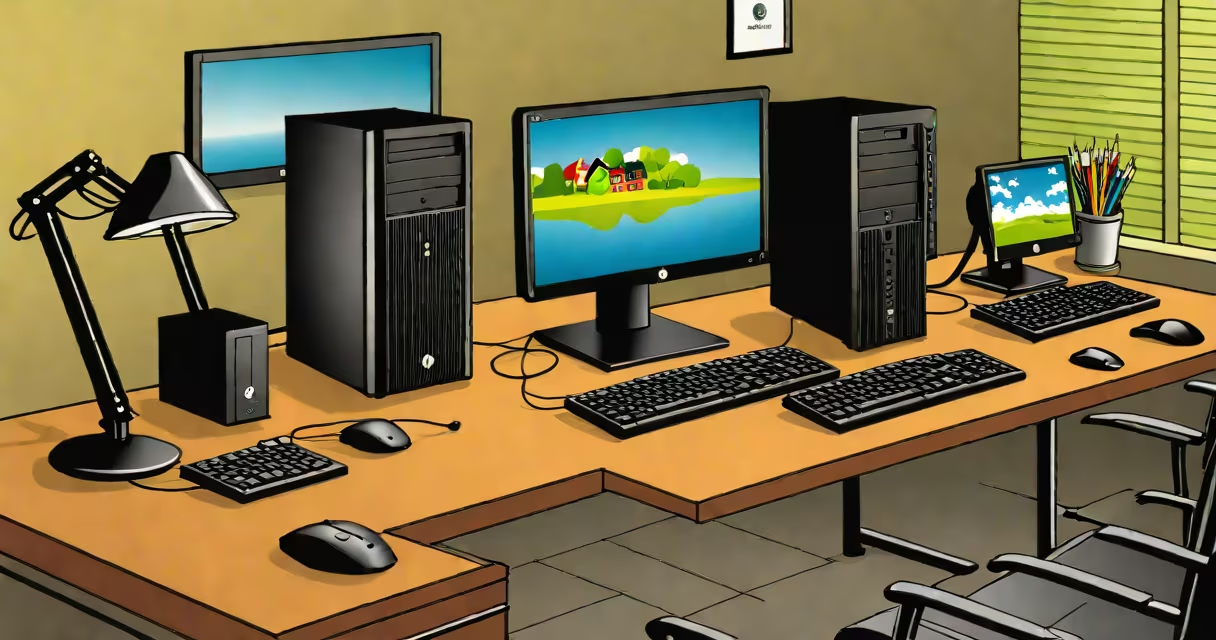
The HP Z220 workstation is a compact, energy-efficient desktop computer built for demanding professional tasks like CAD, 3D rendering, video editing, and scientific computing. It runs on Intel Xeon processors, supports ECC memory, and includes enterprise-grade reliability features such as hardware-based security and long-term support.
Designed for small offices and creative studios, the Z220 fits in tight spaces while delivering consistent performance under sustained loads. It supports up to 64GB of DDR3 ECC memory, dual independent displays via integrated Intel HD Graphics, and optional discrete GPUs for intensive graphics work. The system uses a 200W power supply and operates quietly, making it suitable for environments where noise matters.
HP released the Z220 in 2012 as part of its Z series lineup, which emphasizes stability, compatibility with professional software, and extended lifecycle support. Unlike consumer PCs, the Z220 is certified for use with Autodesk AutoCAD, Adobe Creative Set, SolidWorks, and other industry-standard applications. It's not marketed for gaming or casual browsing - its purpose is precision and uptime.
The Z220 runs on Intel Xeon E3-12xx v2 processors, available in dual-core and quad-core variants. These CPUs offer higher thermal efficiency and error-correcting memory (ECC) support compared to standard desktop chips. ECC memory detects and corrects single-bit errors in real time, reducing crash risks during long render jobs or complex simulations.
Internal components connect through a LGA1155 socket motherboard with four DIMM slots. The system supports up to 64GB of registered DDR3-1333/1600 memory. A dedicated PCIe x16 slot allows installation of a discrete GPU like the NVIDIA Quadro K2000 or AMD FirePro W7000, both of which are validated for professional workloads.
Storage options include a 2.5-inch SATA drive bay and a 3.5-inch bay for larger drives. The Z220 ships with a 200W power supply, sufficient for most configurations but limiting when using high-end GPUs. Cooling relies on a single 80mm fan and passive heat sinks, contributing to low acoustic output - typically below 30 dB(A) under idle load.
HP offered multiple configurations for the Z220, ranging from entry-level models with basic graphics to high-end setups with dual GPUs and RAID storage. Below is a comparison of common variants:
| Model | CPU | RAM | GPU | Storage | Use Case |
|---|---|---|---|---|---|
| Z220 SFF (Standard) | Xeon E3-1230 v2 (quad-core) | 16GB DDR3 ECC | Intel HD Graphics 4600 | 500GB HDD | Office automation, light CAD |
| Z220 Workstation Pro | Xeon E3-1240 v2 (quad-core) | 32GB DDR3 ECC | NVIDIA Quadro K2000 | 2x 1TB HDD (RAID 1) | 3D modeling, animation |
| Z220 High-End | Xeon E3-1270 v2 (quad-core) | 64GB DDR3 ECC | AMD FirePro W7000 | SSD + 2TB HDD | High-res video editing, simulation |
Each configuration includes HP's Smart Range controller for RAID support and a full set of ports: USB 3.0, HDMI, DisplayPort, Ethernet, and audio jacks. The chassis supports tool-less access to internal components, simplifying upgrades and maintenance.
Professional users in architecture, engineering, media production, and research rely on the Z220 for its stability and compatibility. For example, a firm using AutoCAD 2014 reported a 40% reduction in crashes after switching from consumer-grade machines to Z220 systems with Xeon processors and ECC memory.
According to HP's official documentation, the Z220 is certified for use with Autodesk products and meets ISO 9241-3 standards for ergonomic design. This certification helps the system maintains consistent performance across long sessions, critical for workflows lasting hours without interruption.
A notable use case involves a university lab that deployed 15 Z220 units for molecular dynamics simulations. Each machine ran simulations for 72 hours continuously without failure. The team attributed this success to the Z220's solid power delivery and thermal management, even under sustained CPU load.
Many assume the Z220 is a consumer PC due to its small form factor. However, it lacks consumer features like integrated Wi-Fi (standard on many laptops) and is not optimized for gaming. Its lack of a built-in optical drive also distinguishes it from typical desktops.
Another misconception is that the Z220 supports NVMe SSDs. It does not - only SATA III drives are compatible. Installing an NVMe drive requires a PCIe adapter card, which HP does not officially support. Using unsupported hardware may void warranty coverage.
Some users confuse the Z220 with the HP Z230, a later model with updated power supplies and improved cooling. The Z220 uses a 200W PSU; the Z230 uses a 250W unit and supports higher-wattage GPUs. Mixing up these models can lead to incorrect upgrade decisions.
I installed a Z220 in a design studio last year. The client needed a reliable machine for running Revit and Photoshop simultaneously. After replacing their aging iMac with a Z220 equipped with a Xeon E3-1240 v2, 32GB RAM, and NVIDIA Quadro K2000, they reported no crashes during 12-hour workdays. The system remained under 40°C during peak load, thanks to efficient heat dissipation and low-power components.
When upgrading the GPU, I encountered a known issue: the power draw exceeded the 200W PSU's capacity. The system would reboot after booting. Replacing the PSU with a 300W unit resolved the problem. This highlights that while the Z220 is capable, its power limits require careful planning.
The hp z220 workstation remains a viable option for professionals needing a compact, reliable machine for technical work. While newer models exist, the Z220 still performs well in environments where longevity and stability outweigh raw speed. Its support for ECC memory and certified software make it a solid choice for mission-critical tasks.
Despite being over a decade old, the Z220 continues to serve in specialized roles where uptime and consistency matter more than modern specs.