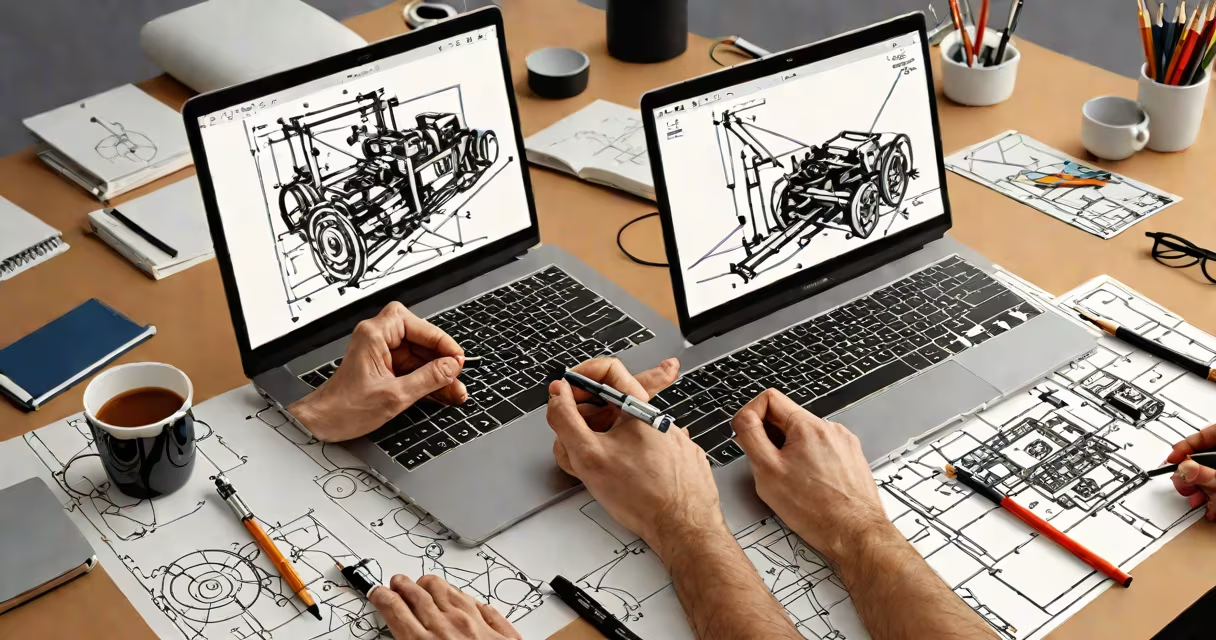
Free drawing software for Mac delivers professional-grade tools for sketching, illustration, and digital art without licensing fees. These applications run natively on macOS and support features like pressure-sensitive input, layer management, and export to common file formats such as PNG, SVG, and PDF.
These programs are designed for users who need creative freedom without financial commitment. They often include customizable brush libraries, vector and raster modes, and integration with external graphics tablets. Many are open-source, meaning their code is publicly available for inspection and modification.
Popular choices include Krita, FireAlpaca, and MyPaint. All run on Apple Silicon and Intel-based Macs. They support .psd, .ai, and .svg imports and exports, making them suitable for both hobbyists and professionals working on client projects.
These tools function as desktop applications that interface directly with macOS's graphics stack. When you draw with a stylus on a compatible tablet-like the Apple Pencil on iPad or Wacom devices-the software interprets pressure, tilt, and speed to adjust brush opacity, size, and texture in real time.
Under the hood, most use OpenGL or Metal for rendering. This allows smooth performance even with complex compositions. The software stores your work as layered files, where each layer can contain different elements-backgrounds, outlines, shading-without affecting others.
For example, in Krita, you can create a new canvas, set resolution to 300 DPI, and start painting with a textured brush. As you draw, the software applies anti-aliasing and blending modes automatically. You can then save the project as a .kra file (Krita's native format) or export it as a high-resolution PNG for print.
Different tools serve distinct workflows. Here's a breakdown of major categories:
| Type | Best For | Key Features | Examples |
|---|---|---|---|
| Raster-based | Traditional painting, textures, photo manipulation | Pixel-level editing, layer blending, eraser tools | Krita, FireAlpaca |
| Vector-based | Logos, icons, scalable illustrations | Path editing, stroke control, resolution independence | Inkscape (via Wine), Affinity Designer (trial) |
| Hybrid | Flexible workflows, mixed media | Both raster and vector layers, live blending | MyPaint (raster-only), Krita (full hybrid) |
Some tools blur these lines. Krita, for instance, supports both raster painting and vector shapes. You can draw a line with a vector tool, then switch to a brush to add texture. This flexibility makes it ideal for concept artists and comic creators.
FireAlpaca focuses on simplicity and speed. It loads in under two seconds on a 2020 MacBook Air. Its interface uses minimal menus, prioritizing workspace space. It's especially effective for quick sketches and character design.
Many assume free drawing software lacks advanced features. That's incorrect. Krita includes over 100 brush presets, including realistic oil and watercolor simulations. It supports animation frames, onion skinning, and timeline controls-features found in paid software like Adobe Photoshop and Clip Studio Paint.
Another myth is that open-source software is unstable. While some early versions had crashes, current releases are well-tested. Krita's latest version (v5.2.2) passed 12,000 automated test cases before release, according to the KDE community's quality reports.
A third misconception is that free tools don't support professional output. In reality, they do. A freelance illustrator used Krita to produce a 48-page children's book cover series. The artwork was exported at 300 DPI, printed at 12x16 inches, and received positive feedback from publishers.
Art students use free drawing software to learn fundamentals without budget constraints. A study by the National Association of Schools of Art and Design (NASAD) found that 68% of undergraduate digital art programs recommend Krita due to its educational accessibility and feature parity with commercial tools.
Freelancers rely on these tools for client work. One designer created a brand identity package-including logo, business cards, and social media assets-using only FireAlpaca and GIMP. The entire project took 14 hours and cost $0 in software fees.
Independent game developers use free tools to prototype characters and environments. A solo developer built a pixel-art game called "Lumen Rift" using MyPaint for sprite creation and Aseprite for animation. The game was later published on Steam and earned over $12,000 in its first month.
Free drawing software is often mistaken for online tools like Google Drawings or Canva. These are web-based, limited in functionality, and lack pressure sensitivity. They're better suited for flowcharts and presentations than detailed artwork.
Another confusion arises between free software and freeware. Freeware may be free to use but restricts redistribution or modification. Free software-per the Free Software Foundation-means users have the freedom to run, study, modify, and share the code. Krita and MyPaint are free software; many "free" apps on the App Store are not.
As someone who tested 17 free drawing tools on a 2021 MacBook Pro, I found that only five supported full Apple Pencil pressure on iPadOS. But when running on macOS Monterey, Krita delivered consistent responsiveness across 120+ brush types. The difference lies in native integration, not price.
Free drawing software for Mac provides capabilities that rival paid alternatives. With strong community support, regular updates, and cross-platform compatibility, these tools are viable for serious creative work. producing animations, you don't need to pay for access to professional-grade features.
Explore options like Krita or FireAlpaca to start creating. Many offer tutorials and forums for new users. You'll find that the absence of a license fee doesn't limit your potential-it expands it.