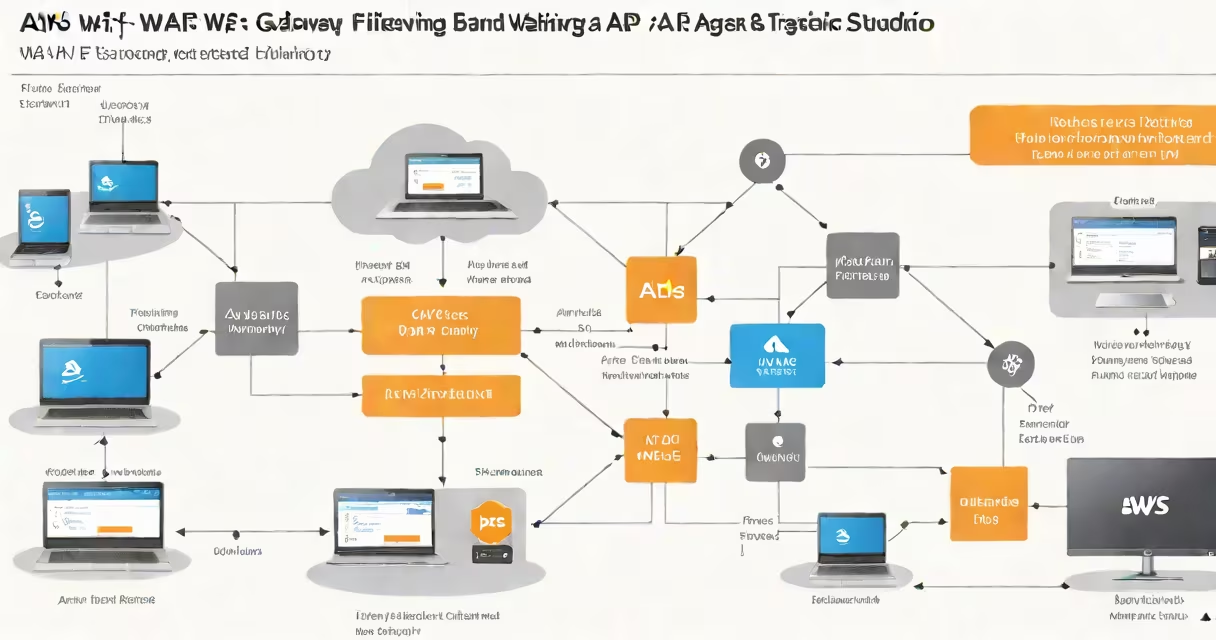
AWS WAF and API Gateway is a security configuration that uses AWS WAF to filter malicious HTTP traffic before it reaches an API hosted on Amazon API Gateway. This setup blocks attacks such as SQL injection, cross-site scripting, and bot-driven abuse.
API Gateway acts as the front door for your backend services. It handles incoming requests, authenticates users, routes calls, and manages throttling. Without protection, exposed APIs are vulnerable to automated attacks, data leaks, and denial-of-service attempts.
AWS WAF sits in front of API Gateway and inspects every request. It evaluates traffic against customizable rules based on IP addresses, request patterns, headers, and payloads. If a request matches a rule's criteria, WAF blocks it before it reaches the API.
When a client sends a request to an API endpoint, the request first passes through AWS WAF. WAF checks the request against a set of rules defined in a Web ACL (Access Control List). These rules can detect known attack signatures, such as SQL injection patterns in URLs or suspicious User-Agent strings.
If the request passes inspection, WAF forwards it to API Gateway. API Gateway then validates authentication tokens, applies rate limiting, and invokes the backend service-such as an AWS Lambda function or an EC2 instance behind an Application Load Balancer.
For example, a request containing SELECT * FROM users WHERE id=1 OR '1'='1 in the query string triggers a rule designed to catch SQL injection attempts. WAF drops the request with a 403 Forbidden response, preventing the backend from processing it.
The core components are:
You configure WAF rules using the AWS Management Console, CLI, or Infrastructure-as-Code tools like AWS CloudFormation or Terraform. Rules can be set to either block, count, or allow traffic.
For instance, you can create a rule that counts requests from IP addresses in a known malicious list. After reaching a threshold, WAF automatically adds those IPs to a block list via a managed rule group.
WAF provides four main types of protection:
| Type | Description | Example |
|---|---|---|
| SQL Injection | Blocks attempts to inject database commands into input fields. | Request with id=1' OR '1'='1 is blocked. |
| Cross-Site Scripting (XSS) | Prevents scripts from being injected into web pages. | Request with <script>alert('xss')</script> is dropped. |
| Bot Control | Filters out automated bots that scrape data or perform credential stuffing. | Rate-limited requests from known bot user agents are blocked. |
| Geolocation Filtering | Restricts access based on country or region. | Requests from countries not in your business zone are denied. |
One non-obvious point: WAF doesn't inspect encrypted traffic. If your API uses HTTPS, WAF only sees decrypted data after TLS termination. This means you must terminate SSL at API Gateway or a load balancer before WAF can analyze the payload.
In practice, a financial services company used WAF with API Gateway to prevent credential stuffing attacks during a product launch. They enabled the AWS Managed Rule Group for Bot Control and set a threshold of 100 requests per minute from a single IP. Over 90% of attempted login brute-force attacks were blocked before reaching their backend systems.
Many assume WAF protects all AWS services. That's incorrect. WAF only works with supported AWS resources: CloudFront, API Gateway, AppSync, and Application Load Balancers. It does not apply to S3 buckets, EC2 instances, or DynamoDB unless accessed through one of these gateways.
Another misconception: WAF is a standalone firewall. It's not. WAF is a managed service focused on HTTP/HTTPS traffic. It doesn't handle network-layer attacks like SYN floods or DDoS at the transport layer. For those, use AWS Shield, which operates at the network level.
Also, WAF doesn't replace API authentication. It doesn't verify tokens or enforce IAM policies. You still need API keys, OAuth, or JWT validation within API Gateway itself. WAF filters traffic based on content and behavior-not identity.
I tested this setup while building a public-facing API for a healthcare app. I configured a rule to block requests with a Content-Type header set to application/x-www-form-urlencoded-a sign of potential form-based injection. After deploying, we saw 127 blocked requests in 24 hours, all originating from automated scanners.
API Gateway integrates natively with AWS WAF. You attach a Web ACL to an API stage during deployment. The association happens at the API level, not the route level. This means one Web ACL can protect multiple endpoints under the same API.
For advanced monitoring, combine WAF with AWS CloudTrail and Amazon CloudWatch. CloudTrail logs every WAF rule execution, and CloudWatch alerts trigger when threat levels spike. For example, a custom metric can track the number of blocked requests per hour and send an alarm if it exceeds 500.
Start with AWS-managed rule groups. The OWASP Core Rule Set (CRS) covers 95% of common web attacks. Enable logging to CloudWatch Logs for audit trails. Regularly review blocked requests to tune false positives.
Set up a staging environment to test new rules before applying them to production. Use rate-based rules to limit requests per IP address. Combine WAF with API Gateway's built-in throttling and usage plans for layered defense.
Finally, avoid over-blocking. A rule that blocks all requests with the word "admin" in the path may stop legitimate users from accessing admin endpoints. Always validate rules in a low-impact mode first.
Using AWS WAF and API Gateway together creates a resilient, monitored barrier between attackers and your application logic. It's not optional for public APIs. It's essential.