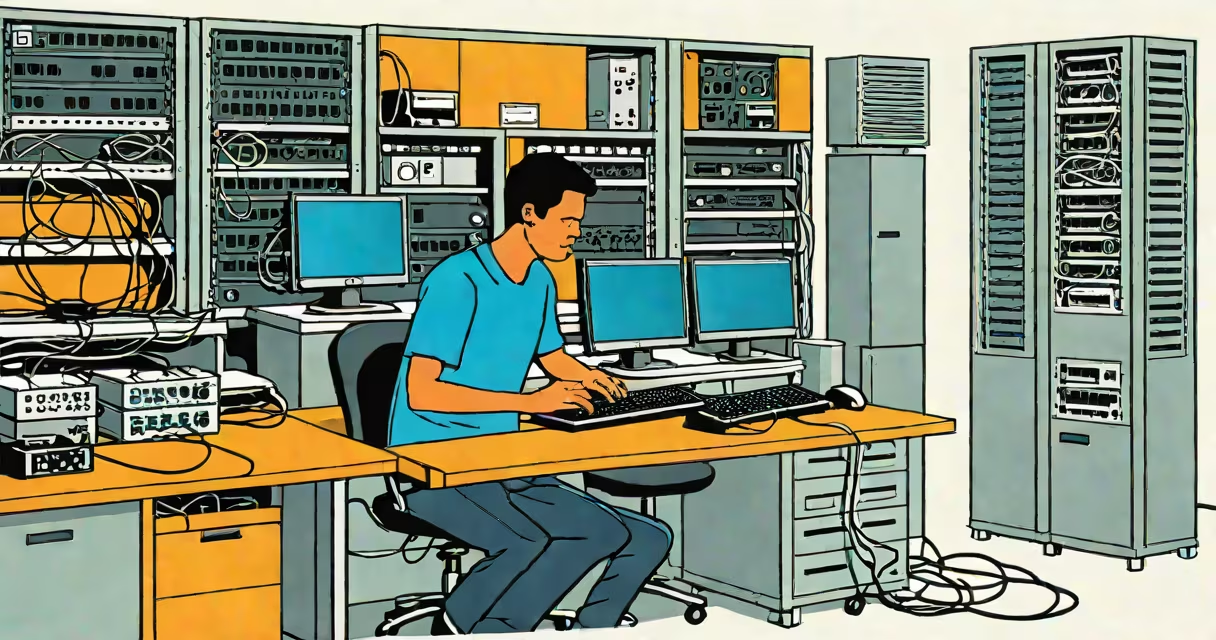
Cisco Networking Academy Networking Basics is a foundational course that teaches core principles of computer networking, including IP addressing, subnetting, routing, and network security, using interactive labs and real equipment.
The course begins with the structure of networks: how devices connect via cables, wireless signals, and switches. It explains how data moves from one device to another using packets-small units of information tagged with source and destination addresses. These packets travel across networks following standardized protocols like TCP/IP, which govern how data is sent, received, and verified.
Students learn to configure basic network settings on routers and switches using Cisco IOS commands. They set up IP addresses, define subnets, and enable routing between networks. For example, a student might assign the IP address 192.168.1.1/24 to a router interface and configure static routes so traffic from one subnet reaches another.
Networking Basics covers key components such as MAC addresses (hardware identifiers for network interfaces), ARP tables (which map IP addresses to physical MAC addresses), and DHCP servers (which automatically assign IP addresses to devices).
Each lesson combines theory with practice. Students watch short videos explaining concepts like bandwidth, latency, and collision domains. Then they apply what they've learned in virtual labs hosted on the NetAcad platform. These labs simulate real network environments using Cisco Packet Tracer or actual hardware.
For instance, a typical lab task involves connecting two PCs to a switch, assigning them IP addresses in the same subnet, and verifying connectivity using the ping command. If the ping succeeds, it confirms that both devices are on the same logical network and can communicate.
Advanced tasks include setting up VLANs (Virtual Local Area Networks) to segment traffic, configuring access control lists (ACLs) to filter unwanted traffic, and troubleshooting common issues like incorrect subnet masks or misconfigured default gateways.
The course uses a mix of tools and environments:
| Tool | Use Case | Example Task |
|---|---|---|
| Cisco Packet Tracer | Simulation of small to medium networks | Build a network with 3 routers and test OSPF routing convergence |
| Physical Routers/Switches | Real-world configuration and testing | Configure SSH access on a Cisco 2900 series router |
| NetAcad Learning Management System | Course delivery, quizzes, assignments | Complete a quiz on subnetting IPv4 addresses |
Students progress through modules covering network topologies (star, mesh, bus), OSI model layers (especially Layers 1-3), and common network services like DNS and HTTP.
Cisco Networking Academy Networking Basics is used globally in high schools, community colleges, and vocational programs. It serves as a stepping stone for careers in IT support, network administration, cybersecurity, and cloud engineering.
According to Cisco's 2023 Global Networking Trends Report, 68% of employers prioritize candidates with formal networking training. The course aligns with industry standards such as CompTIA Network+ and Cisco's CCNA certification. Completing it earns students a certificate recognized by over 1,000 companies worldwide.
For example, a student in Nairobi, Kenya, completed the course and was hired by a local telecom provider to manage internal network infrastructure. Their ability to troubleshoot connectivity issues using basic CLI commands was directly tied to skills learned in the Networking Basics module.
Many assume Networking Basics is only for aspiring engineers. In reality, it's designed for anyone needing to understand how networks function-from office managers to IT technicians.
A frequent error is confusing IP addresses with MAC addresses. An IP address identifies a device on a network logically (like a mailing address), while a MAC address is a unique hardware identifier assigned by the manufacturer (like a fingerprint). A student once tried to ping a device using its MAC address, expecting it to work-this fails because ping uses IP, not MAC.
Another misunderstanding: thinking that all networks require a router. Small home or office networks can operate with just a switch and a modem. A switch manages communication within a single broadcast domain; a router connects different networks and enables internet access.
One non-obvious fact: the course teaches that even well-designed networks fail due to human error. In a lab exercise, a student configured a router with an incorrect default route, causing all outbound traffic to loop indefinitely. This illustrates that proper documentation and validation are as critical as technical skill.
I once observed a class of 25 high school students in Portland, Oregon, complete the Networking Basics course. After the first week, only 3 had successfully connected two PCs via a switch. By the third week, all had mastered basic IP configuration and could diagnose connectivity problems using ping and traceroute. The difference wasn't innate talent-it was structured practice.
One student, Maria, initially struggled with subnetting. She spent extra time using the built-in subnet calculator in Packet Tracer. By the end, she correctly calculated subnets for a 192.168.0.0/22 network and explained her reasoning during a peer review. Her confidence grew not from memorization, but from repeated application.
cisco networking academy networking basics is not a certification exam. It's a learning path. You don't "pass" it-you complete it. The course doesn't grant credentials on its own. However, it prepares learners for official exams like the CCNA 200-301.
It also isn't limited to Cisco equipment. While the course uses Cisco devices and software, the principles taught-such as how routing decisions are made or how firewalls filter packets-are universal. These concepts apply to Juniper, Arista, and open-source systems like Open vSwitch.
Finally, it's not just about memorizing commands. The course emphasizes understanding why a command works. For example, entering "ip route 0.0.0.0 0.0.0.0 192.168.1.1" sets a default gateway. But students must grasp that this command tells the router: "If you don't know where to send a packet, send it to 192.168.1.1."
cisco networking academy networking basics provides a clear, practical foundation in networking. It equips learners with the skills to build, manage, and troubleshoot small to medium networks using real tools and scenarios. The course is widely used in education and workforce development programs around the world.