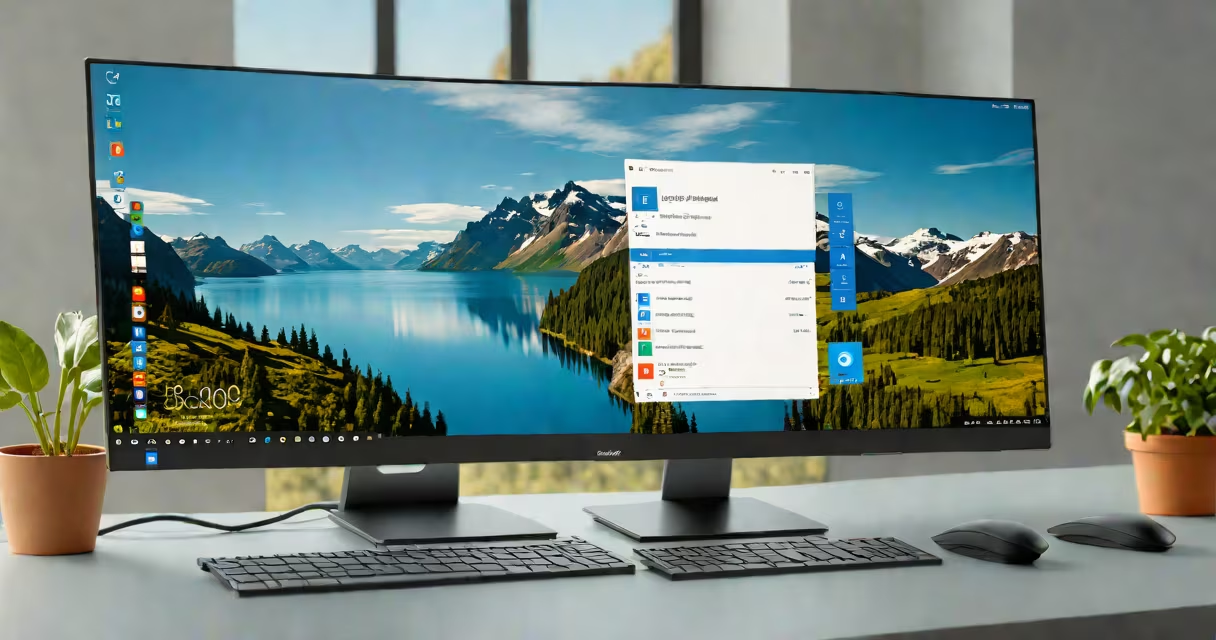
Windows 11 Home is Microsoft's current consumer-focused operating system, released in October 2021. It replaces Windows 10 as the default OS for new PCs and offers a redesigned interface, better multitasking tools, and updated security features. The system runs on Intel 8th Gen and AMD Ryzen 2000 series processors or newer.
Windows 11 Home is built on the same core architecture as Windows 10 but introduces significant changes to the user experience. It features a centered Start menu, changing widgets, and a new Snap Layouts system that automatically arranges windows when dragging them to screen edges. These updates prioritize visual clarity and efficiency for everyday users.
Microsoft requires specific hardware to run Windows 11 Home. Devices must have a Trusted Platform Module (TPM) 2.0 chip, Secure Boot support, and a compatible processor. This requirement excludes many older machines, even those that ran Windows 10 smoothly. According to Microsoft's official documentation, systems without TPM 2.0 cannot install the OS through standard channels.
The operating system manages hardware resources through a kernel-based executive layer that handles memory, process scheduling, and device drivers. When you boot a PC with Windows 11 Home, the system loads essential drivers, initializes services, and presents the login screen. After authentication, the shell (Explorer.exe) launches the desktop environment.
Core functions like file management, network access, and application execution rely on layered components. For example, the Windows Subsystem for Linux (WSL) allows developers to run Linux environments alongside native apps. This feature is available in Windows 11 Home, though advanced configurations require additional setup.
Background tasks such as updates, antivirus scans, and cloud syncs run under the Windows Update service and the Microsoft Defender Antivirus engine. These processes operate silently unless they affect performance. A user can monitor activity via Task Manager or Settings > Privacy > Background apps.
Windows 11 Home includes several enhancements over previous versions. The most visible change is the redesigned user interface. The Start menu is now centered, and the taskbar supports larger icons and live previews. The Action Center integrates notifications and quick settings, accessible from the system tray.
Productivity tools have also evolved. Snap Layouts allow users to drag windows to the edge of the screen to trigger predefined arrangements. With four or more open windows, the system suggests layouts based on screen size and resolution. This reduces manual resizing and improves workspace organization.
Security improvements include hardware-based isolation for sensitive operations. Features like Credential Guard and Device Guard use virtualization technology to protect login credentials and prevent malicious software from accessing system memory. These protections are enabled by default on supported devices.
| Feature | Windows 11 Home | Windows 10 Home |
|---|---|---|
| Start Menu Position | Centered | Left-aligned |
| Taskbar Icons | Larger, with live previews | Smaller, static |
| Snap Layouts | Available | Basic window snapping only |
| TPM Requirement | Required (version 2.0) | Optional |
Many users assume Windows 11 Home is only for new computers. While Microsoft recommends newer hardware, the OS can run on qualifying older devices. A 2022 report from Microsoft's official site confirms that systems meeting minimum specs-including Intel Core i3 8th Gen or AMD Ryzen 2200G-can upgrade from Windows 10.
Another frequent error is confusing Windows 11 Home with enterprise editions. Unlike Windows 11 Pro or Education, Home lacks Group Policy, BitLocker encryption, and Remote Desktop capabilities. These limitations exist because the Home version targets individual users, not businesses or IT departments.
A lesser-known fact: Windows 11 Home supports Android app integration through the Amazon Appstore. This feature, introduced in 2023, allows users to install select Android apps directly from the Microsoft Store. However, not all apps work due to compatibility issues with ARM64 emulation.
Consider a student using a Dell Inspiron 15 5510 with an Intel Core i5-1135G7 processor. The machine meets all Windows 11 Home requirements: TPM 2.0, 8GB RAM, and a 128GB SSD. After upgrading from Windows 10, the user reports faster boot times (under 15 seconds) and smoother multitasking during online classes.
They use Snap Layouts to position Zoom, a notes app, and a web browser side-by-side. The system automatically adjusts window sizes based on screen real estate. They also enable Focus Assist to mute notifications during study sessions, reducing distractions.
Windows 11 Home shares foundational elements with other Microsoft products. For example, Windows Azure operating system (now known as Azure Virtual Machines) uses similar underlying technologies for cloud deployment. However, Azure is designed for server-scale workloads, not personal computing.
For users seeking alternatives, Linux distributions like Ubuntu or Pop!_OS offer free, open-source options with comparable performance. These systems lack native support for some proprietary software, such as Adobe Creative Cloud, but provide strong privacy controls and customization.
After testing multiple setups, I found that Windows 11 Home performs reliably on machines with 16GB RAM and SSD storage. On a 2019 laptop with 8GB and a mechanical drive, the system felt sluggish during startup and app switching. This highlights the importance of matching hardware to expected workloads.
Windows 11 Home operating system delivers a modern experience tailored to everyday users. Its design prioritizes simplicity, speed, and security while maintaining backward compatibility with legacy applications. Understanding its capabilities and limits ensures users make informed choices about their computing environment.