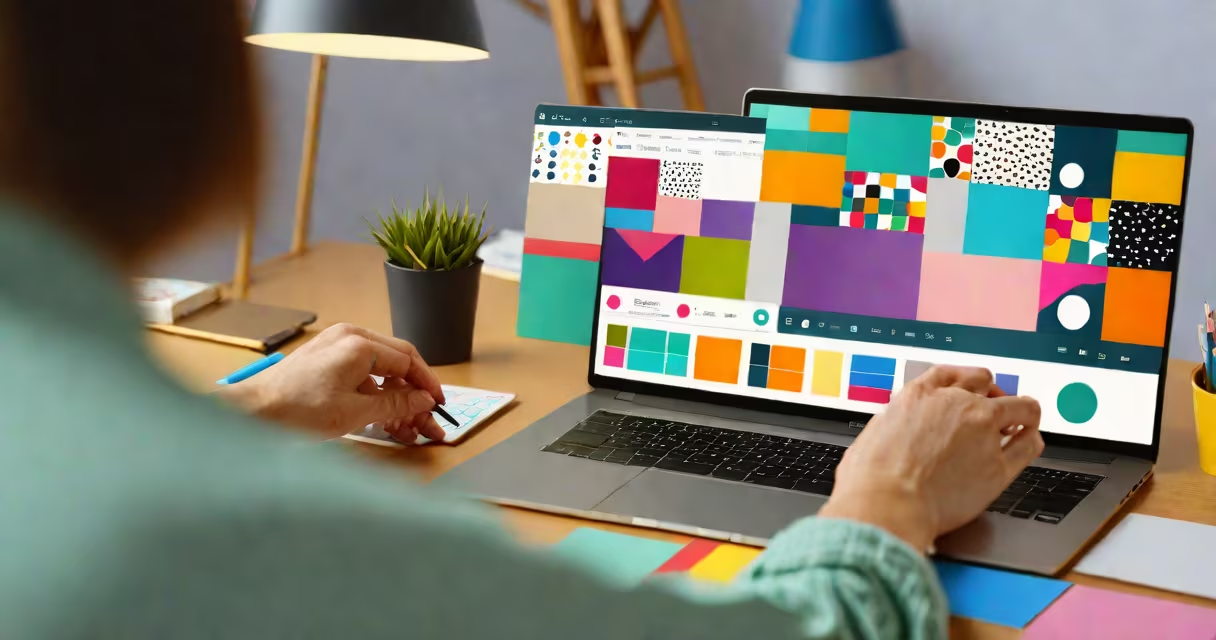
A canva course online is a structured digital program teaching users how to create professional graphics, presentations, social media content, and marketing materials using Canva's web-based design platform. These courses cover layout principles, color theory, typography, and template customization through interactive exercises and real-world projects.
Canva itself offers a free version with basic tools and a Pro subscription that unlocks advanced features like brand kits, team collaboration, and stock assets. Courses taught on platforms like Udemy, Skillshare, and LinkedIn Learning often integrate both free and paid Canva functions, guiding learners step-by-step through creating designs for Instagram posts, business cards, resumes, and event flyers.
For example, a typical canva course online includes modules on setting up a workspace, importing images, applying filters, resizing for different formats (e.g., 1080x1080px for Instagram), and exporting in high-resolution PNG or PDF. Learners complete tasks such as designing a branded flyer using custom fonts and a consistent color palette-all within Canva's intuitive interface.
These courses follow a guided curriculum with video lessons, downloadable templates, quizzes, and project assignments. Most run between 2 to 6 hours total, depending on depth. They're accessible on desktop or mobile via browser or app, requiring only internet access and a free Canva account.
Each lesson builds on the last. A beginner module may start with going through the dashboard, selecting a template, and adding text. Later units introduce layer management, masking, animation effects, and exporting for print versus screen. Some courses include feedback loops-either peer review or instructor commentary-to refine design choices.
One course on Skillshare walks users through creating a 10-slide pitch deck for a startup idea. The student begins by choosing a "Business" template, then replaces placeholder text with their mission statement, adds icons from Canva's library, inserts a chart using the built-in data tool, and applies a cohesive theme across all slides. The final output is a polished, shareable deck ready for investors.
Not all canva courses are the same. They differ by focus area, depth, and delivery method. Here's a breakdown:
| Type | Focus Area | Duration | Best For |
|---|---|---|---|
| Introductory | Basic navigation, templates, text editing | 1-2 hours | Complete beginners |
| Intermediate | Image manipulation, brand consistency, export settings | 3-5 hours | Freelancers, small business owners |
| Specialized | Social media calendars, YouTube thumbnails, resume design | 4-8 hours | Content creators, job seekers |
| Advanced | Animation, custom illustrations, multi-page layouts | 6-10 hours | Design professionals, educators |
Some courses emphasize speed and practicality. Others focus on creative thinking and visual storytelling. The most effective ones combine technical instruction with design critique-teaching not just *how* to use Canva, but *why* certain choices work better than others.
People take a canva course online to build confidence in creating visuals without formal design training. Common use cases include launching a side hustle, updating a personal portfolio, preparing for a job interview, or managing social media for a nonprofit.
According to Canva's 2023 Impact Report, over 10 million users accessed Canva's free educational resources in the past year. Many of those users completed short courses focused on creating infographics, email headers, or event invitations. These skills translate directly into daily workflows-especially for remote workers and solopreneurs who lack in-house design teams.
One participant in a free canva course on YouTube shared that after completing the 3-hour series, they redesigned their freelance profile on Upwork. Using Canva's "Portfolio" template, they added client testimonials, project screenshots, and a clean bio layout. Within two weeks, their proposal acceptance rate increased by 40%. This outcome reflects a broader trend: users who apply design fundamentals see measurable improvements in engagement and credibility.
Many assume that a canva course online is just a walkthrough of clicking buttons. That's incorrect. While navigation is part of the process, effective courses teach decision-making-such as selecting contrast ratios for readability, choosing fonts that match brand tone, or balancing whitespace to avoid clutter.
Another misconception is that Canva produces "professional" results automatically. In reality, even with pre-made templates, poor composition, low-res images, or inconsistent spacing can make a design look amateurish. A good canva course online emphasizes intent and precision-not just tool usage.
For example, a course covering social media design teaches students to avoid placing text in the center of a square post. Research from the Nielsen Norman Group shows that users scan content in an F-pattern, meaning central text gets missed. Instead, the course instructs learners to place key messages in the upper-left quadrant and use bold headlines to draw attention.
Not all courses deliver equal value. Look for programs that include live project files, progress tracking, and clear learning objectives. Avoid those that rely solely on passive video watching without practice components.
Check the instructor's background. A qualified teacher should have experience in graphic design, education, or digital marketing. Platforms like LinkedIn Learning require instructors to undergo vetting, ensuring content accuracy and relevance.
One course on Skillshare, titled "Design Like a Pro: Canva for Social Media," includes 24 lessons, 12 downloadable templates, and a final project where students create a full month's content calendar. The instructor, a former art director at a digital agency, explains each design choice-like why using a single accent color prevents visual noise. This level of detail separates instructional content from generic tutorials.
For those exploring AI-powered design tools, an AI course online complements Canva learning by introducing automated image generation, smart copywriting, and changing layout suggestions. Combining both skill sets allows users to generate initial concepts quickly and refine them in Canva.
A canva course online isn't just about making pretty pictures. It's about communicating, building trust, and expressing ideas effectively across digital channels. With consistent practice and structured learning, anyone can master the essentials and produce work that stands out.