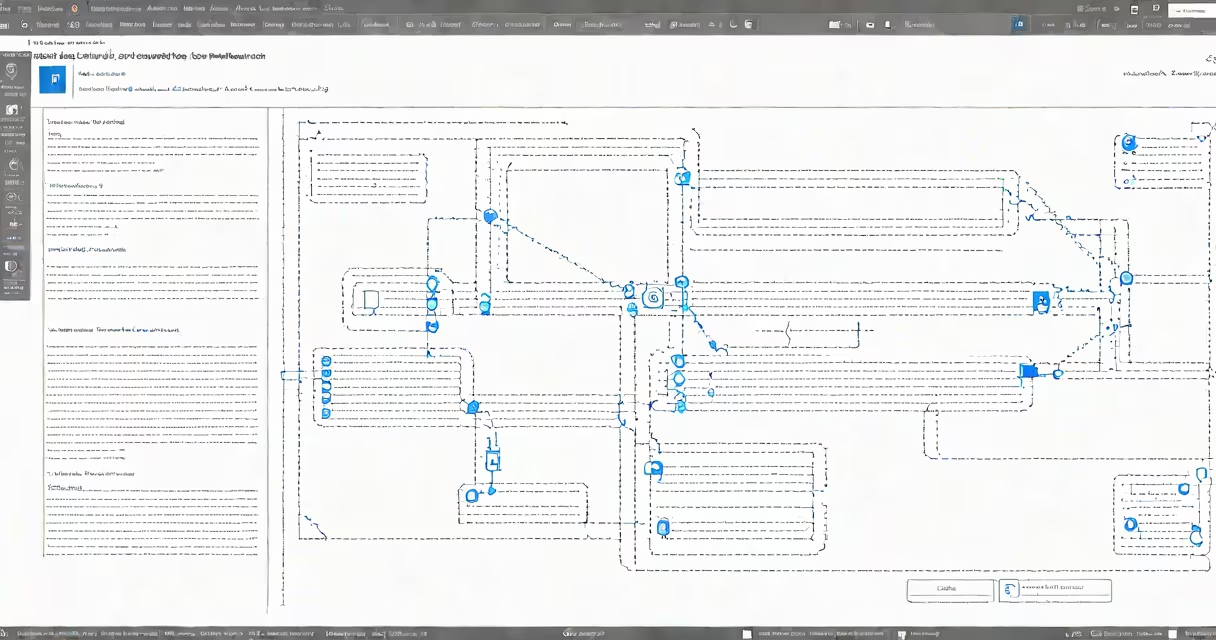
Azure remote application is a cloud-based service that allows users to access Windows desktop applications hosted in Microsoft Azure, delivered securely over the internet without requiring local installation. These applications run on virtual machines managed by Azure, enabling remote access from any device with a web browser or RDP client.
Unlike traditional remote desktop connections that provide full desktop sessions, Azure remote application isolates individual applications. This means users connect to specific software-like a custom CRM tool or financial modeling set-without accessing the underlying OS or other apps on the host machine. The service operates within Azure's global infrastructure, using virtual machines, load balancers, and identity management via Azure Active Directory.
Microsoft defines this capability under the umbrella of Azure Virtual Desktop (AVD), which supports both full desktop and application-only deployment models. An Azure remote application runs in a session host, a dedicated VM configured to host multiple user sessions. Each session is isolated, and resources are allocated dynamically based on demand. This architecture reduces overhead and improves scalability compared to physical or on-premise solutions.
When a user launches an Azure remote application, their request goes through Azure's network stack. The connection is authenticated using Azure AD, ensuring only authorized individuals gain access. Once verified, the user's session connects to a session host VM in the designated Azure region.
The application executes on the VM, rendering graphics and processing input locally. Output is compressed and sent over HTTPS to the client device. Input from the mouse, keyboard, or touchpad travels back through the same encrypted channel. All data remains within Azure's secure environment-nothing is stored on the endpoint device.
For example, a healthcare provider in Chicago uses Azure remote application to deliver a patient records system hosted in the East US region. A nurse logs in from a tablet using the Microsoft Remote Desktop client. The application launches instantly, responding to clicks and form entries with low latency. No data leaves the Azure data center, and the session terminates automatically after 30 minutes of inactivity.
There are two primary deployment approaches for Azure remote application:
| Model | Use Case | Resource Requirements | Management Complexity |
|---|---|---|---|
| Session Host Pool | Multiple users accessing shared applications | VMs with 4 vCPUs, 16 GB RAM per host | Medium (requires scaling and monitoring) |
| Per-User Host | Dedicated application access for high-security roles | VMs with 2 vCPUs, 8 GB RAM per user | High (individual VM provisioning) |
Session host pools are ideal for departments like finance or HR, where dozens of employees use the same reporting or payroll tools. Per-user hosts suit roles with strict compliance needs-such as auditors or legal staff-where isolation prevents cross-user data exposure.
Applications are published through the Azure Virtual Desktop portal or PowerShell scripts. The publishing process assigns a name, icon, and access group. Users see the app listed in their remote desktop client's start menu or web portal.
Many people mistake Azure remote application for standard remote desktop protocols like RDP or VNC. While RDP is the transport method, Azure remote application adds layers of orchestration, security, and lifecycle management that standalone RDP lacks.
Another frequent error is assuming Azure remote application requires a full Windows Server license. That's incorrect. Azure offers licensing through the Azure Virtual Desktop service plan, which includes access to Windows 10/11 Enterprise and Windows Server. You pay only for compute and storage usage, not per-device licenses.
A lesser-known fact: Azure remote application supports multi-factor authentication (MFA) at the session level. This means even if a password is compromised, attackers cannot initiate a session without a second factor-such as a phone notification or hardware token. This feature is enabled by default when Azure AD Conditional Access policies are applied.
In 2023, a mid-sized engineering firm in Seattle migrated its CAD design tools to Azure remote application. Previously, designers had to install heavy software on laptops, leading to inconsistent performance and version mismatches. After migration, they accessed AutoCAD and SolidWorks via Azure Virtual Desktop.
Each designer connected from a lightweight Chromebook. The session launched in under 8 seconds. The firm reported a 40% reduction in IT support tickets related to software crashes and configuration errors. They also saved $120,000 annually in licensing and hardware refresh costs.
This outcome aligns with findings from Microsoft's 2023 Customer Success Report, which states that organizations using Azure Virtual Desktop for application delivery saw a 35% average improvement in application uptime and a 50% decrease in remote access-related incidents.
Use Azure remote application when you need centralized control over sensitive or complex software, especially in regulated industries like finance, healthcare, or government. It's better than hosting apps on-premises because it eliminates the need for local servers, patching cycles, and backup infrastructure.
Compare it to web-based SaaS applications. While SaaS tools like Salesforce or Office 365 are accessible anywhere, they don't support legacy Windows programs. If your organization relies on older .NET or COM-based software, Azure remote application is the only viable path to cloud delivery.
Azure remote application is not a replacement for local computing. It's a specialized tool for delivering secure, consistent access to mission-critical Windows applications in a cloud environment. Its strength lies in balancing performance, security, and manageability-making it essential for enterprises moving toward hybrid work models.