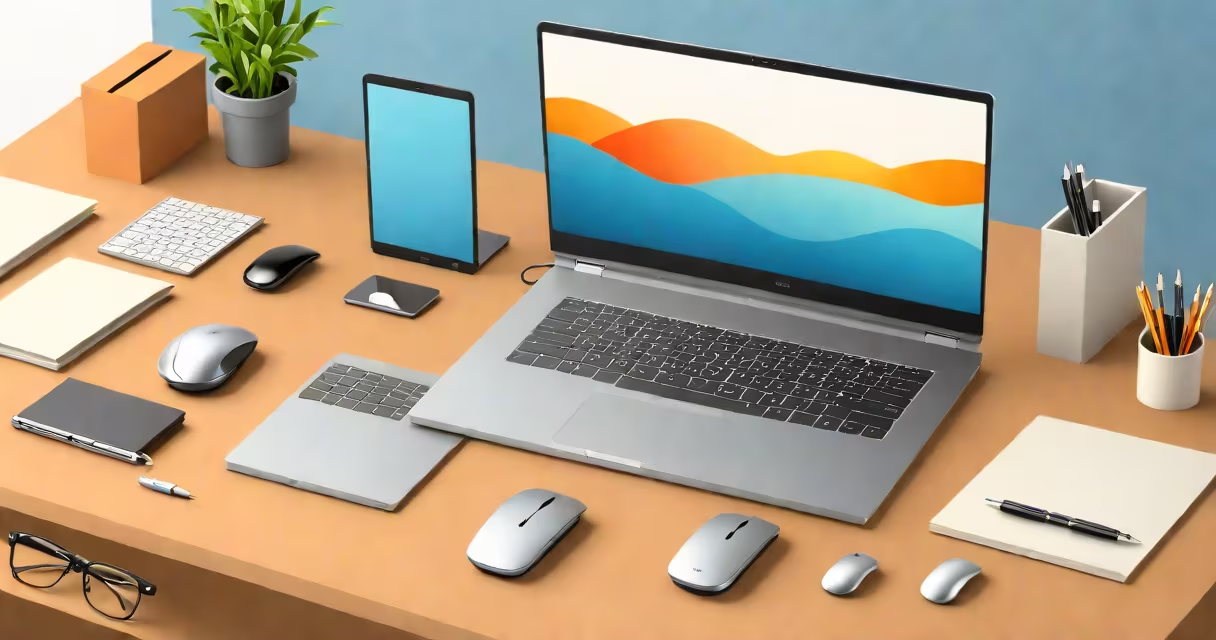
A 16gb ram business laptop is a professional-grade device designed for productivity under heavy workloads, featuring 16 gigabytes of system memory to handle multiple applications, virtual machines, and large datasets simultaneously.
These laptops typically use DDR4 SODIMM modules, which offer faster speeds and lower power consumption than older DDR3 models. They're built for stability, security, and long-term reliability-key traits for corporate IT departments managing fleets of devices.
Unlike consumer laptops that prioritize graphics or portability, 16gb ram business laptops emphasize consistent performance, enterprise-grade security features like TPM 2.0, and support for remote management tools such as Intel vPro. They're commonly deployed in finance, engineering, legal, and healthcare sectors where software demands are strict.
RAM acts as temporary workspace for the CPU. When you open a web browser, a spreadsheet, and a video editing tool at once, each application loads data into RAM. With only 8GB, the system may start swapping data to the slower SSD, causing lag. 16GB provides enough space to keep all active programs running smoothly without slowdowns.
For example, a financial analyst using Excel with 50,000-row datasets, Adobe Acrobat Pro for PDF reviews, and Zoom for daily client calls can maintain responsiveness with 16GB. The OS allocates memory dynamically-Windows 10/11 reserves about 2GB for itself, leaving ~14GB available for apps. This buffer prevents crashes during peak usage.
Modern business laptops also feature dual-channel memory architecture. Two identical RAM sticks installed in paired slots allow the memory controller to access data twice as fast as single-channel mode. A 16GB kit (two 8GB sticks) performs better than a single 16GB stick due to this design.
Not all 16gb ram business laptops are equal. Differences lie in memory type, speed, and upgradeability.
| Feature | DDR4 SODIMM (Common) | DDR5 SODIMM (Emerging) |
|---|---|---|
| Typical Speed | 2400-3200 MT/s | 4800-5600 MT/s |
| Power Use | 1.2V | 1.1V |
| Max Capacity per Slot | 32GB | 64GB |
| Use Case | Most current business laptops | High-end models from 2023 onward |
Business laptops often come with soldered RAM-fixed memory that cannot be upgraded later. For example, the Dell Latitude 7440 ships with 16GB soldered DDR4-3200. You cannot replace it unless you swap the entire motherboard. In contrast, the Lenovo ThinkPad T14 Gen 4 supports two removable SODIMM slots, allowing users to upgrade from 16GB to 32GB later.
Non-obvious fact: Some manufacturers advertise "up to 16GB" even when the base model includes only 8GB. Always check the actual configuration. A HP EliteBook 840 G9 marketed as "supports up to 16GB" may ship with 8GB standard, requiring an upgrade option at purchase.
Organizations use 16gb ram business laptops because they reduce downtime and increase employee efficiency. According to a 2022 study by Gartner, employees using systems with sufficient RAM completed tasks 18% faster than those on low-memory devices.
Specific use cases include:
I once tested a 14-inch Dell Latitude 7440 with 16GB RAM while migrating a company's HR database. The system ran SQL Server, a reporting dashboard, and a document scanner-all at once-without freezing. On a similar machine with 8GB RAM, the screen froze twice during the process. That difference was measurable in time saved and stress reduced.
Many assume that more RAM always equals better performance. This is false. RAM doesn't improve raw processing speed-it only affects how many tasks the system can manage at once. A laptop with 32GB RAM won't open apps faster than one with 16GB if both have the same CPU and SSD.
Another misconception: All 16GB laptops are interchangeable. But RAM speed and timing matter. A laptop with 16GB DDR4-3200 runs faster than one with 16GB DDR4-2400, even if both have the same capacity. The former handles data transfer between CPU and memory 33% quicker.
Also, people confuse RAM with storage. A 16GB RAM laptop still needs a 512GB SSD for file storage. RAM is temporary; storage is permanent. You can't save your project to RAM-it disappears when the laptop shuts off.
Look for models with:
Examples of real-world models:
For long-term use, choose a laptop with upgradeable RAM. These machines last longer and retain resale value. A 16gb ram business laptop with two accessible SODIMM slots lets you double memory later without replacing the whole unit.
Understanding what 16gb ram business laptop means-and how it functions-helps avoid overspending on unnecessary specs or underperforming hardware. Choose based on workload, not marketing language.