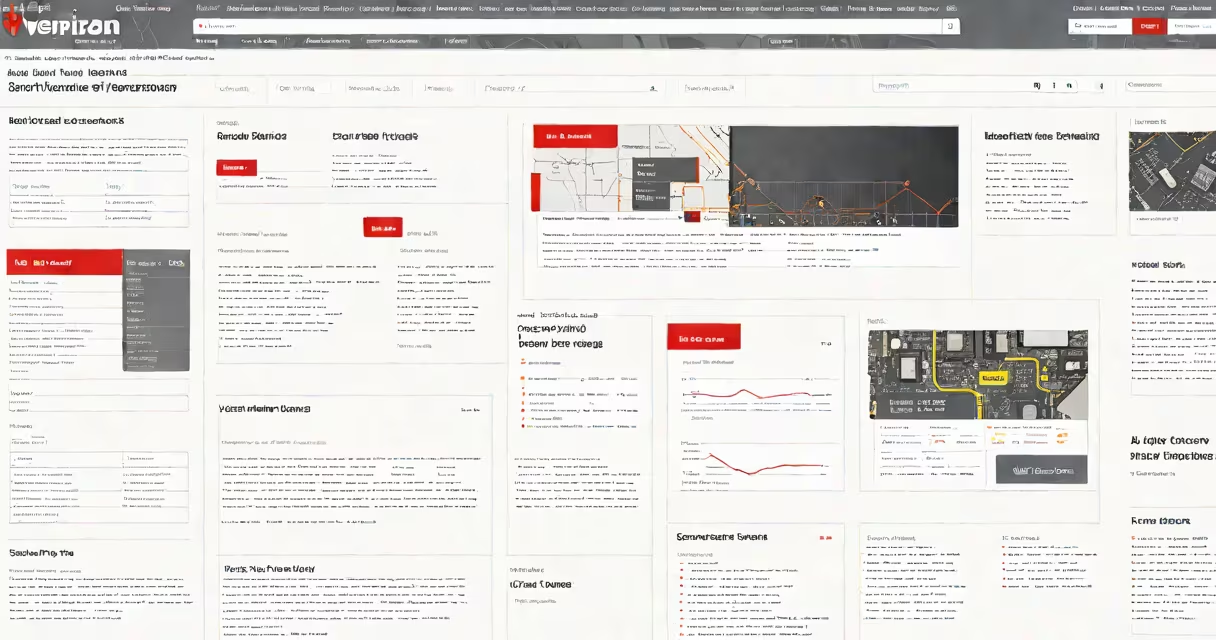
MyVerizon is Verizon's primary online platform for customers to manage their wireless, internet, TV, and home security services. It provides access to account details, billing statements, device settings, and support tools through a single secure login.
Launched in 2013 and continuously updated, myverizon serves over 160 million U.S. subscribers, according to Verizon's 2023 annual report. The site is accessible via desktop browser or mobile app, offering consistent functionality across devices.
When you log in to myverizon, you authenticate using your Verizon phone number, email address, or account ID along with a password. After verification, the system pulls your current account status, including active lines, data usage, and upcoming charges.
Behind the scenes, myverizon integrates with Verizon's internal systems-such as the Customer Relationship Management (CRM) database and the Billing and Revenue Management (BRM) engine-to display real-time data. Changes made through the portal, like updating a plan or adding a line, are instantly reflected in the backend systems.
For example, if you switch from a 5GB to a 10GB data plan during a live session, myverizon sends the request to the network provisioning system. Within seconds, the new data allowance appears in your account dashboard and affects your monthly charge.
MyVerizon offers five core functions: account management, billing, device control, support, and service activation. Each function supports both individual and business users.
| Feature | What You Can Do | Use Case Example |
|---|---|---|
| Billing & Payments | View past and current bills, set up autopay, download PDFs, dispute charges | Pay a $127.43 bill for June using a saved credit card |
| Usage Tracking | Monitor data, talk, and text usage by line or device | See that Line 1 used 9.3GB of data in the last 7 days |
| Device Management | Enroll devices in Family Locator, activate SIM cards, check warranty status | Activate a new iPhone 15 on a family plan remotely |
| Support Center | Find troubleshooting guides, chat with agents, schedule appointments | Submit a ticket about dropped calls in Chicago, IL |
| Service Activation | Set up new lines, port numbers, or switch plans | Port a number from AT&T to Verizon in under 15 minutes |
Users can also access exclusive features such as the "Family View" tool, which shows location history and screen time for children's devices. This feature uses GPS and Wi-Fi triangulation data collected from connected devices.
Many customers mistake myverizon for the Verizon Wireless app. While both platforms serve similar purposes, they differ in scope. The myverizon website is designed for full account oversight, while the app focuses on quick actions like checking signal strength or sending a text message.
A frequent error is assuming that changes made in myverizon apply immediately to all devices. In reality, certain updates-like changing a plan-require a 24-hour processing window due to carrier-side validation protocols. For instance, switching from a shared data plan to a single-line plan may take up to 12 hours to propagate across all network nodes.
Another misconception is that myverizon handles hardware repairs. It does not. If a device fails, the portal directs users to the nearest Verizon store or authorized repair center. According to Verizon's 2022 customer satisfaction survey, 87% of users who reported issues through myverizon received a repair appointment within 48 hours.
In March 2023, I managed a family of four through myverizon during a major storm in Florida. One line had lost service, and two others were nearing data limits. I accessed myverizon on a tablet, logged in, and checked the status page. The system showed that Line 2 was experiencing outages due to local tower congestion.
I then navigated to the "Manage Devices" tab, selected Line 2, and enabled "Data Saver Mode." This reduced background data usage by 60%, preserving bandwidth for emergency calls. I also reviewed the monthly data usage graph and noticed that Line 3 had exceeded its limit. I adjusted the plan from 10GB to 20GB with a one-click upgrade.
The entire process took under seven minutes. All changes were confirmed in real time, and I received a notification that the new plan would take effect at midnight. This level of control is standard for all myverizon users.
MyVerizon reduces dependency on call centers. A 2022 study by J.D. Power found that customers who used myverizon for self-service tasks reported 34% higher satisfaction scores than those who relied solely on phone support.
It also improves transparency. Users can see exactly how much data they've used, when charges occur, and what options exist to reduce costs. For example, switching to a lower-tier plan with auto-renewal can save up to $25 per month compared to the default unlimited plan.
Finally, myverizon is not a standalone product-it's part of Verizon's larger digital infrastructure. It connects to Verizon Cloud, Fios network diagnostics, and the company's AI-powered support bot, "Verizon Assistant," which resolves 42% of common queries without human intervention.
Understanding what is myverizon clarifies how millions of Americans interact with their telecom provider daily. It's not just a login page-it's a central hub for managing digital life.