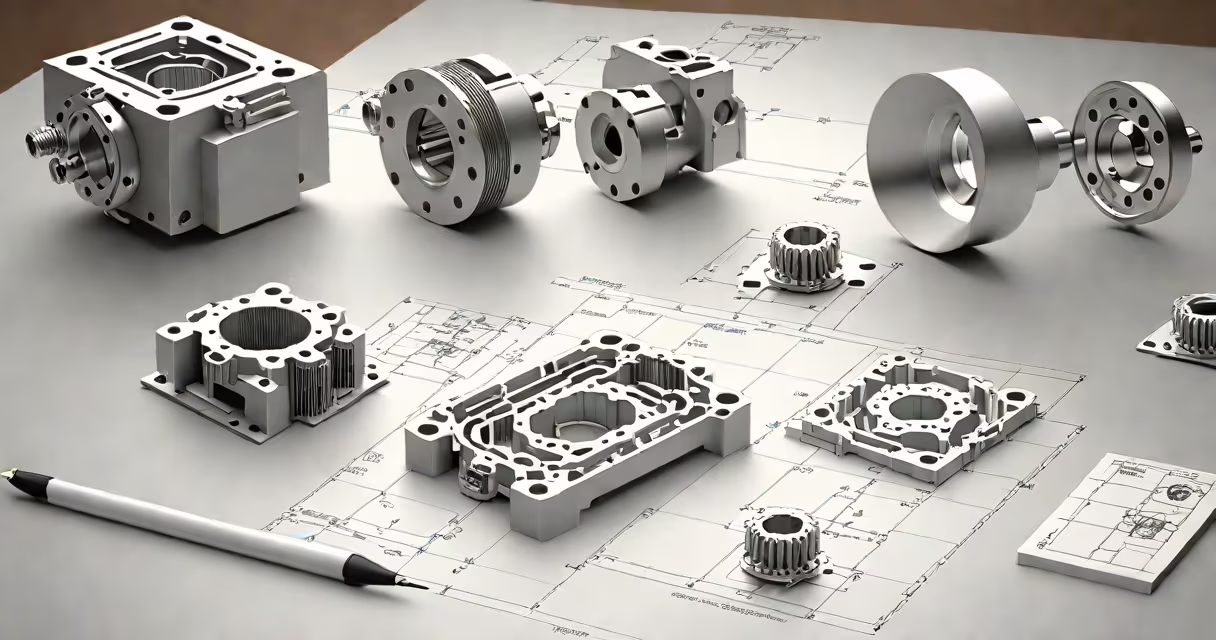
eDrawings is a proprietary file format and standalone viewer developed by Dassault Systèmes for viewing, sharing, and annotating 3D CAD models and technical drawings, primarily from SolidWorks. It enables engineers, designers, and stakeholders to review complex designs without needing the original CAD software.
The format supports 3D models, 2D drawings, exploded views, animations, and markup tools. Files are typically small-often under 10 MB-even for large assemblies-making them ideal for email distribution or cloud sharing. The viewer runs on Windows, macOS, and mobile devices, and includes a free web-based version accessible through a browser.
Unlike full CAD systems, eDrawings doesn't allow editing of geometry. Its purpose is to help communication during design reviews, manufacturing handoffs, and client approvals. A single eDrawings file can contain multiple sheets, configurations, and animation sequences, all navigable via a simple interface.
eDrawings converts native CAD files-such as .SLDPRT, .SLDASM, or .SLDDRW from SolidWorks-into a compressed, optimized format (.eprt, .easm, .edrw). This process preserves visual fidelity while stripping out editable data, ensuring recipients cannot alter the design.
When opened, the eDrawings Viewer presents a timeline-like interface for going through animations, a tree structure for selecting components, and a toolbar for measuring distances, checking clearances, and inserting notes. Users can rotate, zoom, and pan models using mouse or touch gestures. Markup tools allow adding text, arrows, and shapes directly onto the model's surface.
For collaboration, eDrawings supports embedded comments and timestamps. Recipients can reply to feedback, and changes are tracked in a shared session. All annotations remain linked to specific points in the model, reducing miscommunication during design reviews.
eDrawings uses a hierarchical file system based on the original CAD project. Each file type corresponds to a specific document:
| File Type | Content | Use Case |
|---|---|---|
.eprt |
Single part model | Reviewing individual components |
.easm |
Assembled product with subcomponents | Checking fit, motion, or assembly sequence |
.edrw |
2D technical drawing with dimensions | Verifying tolerances, material specs, or manufacturing instructions |
.edoc |
Collection of parts, assemblies, and drawings | Sharing a complete project package |
These files are stored in a container format similar to ZIP archives. Inside, they contain compressed geometry, textures, camera positions, and metadata. This structure allows fast loading even on low-end hardware.
A key feature is the ability to embed a "digital twin" of a physical product. For example, a manufacturer can send an eDrawings file of a pump housing with annotated stress points and thermal expansion data. The recipient can view the model, run a simulated rotation, and mark areas needing redesign-all without installing SolidWorks.
eDrawings is widely adopted in mechanical engineering, industrial design, and manufacturing. It's especially useful in supply chain workflows where suppliers, contractors, and clients may not have access to expensive CAD licenses.
For example, a company designing a custom robotic arm uses SolidWorks to create the model. Before sending it to a contract manufacturer, they export the assembly as an .easm file. The factory receives the file via email, opens it in the free eDrawings Viewer, checks interference between gears, verifies bolt hole locations, and returns feedback with marked-up views.
According to Dassault Systèmes' documentation, eDrawings files can be shared across 150+ countries and support 26 languages. The platform integrates with Microsoft Teams, Slack, and SharePoint, allowing teams to attach eDrawings files directly to task boards or meeting agendas.
Another common use is in technical documentation. Engineers often generate eDrawings files from SolidWorks drawings and embed them into PDF manuals or training modules. These interactive visuals help technicians understand disassembly steps better than static images.
Many assume eDrawings is a free alternative to SolidWorks. It is not. While the viewer is free, the software to create eDrawings files requires a licensed copy of SolidWorks or another compatible CAD tool. You cannot generate an eDrawings file from scratch without a CAD application.
Another misconception is that eDrawings supports all CAD formats. It does not. Native support exists only for SolidWorks files. Other formats-like AutoCAD's .dwg or Inventor's .ipt-must be converted through third-party tools or exported via a neutral format such as STEP or IGES before being imported into SolidWorks and then saved as eDrawings.
A lesser-known fact: eDrawings files can be password-protected. When exporting, users can set a password to restrict opening or printing. This feature is often overlooked but valuable for protecting sensitive design data during early-stage reviews.
I once used eDrawings to share a prototype of a medical device with a regulatory consultant. The file was 6.2 MB. She opened it on her iPad during a video call, rotated the model, and highlighted a sharp edge that needed rounding. Her feedback was incorporated within 15 minutes. Without eDrawings, she'd have needed a CAD license and a week of setup time.
eDrawings remains a practical solution for sharing 3D designs across teams and organizations. Its lightweight nature, cross-platform accessibility, and focus on collaboration make it a standard in engineering workflows. While not a replacement for full CAD, it fills a critical gap in design communication.
Understanding what is eDrawings helps clarify its role: a tool for visualization, feedback, and coordination-not creation or modification. When used correctly, it reduces delays, prevents errors, and improves alignment across stakeholders.