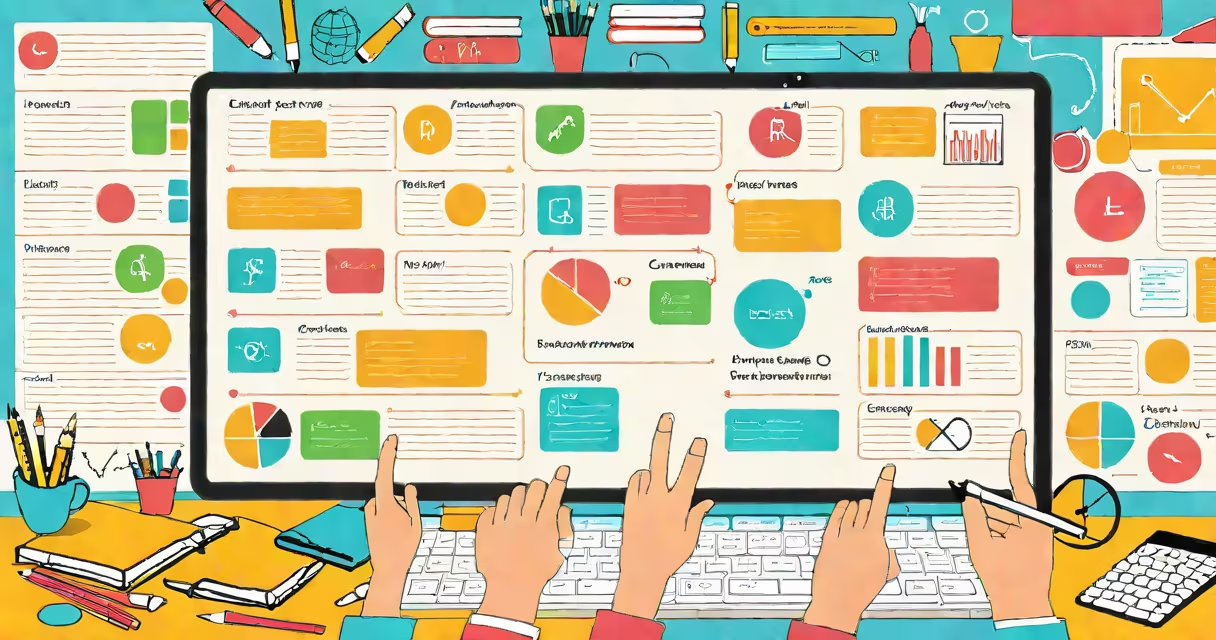
Canvas in education is a cloud-based learning management system (LMS) used by schools, colleges, and universities to organize course materials, assign work, track student progress, and help communication between instructors and learners. It serves as a central digital hub for teaching and learning activities.
Developed by Instructure, Canvas launched in 2011 and quickly became one of the most widely adopted LMS platforms globally. It supports both synchronous and asynchronous instruction, making it suitable for traditional classrooms, hybrid models, and fully remote learning environments. As of 2023, over 60 million users access Canvas across K-12 schools, higher education institutions, and corporate training programs.
Unlike older systems that required local server maintenance, Canvas operates entirely in the cloud. This means educators and students can access course content from any device with internet connectivity-laptops, tablets, smartphones-without needing software installation. The platform integrates with tools like Zoom, Google Workspace, Microsoft Teams, and Turnitin, enabling smooth workflows across digital ecosystems.
When a teacher creates a course in Canvas, they set up a course shell with structured modules. Each module contains readings, videos, assignments, quizzes, and discussion boards. Students log in via a unique account, view their assigned tasks, submit work through the platform's digital dropbox, and receive feedback directly within the interface.
For example, a high school biology teacher might create a module titled "Cell Structure." Within it, they upload a video lecture (hosted on YouTube or embedded via Canvas media), attach a downloadable worksheet, and set a quiz with auto-grading enabled. Students complete the quiz by 11:59 PM on Friday. Canvas automatically records scores, flags late submissions, and sends notifications to both the student and instructor.
Grades sync in real time to a centralized gradebook. Teachers can export data to CSV files for reporting, while students see their performance broken down by category-homework, exams, participation. This transparency reduces confusion about grading and helps learners identify weak areas early.
Canvas combines content delivery, assessment, communication, and analytics into a single interface. Key features include:
These components are designed around usability. A 2022 study by the National Center for Education Statistics found that 78% of instructors using Canvas reported improved student engagement compared to legacy systems like Blackboard or Moodle. The intuitive layout reduced cognitive load during setup and navigation.
Canvas is deployed across diverse educational settings. Its flexibility allows adaptation to different needs:
| Type of Institution | Typical Use Case | Number of Users (Est.) |
|---|---|---|
| K-12 Public Schools | Blended learning, remote instruction, parent communication portals | Over 10 million |
| Community Colleges | Flexible scheduling, remedial course delivery, career pathway tracking | ~2 million |
| Research Universities | Large lecture courses, graduate research coordination, institutional analytics | ~15 million |
| Corporate Training Programs | Onboarding, compliance certification, skill development | ~12 million |
Notable adopters include the University of Michigan, New York City Department of Education, and the U.S. Department of Defense's Joint Forces Command. These organizations rely on Canvas for scalability, security compliance (FISMA, FERPA, GDPR), and consistent user experience across large populations.
Many assume Canvas is merely a digital version of a syllabus or a replacement for paper handouts. That's incorrect. Canvas is a changing environment where interactions generate data. Every click, submission, and discussion post contributes to a behavioral profile used to assess engagement and predict academic risk.
Another misconception is that Canvas replaces teaching. It doesn't. A 2021 report from the U.S. Department of Education emphasized that effective use of LMS platforms correlates strongly with instructor presence and timely feedback-not automation. Instructors still design curriculum, moderate discussions, and provide personalized guidance. Canvas amplifies these efforts by reducing administrative burden.
A less obvious point: Canvas is not a single product. It includes Canvas Studio (for video creation and annotation), Canvas Grader (mobile app for quick grading), and Canvas Analytics (for institutional dashboards). These tools are modular and can be enabled based on institutional needs. Some schools disable certain features to reduce distraction or comply with privacy policies.
In 2022, Lincoln High School in Portland, Oregon, transitioned from a locally hosted Moodle system to Canvas. Before migration, teachers spent an average of 4.2 hours per week managing course setups, uploading files, and troubleshooting login issues. After switching, that dropped to 1.3 hours.
The school's math department redesigned their Algebra II course using Canvas modules. Each unit began with a short video (recorded using Canvas Studio), followed by interactive practice problems via the LTI-integrated platform Khan Academy. Assignments were auto-graded, and students received immediate feedback. Teachers reviewed results weekly and targeted interventions for those scoring below 70%.
By semester's end, pass rates increased from 67% to 82%. Student survey responses cited "clearer expectations" and "faster feedback" as key reasons. The school's IT team reported a 60% reduction in helpdesk tickets related to course access.
Canvas is not a substitute for pedagogical expertise. It does not teach. It does not replace meaningful dialogue, critical thinking, or mentorship. It is a tool-like a textbook or a whiteboard-but with greater reach and interactivity.
It is also not inherently inclusive. Poorly designed courses in Canvas can exclude learners with disabilities. For example, if images lack alt text or documents aren't tagged properly, screen readers fail to interpret them. The platform supports WCAG 2.1 standards, but implementation depends on the creator. A 2023 audit by the W3C Web Accessibility Initiative found that only 43% of public-facing Canvas courses met basic accessibility benchmarks.
Finally, Canvas is not a social network. While discussion boards exist, they are structured, moderated, and tied to learning outcomes. Unlike Facebook or Instagram, posts don't appear in timelines, and likes or shares don't influence visibility. The focus remains on academic purpose, not popularity.
Canvas in education is a useful, cloud-based learning management system that streamlines course delivery, enhances student engagement, and supports data-driven instruction. It enables educators to manage complex curricula efficiently while giving learners consistent access to resources and feedback. When used thoughtfully, it strengthens teaching and learning processes across diverse institutions.