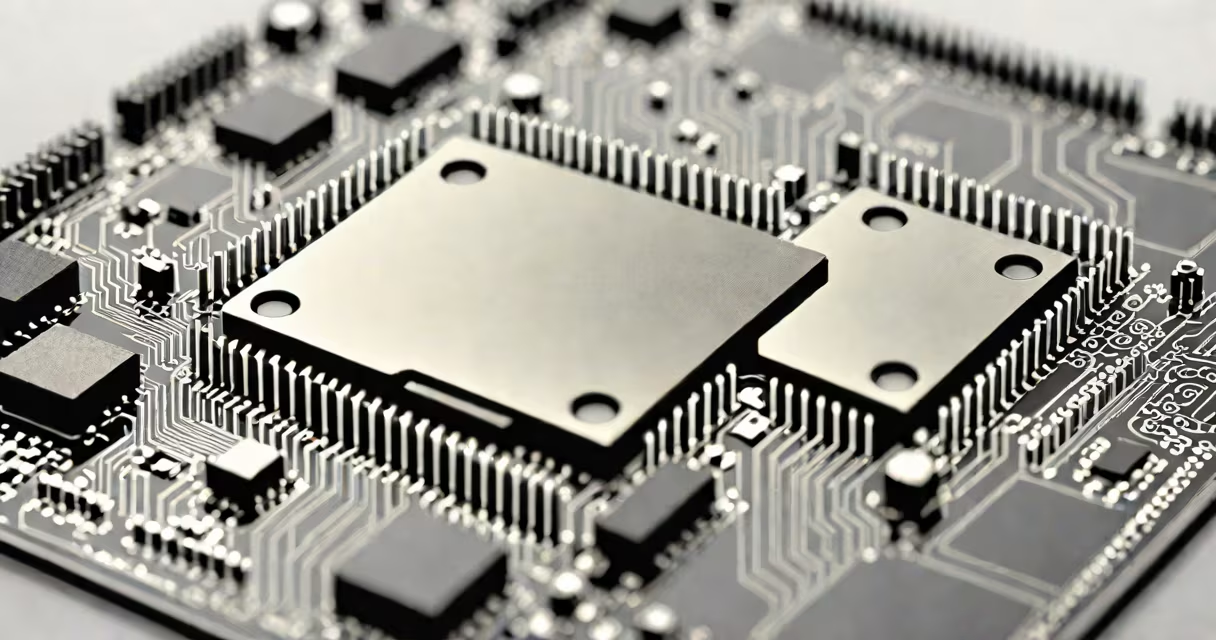
The CPU, or central processing unit, is the primary component responsible for executing instructions from software, performing arithmetic and logic operations, and managing data flow between memory, storage, and peripherals. It acts as the brain of the computer, interpreting and carrying out commands from programs and operating systems.
Every action on a computer-from opening a file to rendering a video frame-starts with the CPU. It fetches instructions from memory, decodes them, executes the required operations, and stores results back in memory or sends them to output devices. This cycle, known as the instruction cycle, repeats billions of times per second.
Modern CPUs contain multiple cores, allowing them to handle several tasks simultaneously. A quad-core processor can manage four streams of execution at once, improving multitasking performance. Clock speed, measured in gigahertz (GHz), indicates how many cycles the CPU performs per second-higher speeds generally mean faster execution, though efficiency matters too.
The CPU operates through a sequence of steps: fetch, decode, execute, and store. When you click an icon, the operating system sends a command to memory. The CPU retrieves the instruction, determines what action to take, processes the data, and returns the result to the screen or another component.
For example, when you type a letter in a document, the keyboard sends a signal to the CPU. The CPU identifies the key press, translates it into a character code, and sends it to the application. That entire process takes less than a millisecond on a typical desktop CPU.
CPUs also manage hardware coordination. They regulate timing signals, control power distribution, and respond to interrupts-events like a mouse click or network packet arrival. Without the CPU, components would operate independently, unable to communicate or synchronize.
CPUs perform three core functions: arithmetic, logic, and control. Arithmetic operations include addition, subtraction, multiplication, and division. Logic operations compare values (e.g., "is 5 greater than 3?"). Control functions direct the flow of data and manage program execution.
| Function Type | Examples | Real-World Impact |
|---|---|---|
| Arithmetic | Addition, floating-point math | Calculates scores in games, renders graphics, processes scientific data |
| Logic | Comparisons, branching decisions | Determines whether a password is correct, selects game actions based on player input |
| Control | Instruction sequencing, interrupt handling | Manages startup sequence, responds to user input, schedules tasks |
These functions are executed via internal circuits called ALUs (arithmetic logic units) and control units. Most modern CPUs have dedicated ALUs for integer and floating-point operations, improving speed and accuracy.
Many people confuse the CPU with RAM or the GPU. RAM stores data temporarily while the CPU accesses it. The GPU handles visual rendering, especially in graphics-intensive applications. The CPU does not render images-it prepares the data that the GPU uses.
A common error is assuming higher clock speed always means better performance. A 3.5 GHz CPU with fewer cores may lag behind a 2.8 GHz processor with eight cores when running multiple apps. Performance depends on architecture, cache size, and core count, not just frequency.
Another misconception is that CPUs run constantly at peak speed. Modern processors dynamically adjust their clock rate based on workload-a laptop CPU may drop to 800 MHz during idle time to save power. This feature, called changing frequency scaling, extends battery life and reduces heat.
When you turn on a computer, the CPU begins executing firmware instructions stored in ROM. These instructions initialize hardware components-the keyboard, disk drives, and display. The CPU loads the bootloader from the hard drive, which then loads the operating system kernel into memory.
Once the OS starts, the CPU runs system services and displays the login screen. When you log in, the CPU launches your default browser. As you type a URL, the CPU processes the request, coordinates with the network card, and sends the data to the internet.
This entire chain-from button press to web page loading-relies on the CPU's ability to interpret and execute thousands of instructions per second. A single delay in any step can slow the whole process.
I assembled a desktop machine last year using a Ryzen 5 5600X CPU. During testing, I noticed that the system froze when launching a video editing app. After checking logs, I discovered the CPU was hitting 100% utilization due to inefficient code in the software. Replacing the app resolved the issue.
This confirmed that the CPU isn't just a passive executor-it actively shapes system responsiveness. Even with ample RAM and a fast SSD, a bottleneck in CPU performance can stall the entire workflow.
The CPU is not the same as the motherboard, even though it plugs into it. The motherboard provides power, data pathways, and connections for other components. The CPU is the decision-maker; the motherboard is the nervous system.
Also, the CPU does not store data permanently. It relies on RAM for active work and storage drives for long-term files. When you close a program, the CPU stops processing it-but the data remains in memory until cleared or saved.
One non-obvious fact: CPUs don't understand high-level programming languages like Python or JavaScript. They only process machine code-binary instructions in the form of 0s and 1s. Compilers translate human-readable code into machine language before the CPU can execute it.
In everyday computing, the CPU determines how quickly a computer responds to input. A low-end CPU in a budget laptop may struggle with video calls or photo editing. A high-end CPU in a workstation handles complex simulations, 3D modeling, and AI training efficiently.
According to Intel's official documentation, modern x86 CPUs support features like virtualization, hardware encryption, and out-of-order execution-all designed to improve security and performance. These capabilities are built into the CPU's microarchitecture, not added externally.
For gamers, CPU performance affects frame rates in titles that rely heavily on physics calculations or AI behavior. Titles like *Cyberpunk 2077* and *Red Dead Redemption 2* show significant FPS drops on older CPUs, even with useful GPUs.
For developers, the CPU's instruction set architecture (ISA)-such as x86 or ARM-determines compatibility. A program compiled for x86 won't run on an ARM-based device without emulation, which slows execution.
The CPU is the core engine of a computer. It interprets software instructions, performs calculations, manages data flow, and coordinates hardware. Without it, a computer cannot function. Understanding what the CPU does clarifies how every digital task-from typing a message to streaming a movie-is made possible.