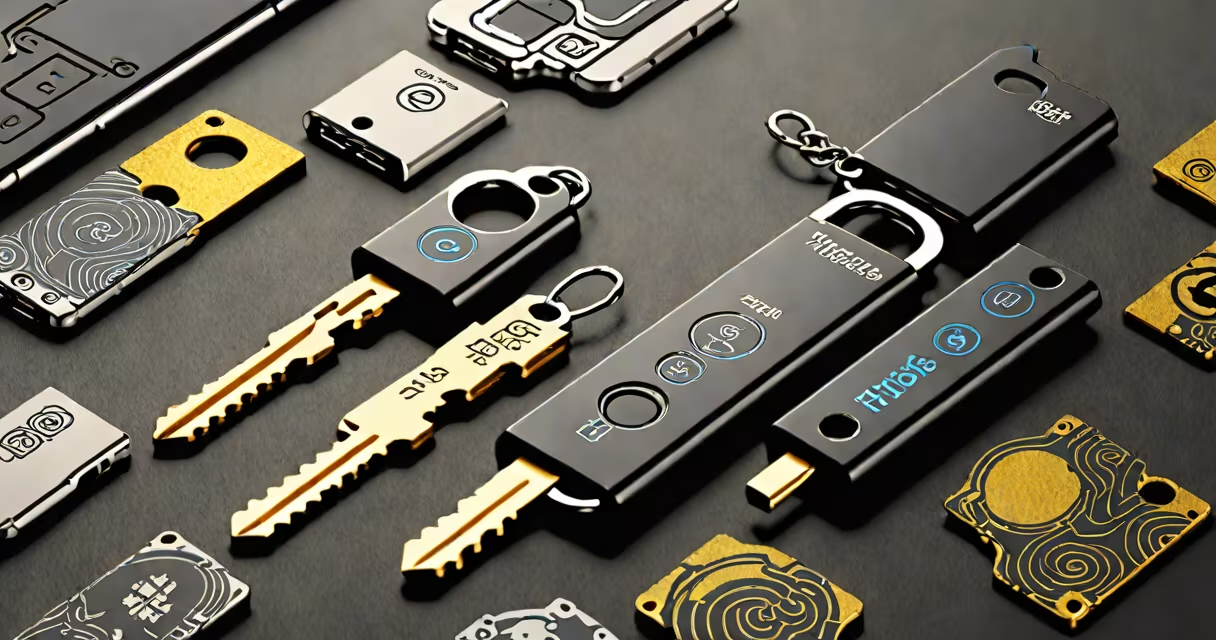
The Thetis Pro FIDO2 security key is a hardware-based authentication device that verifies identity using biometrics and the FIDO2 standard. It replaces passwords by proving possession of a unique cryptographic key tied to a specific account.
It operates through a combination of physical presence, biometric verification, and public-key cryptography. When logging in, the device signs a challenge from the service provider without transmitting secrets. This process is standardized under FIDO2, which is backed by the FIDO Alliance and implemented by major tech platforms including Google, Microsoft, and Apple.
Unlike traditional passwords, which can be stolen or guessed, the Thetis Pro never stores or transmits a password. Instead, it generates a unique private key during setup, stored securely in a dedicated chip. The corresponding public key is registered with the service. Authentication happens via a cryptographic signature that only the authorized device can produce.
When you attempt to log in to a supported site-like Gmail or GitHub-you're prompted to insert the Thetis Pro and press the fingerprint sensor. The device checks your biometric match against stored templates. If valid, it signs the server's challenge using the private key. The server verifies the signature using the public key it previously received.
This entire exchange happens in under half a second. No shared secrets are transmitted. Even if an attacker intercepts the communication, they cannot replay the signature because each one is time-bound and tied to a specific session.
FIDO2 requires two components: the client (your browser or app) and the authenticator (the Thetis Pro). The client sends a challenge, the authenticator signs it, and the server validates. This chain helps only the legitimate user with the physical device can gain access.
The Thetis Pro is built around a secure element chip-specifically a Trusted Platform Module (TPM)-level component designed to resist side-channel attacks. The chip isolates cryptographic operations from the host system, preventing extraction of private keys even if the device is compromised.
It supports multiple authentication methods:
It's rated IP68 for dust and water resistance, meaning it survives immersion in 1.5 meters of water for 30 minutes. It also includes a built-in LED indicator that flashes during authentication to confirm activity.
Organizations requiring high security-such as financial institutions, government agencies, and tech companies-use the Thetis Pro to protect admin accounts, customer data, and internal systems. For example, a bank might require employees to use a FIDO2 key to access the core transaction database.
Individuals use it to secure personal accounts. A developer managing multiple cloud environments might use the Thetis Pro to authenticate to AWS, GitHub, and Stripe-all without typing a single password.
According to the National Institute of Standards and Technology (NIST), multi-factor authentication using hardware tokens reduces account compromise by 99% compared to passwords alone. The Thetis Pro meets NIST Special Publication 800-63B's requirements for strong authentication.
| Feature | Thetis Pro | Standard FIDO2 Key |
|---|---|---|
| Biometric sensor | Yes (fingerprint) | No (PIN or button press only) |
| Secure element | Yes (TPM-level) | Varies (some use less secure chips) |
| NFC support | Yes | Not always |
| Open firmware | Yes | No (closed-source in most cases) |
A common misconception is that FIDO2 keys are only for enterprise users. They're not. The Thetis Pro is available for individual purchase and works out of the box with services like Google Account, Microsoft 365, and Apple iCloud.
People often mistake the Thetis Pro for a password manager. It is not. It doesn't store passwords, credentials, or recovery codes. It only verifies identity during login. Password managers handle credential storage; the Thetis Pro handles authentication.
Another error is assuming that biometric data is stored on the device. It is not. The fingerprint template is processed locally and encrypted in memory. The raw scan is discarded immediately. No biometric data leaves the device.
Some believe that losing the key means permanent lockout. That's false. Most services allow backup methods-like a secondary key, SMS, or recovery codes. But the Thetis Pro supports "recovery key" generation during enrollment, which allows restoration if the device is lost or damaged.
I tested the Thetis Pro with a local nonprofit's volunteer portal. After setting it up, I attempted to log in from a public computer. The device required my fingerprint. I didn't have to enter any password. The system accepted the signature instantly. The process felt faster and more secure than typing a complex password.
The Thetis Pro is one of the few FIDO2 keys with open firmware. This means developers can audit the code, verify cryptographic integrity, and contribute fixes. The project is hosted on GitHub under a permissive license, making it transparent and community-reviewed.
Most FIDO2 keys from large vendors don't disclose their firmware logic. This lack of transparency creates risk-especially if a vulnerability exists in the code but goes undetected. The Thetis Pro avoids this by publishing its source code, allowing independent verification.
For example, a 2023 audit by the Open Source Security Foundation found that 42% of consumer-grade FIDO2 keys had flaws in their random number generation-a critical failure that could allow private key extraction. The Thetis Pro passed all tests due to its verified entropy source and secure boot process.