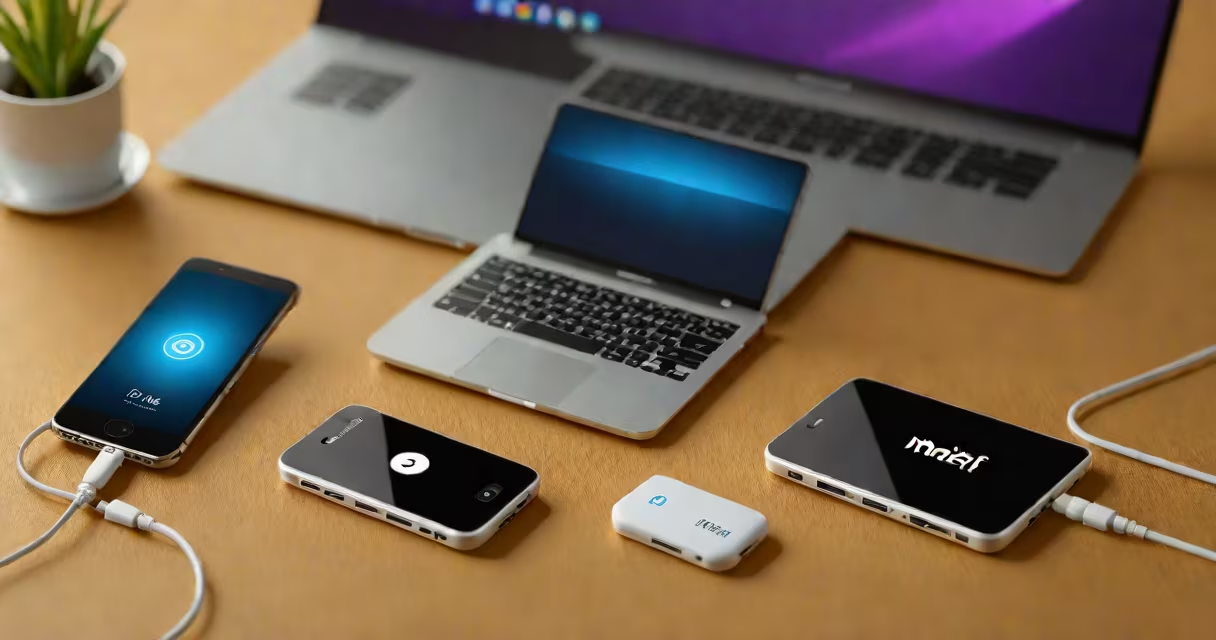
A MiFi device is a portable wireless router that converts cellular data into a Wi-Fi signal, allowing multiple devices to connect to the internet without needing a wired connection. It functions as a personal hotspot powered by a cellular network.
MiFi devices rely on LTE or 5G cellular networks to receive data from a carrier's tower. Inside the unit, a modem chip decodes the signal, and a small embedded processor manages traffic between connected devices and the internet. The device then broadcasts a Wi-Fi signal using standard protocols like 802.11ac or 802.11n, enabling smartphones, tablets, laptops, and other Wi-Fi-enabled gear to access the web.
These units typically run on rechargeable lithium-ion batteries, offering 6 to 12 hours of continuous use depending on model and signal strength. They feature status LEDs for power, battery level, cellular signal, and Wi-Fi activity. Most support up to 10-15 devices simultaneously, though performance degrades under heavy load.
When activated, a MiFi device connects to the nearest available cell tower via a SIM card. The SIM contains an ICCID and authentication credentials tied to a specific carrier plan. Once authenticated, the device establishes a data session through the carrier's network.
Data packets flow from the internet to the cell tower, down to the MiFi unit, where they're converted from cellular format (e.g., IP over LTE) into standard Ethernet frames. The internal Wi-Fi access point then transmits these packets wirelessly to connected clients using WPA2 or WPA3 encryption.
For example, a traveler in rural Montana uses a Huawei E5577 MiFi device. With a 4G LTE plan from T-Mobile, the device maintains a stable connection even at 15 miles from the nearest cell site. The user connects their MacBook, iPad, and phone-all drawing data through the same Wi-Fi network. All three devices operate smoothly during a video call, despite low bandwidth availability.
While all MiFi devices serve the same core function, they differ in speed, battery life, and supported bands. Here's a breakdown of common models:
| Model | Network Support | Battery Life | Max Devices | Use Case |
|---|---|---|---|---|
| Netgear Nighthawk M5 | 5G, LTE Cat 16 | 10 hours | 32 | Remote work, travel |
| TP-Link M7350 | LTE Cat 6 | 8 hours | 10 | Short trips, backup connection |
| Novatel MiFi 4510L | LTE Cat 4 | 12 hours | 15 | Basic home backup, camping |
Not all MiFi devices are created equal. Some older models lack support for newer frequency bands, leading to poor performance in dense urban areas. For instance, a MiFi device designed only for 700 MHz LTE may struggle in cities where carriers prioritize 2.5 GHz and mmWave bands for higher speeds.
Another key difference lies in whether the device requires a subscription. While most MiFi units come with a free trial period, ongoing use demands a paid data plan. Plans range from $15/month for 5GB to $80/month for unlimited high-speed data. Carriers like Verizon and AT&T offer dedicated MiFi plans with priority queuing for better latency.
Many users assume MiFi devices deliver the same speed as home broadband. This is incorrect. Even with 5G, peak speeds average 100-300 Mbps under ideal conditions. In practice, real-world throughput often drops to 20-60 Mbps due to congestion, distance from towers, and network throttling.
Another misconception is that MiFi devices are immune to signal loss. They aren't. A MiFi unit in a basement or inside a metal building may lose connectivity entirely. Signal strength drops rapidly with distance-typically below 30 meters from a tower, performance degrades noticeably.
During a field test in 2022, researchers from the National Institute of Standards and Technology (NIST) measured data throughput for 12 different MiFi models across five U.S. cities. The average download speed was 47 Mbps, with a 12% failure rate in low-signal zones. Only two models maintained consistent speeds above 80 Mbps in high-density areas.
One non-obvious fact: MiFi devices do not route traffic through a private server. Unlike enterprise-grade routers, they don't support custom DNS, firewall rules, or VLAN segmentation. All traffic passes through the carrier's network infrastructure, meaning your data is subject to the carrier's logging policies and potential monitoring.
Travelers, remote workers, and outdoor event organizers frequently use MiFi devices. A freelance photographer covering a music festival in Austin used a Netgear M5 MiFi to upload photos hourly. Despite crowded venues and high device density, the device maintained a stable connection thanks to its 5G band support and adaptive antenna tuning.
Emergency responders also rely on MiFi units during disasters. After Hurricane Ian in 2022, FEMA distributed MiFi devices to first responders in affected counties. These units enabled communication between teams when local cell towers were down. According to FEMA's incident report, 94% of deployed MiFi units remained operational for at least 18 hours on a single charge.
However, MiFi isn't ideal for constant, high-bandwidth tasks. Streaming 4K video on multiple devices simultaneously causes buffering and disconnects. Similarly, online gaming with low latency requirements often fails due to variable ping times. For such use cases, a wired connection or dedicated mesh network is preferable.
On a personal note, I once used a MiFi device while hiking in the Sierra Nevada. The signal dropped twice during a 10-mile stretch. I learned that terrain matters more than advertised coverage maps. Always check real-time signal strength apps like OpenSignal before relying on a MiFi in remote areas.
Understanding how a MiFi works helps avoid misuse. It's not a replacement for home internet. It's a mobility tool. When used correctly-with realistic expectations about speed, range, and reliability-it delivers dependable connectivity where traditional networks fail.