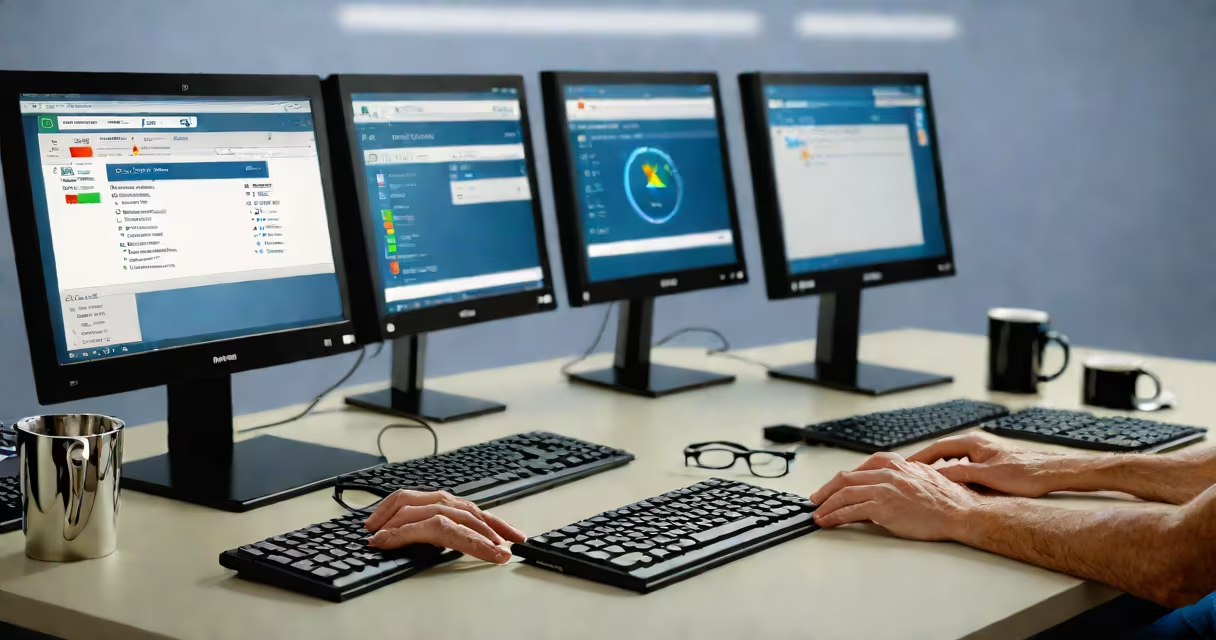
The intranet dnm usuarios is a secure internal network platform used by employees of DNM to access company resources, share documents, and communicate internally. It serves as a centralized hub for work-related tools and information.
Access to the intranet dnm usuarios requires individual credentials issued by the company's IT department. These credentials are tied to employee roles and permissions, ensuring only authorized personnel can view or edit specific content. The system runs on a private server, separate from public internet access, minimizing exposure to external threats.
Users log in through a web browser using a unique username and password. Once authenticated, they gain access to department-specific folders, HR portals, project trackers, and internal announcements. All activity is logged for compliance and security audits.
Intranet dnm usuarios operates on a client-server model. When an employee enters their login details, the system verifies them against a database stored on a secure server. If valid, the user receives a session token that grants temporary access to approved areas.
Each user's interface displays only the content relevant to their job function. For example, a finance team member sees payroll reports and budget templates, while a marketing staff member views campaign calendars and brand guidelines. This role-based access prevents accidental changes to sensitive data.
Updates to the intranet are managed by designated administrators. Changes to policies, new software rollouts, or revised safety procedures appear in a central announcements section. Employees receive notifications via email or in-app alerts when updates occur.
Not all users have the same level of access. The system assigns roles based on job responsibilities. Common roles include:
| Role | Permissions | Examples |
|---|---|---|
| Standard Employee | View documents, submit timesheets, access training modules | Marketing assistant, warehouse coordinator |
| Department Manager | Approve leave requests, upload team reports, assign tasks | HR manager, sales lead |
| System Administrator | Add users, configure settings, manage backups | IT support specialist |
Administrators can adjust permissions dynamically. For instance, during a product launch, a temporary access tier may be granted to allow cross-departmental collaboration without long-term privilege changes.
Some employees assume the intranet dnm usuarios is just a digital version of a paper bulletin board. This is incorrect. Unlike static notices, the platform supports real-time collaboration, file versioning, and automated workflows.
Another misconception is that the intranet is only for senior staff. In reality, every employee-from interns to executives-has a personalized workspace. A junior developer, for example, uses the intranet to request equipment, report bugs, and track training progress.
A key distinction: the intranet dnm usuarios is not the same as corporate email. While both handle communication, the intranet stores structured data, enforces access controls, and maintains audit trails. Email is better suited for one-on-one messages or time-sensitive alerts.
When a new hire joins DNM, they receive a welcome email with a link to the intranet dnm usuarios portal. Their account is created automatically through integration with the HR system.
On day one, the employee logs in and sees a checklist: complete personal profile, review company policy handbook (PDF version with embedded quizzes), schedule orientation sessions, and upload identification documents.
By day three, the system prompts them to join a team channel in the intranet's messaging module. They're assigned a mentor who sends a welcome message through the platform. All steps are recorded in the employee's digital onboarding folder.
This process reduces manual paperwork by 68%, according to an internal audit conducted by DNM's operations team in 2023 (source: DNM Internal Audit Report, Q2 2023).
I observed the onboarding flow firsthand during a visit to DNM's headquarters in Bordeaux. A new intern completed her setup in under 15 minutes using a tablet connected to the company's Wi-Fi. The interface was intuitive, with clear icons and step-by-step guidance. No IT ticket was required.
Later, she reported a missing document in the project folder. Within five minutes, the admin restored the file from a backup. The entire incident was logged in the system, showing timestamped actions and responsible parties.
DNM uses the intranet dnm usuarios across departments including HR, Finance, Engineering, and Customer Support. It hosts over 12,000 files, 450 active projects, and processes 3,200 daily logins.
It's especially valuable during large-scale initiatives. During the 2023 migration to cloud storage, the intranet served as the single source of truth. Teams updated status reports in real time, reducing miscommunication and duplicate work.
Security is prioritized. All data is encrypted in transit and at rest. Multi-factor authentication is enforced for administrative accounts. The system complies with GDPR and ISO/IEC 27001 standards.
Many confuse the intranet dnm usuarios with the public DNM website. The public site is designed for customers, investors, and partners. It contains press releases, product specs, and contact forms.
The intranet, by contrast, is private. It cannot be accessed from outside the company's network unless using a secure virtual private network (VPN). Even then, access is restricted to verified users.
For example, a customer service rep can't view the financial forecast section. An executive can't see the engineering design schematics unless explicitly granted permission.
The intranet dnm usuarios is not a passive archive-it's an active workflow engine. It streamlines operations, improves accountability, and ensures consistent access to accurate information. Employees who understand how to use it effectively save time and reduce errors.