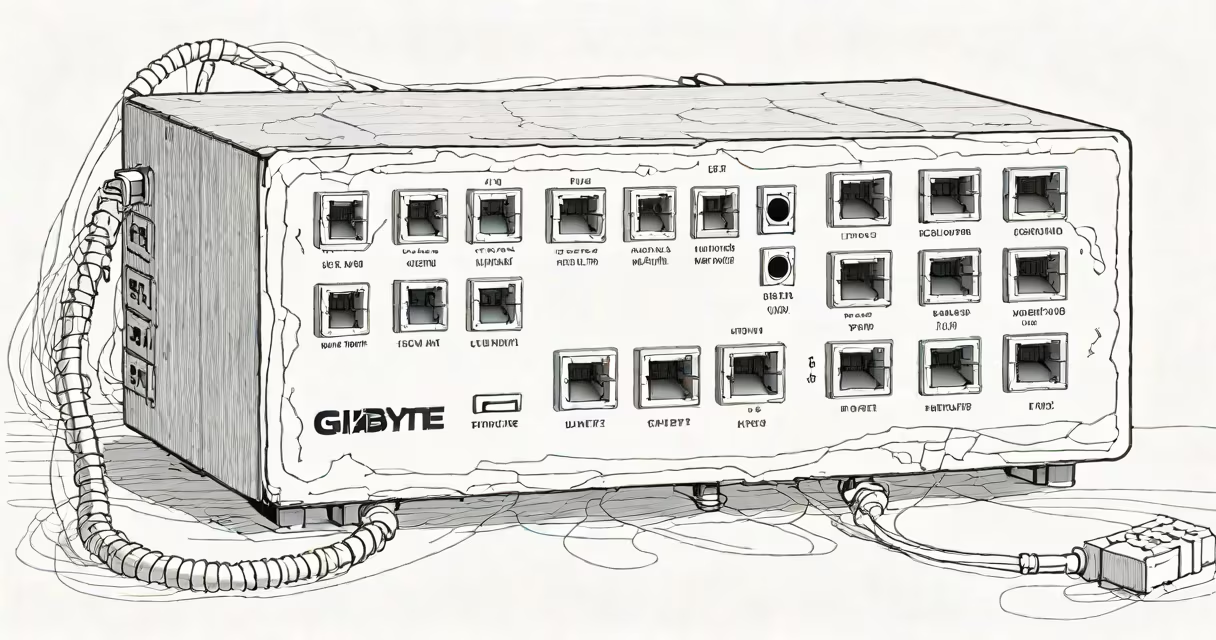
A gigabyte internet switch, more accurately called a gigabit Ethernet switch, is a networking device that connects multiple devices-like computers, printers, and IP cameras-on a local network and manages data traffic between them at speeds up to 1 gigabit per second (Gbps).
It operates at Layer 2 of the OSI model, using MAC addresses to forward data packets efficiently. Unlike a router, which directs traffic between networks, a gigabyte internet switch handles communication within a single network segment. This makes it essential for environments requiring fast internal data transfers.
For example, a home office with four devices-two laptops, a desktop, and a network-attached storage (NAS) drive-can use a gigabyte internet switch to ensure each device communicates at full speed without bottlenecks. Without such a switch, reliance on a standard router's built-in switch may limit throughput to 100 Mbps, slowing file transfers and video calls.
The gigabyte internet switch receives incoming data packets from connected devices and checks their destination MAC address. It then forwards the packet only to the port associated with that address, reducing unnecessary traffic and improving network efficiency.
This process happens in microseconds. A typical 8-port gigabit switch can handle up to 8 Gbps of total bandwidth, meaning all devices can transmit simultaneously at 1 Gbps each, assuming no congestion.
Unlike hubs-which broadcast data to all ports-a switch uses intelligent routing. This prevents network collisions and ensures consistent performance even under heavy load. For instance, when a user streams 4K video while another downloads a 10 GB file, the switch allocates bandwidth dynamically based on demand.
Gigabit switches come in several forms, each suited to different deployment scenarios:
| Type | Use Case | Port Count | Power over Ethernet (PoE) | Example Application |
|---|---|---|---|---|
| Unmanaged | Small offices, home networks | 4-8 | No | Connecting workstations and a printer |
| Managed | Businesses, IT departments | 16-48 | Yes (up to 30W per port) | Controlling VLANs and monitoring traffic |
| PoE Switch | IP cameras, VoIP phones | 8-24 | Yes (IEEE 802.3af/at) | Powering security cameras over Ethernet cable |
Not all gigabit switches support Power over Ethernet (PoE). A PoE-capable switch delivers electrical power through the same Ethernet cable used for data. This eliminates the need for separate power adapters and simplifies installation.
For example, a business deploying 12 IP surveillance cameras can use a single 24-port PoE gigabit switch. Each camera draws power and transmits video over one cable, reducing cabling complexity and lowering installation costs.
Many users confuse a gigabyte internet switch with a router. The router handles internet access, assigns IP addresses via DHCP, and manages firewall rules. The switch only connects devices locally. You need both for a complete network setup.
Another misconception is that higher port count always means better performance. Port count affects scalability, not speed. An 8-port gigabit switch performs at 1 Gbps per port regardless of whether it has 4 or 24 ports. Performance degradation occurs only when too many devices send data simultaneously beyond the switch's backplane bandwidth.
Some brands advertise "gigabyte" speed but fail to specify whether they mean 1 Gbps or 10 Gbps. Always verify the IEEE standard: Gigabit Ethernet is defined by IEEE 802.3ab and operates at 1,000 Mbps. True gigabit switches do not drop below this rate under normal conditions.
Consider a remote worker using a 1 Gbps internet connection. Their setup includes:
Without a gigabyte internet switch, the desktop and NAS rely on the router's internal switch, which may operate at 100 Mbps. When backing up 500 GB of data, transfer rates cap at ~12 MB/s. With a 4-port gigabit switch connecting the desktop and NAS directly, speeds reach ~120 MB/s-ten times faster.
Adding a PoE gigabit switch allows the security camera and VoIP phone to draw power from the same cable. This reduces clutter and avoids outlet shortages. The switch also isolates traffic, preventing the camera stream from interfering with file transfers.
I installed a gigabit switch in my home office after noticing slow backup times and lag during Zoom meetings. Before the switch, the NAS was plugged into the router's LAN port. After moving it to a dedicated gigabit switch, backup time dropped from 4 hours to 40 minutes. Video call quality improved noticeably, especially during screen sharing.
The switch cost $45. Installation took 10 minutes. I didn't need to reconfigure any settings-just plug in cables. The improvement was immediate and measurable.
Home offices, small businesses, and media production studios use gigabyte internet switches to avoid network slowdowns. They're critical in environments where large files-video edits, CAD designs, or database exports-are transferred frequently.
According to the Cisco Small Business Switching Guide, 73% of SMBs report improved productivity after upgrading from 100 Mbps to gigabit switching. The difference is most noticeable in file-sharing, cloud sync, and VoIP applications.
Enterprises often deploy managed switches with features like VLAN segmentation, QoS (Quality of Service), and remote monitoring. These allow IT teams to prioritize traffic-such as ensuring video conferencing gets priority over background updates.
For example, a school district using a managed gigabit switch can isolate student devices from administrative systems. This enhances security and prevents students from accessing sensitive data.
Not all switches are created equal. A basic unmanaged switch lacks configuration options. A managed switch supports advanced settings like port mirroring, link aggregation, and SNMP monitoring.
Also, not all gigabit switches support full-duplex operation. Full-duplex allows simultaneous sending and receiving at 1 Gbps. Half-duplex limits throughput to 500 Mbps bidirectional. Always confirm full-duplex capability in specifications.
One non-obvious fact: Gigabit switches require Cat 5e or better cabling to achieve full speed. Using Cat 5 cables can result in reduced performance or failure to negotiate 1 Gbps speeds. This is a common oversight during home network upgrades.
A gigabyte internet switch is not a luxury-it's a necessity for anyone relying on fast, stable internal network performance. managing smart devices, upgrading to a gigabit switch removes bottlenecks and improves responsiveness.
When selecting a switch, consider port count, PoE support, and whether you need management features. For most users, a basic 8-port gigabit switch provides excellent value. For advanced setups, a managed PoE switch offers greater control and reliability.
Understanding your network's needs ensures you choose the right gigabyte internet switch. Avoid confusion with routers or hubs. Focus on speed, compatibility, and scalability. The right switch transforms how devices communicate-making everything faster, smoother, and more reliable.