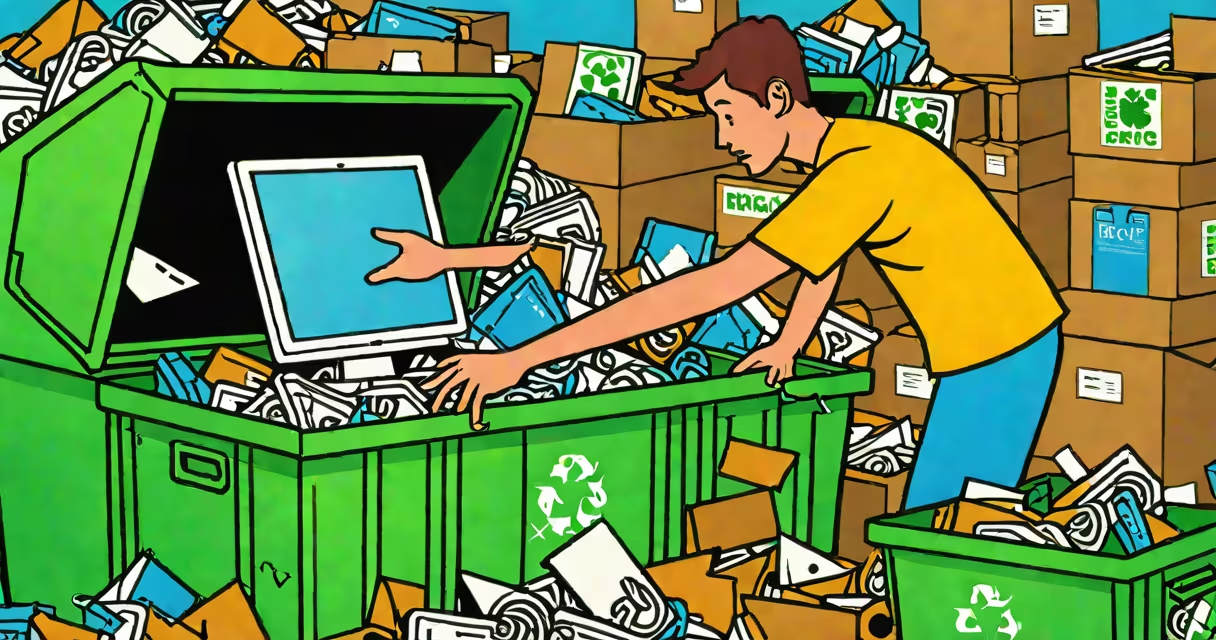
A broken monitor is a functional failure in a display device that prevents proper image output, often due to physical damage, electrical faults, or internal component failure. It may show no image, distorted visuals, flickering, or permanent dead pixels.
When a monitor fails, immediate action is needed to avoid further damage or data loss. The device may still contain sensitive electronics, and improper disposal contributes to environmental harm. Common causes include power surges, dropped impacts, overheating, or aging components.
According to the Environmental Protection Agency (EPA), over 250 million electronic devices are discarded annually in the U.S., many containing hazardous materials like lead and mercury. Proper handling reduces pollution and supports resource recovery.
Start by testing the monitor with a different video source-another computer, laptop, or gaming console. Use a known-working cable and check the input port selection (HDMI, DisplayPort, VGA).
If the screen remains blank or shows artifacts, the issue likely lies within the monitor itself. Look for visible signs: cracks, burn marks on the casing, bulging capacitors on the circuit board, or a burnt smell. These indicate hardware failure.
For example, a Dell UltraSharp U2723QE monitor failed after a power surge. The backlight remained on, but the image was completely black. A technician confirmed the inverter board had shorted, requiring replacement.
Repair is viable only if the fault is isolated and parts are available. Internal issues like capacitor failure, loose ribbon cables, or failing inverters can sometimes be fixed by experienced technicians.
Common repairable issues include:
However, most modern monitors use integrated designs with soldered components. Replacing a single part may require specialized tools and micro-soldering skills. Repair costs often exceed 50% of a new monitor's price.
One user replaced a faulty capacitor on a 2015 HP Z27n monitor using a $15 soldering iron and a $3 replacement part. The screen returned to normal after 45 minutes of work. But this required prior electronics experience.
Monitors contain toxic materials and valuable metals. The EPA mandates that CRT and LCD screens be processed through certified e-waste recyclers. Improper disposal risks soil and water contamination.
Many retailers offer take-back programs. Best Buy accepts old monitors at any store location, free of charge. Staples provides drop-off bins at select locations. Local governments often host annual e-waste collection events.
Use the EPA's Safer Choice E-Waste Program to find nearby certified facilities. These facilities dismantle monitors safely, recover plastics, glass, copper, and rare earth elements.
| Disposal Method | Cost | Environmental Impact | Best For |
|---|---|---|---|
| Certified e-waste recycler | Free to low-cost | Low - safe material recovery | Most monitors, especially older models |
| Retailer take-back (e.g., Best Buy) | Free | Low - compliant with federal standards | Newer models, brand-specific units |
| Landfill (not recommended) | None | High - releases lead, cadmium, brominated flame retardants | Never |
Do not disassemble a monitor unless trained. Capacitors can hold a lethal charge even when unplugged. One incident in 2022 involved a DIY repairer who suffered burns after touching a capacitor in a 24-inch LG monitor.
If repair is too costly and recycling isn't accessible, consider repurposing the monitor's components. The screen glass can be used in art projects. The plastic casing may serve as storage or craft material.
Some users convert old monitors into digital photo frames. By connecting them to a Raspberry Pi or small media player, they display rotating images. This extends the device's life and reduces waste.
Another option is donating to schools, nonprofits, or community centers. Organizations like Creative Garden accept working or partially functional monitors for educational use. Even a non-functional unit may be used for parts training.
Some people sell broken monitors as scrap. Online marketplaces list "for parts" listings under $20. However, buyers expect the device to be fully dismantled and shipped in bulk. This requires time and effort.
Many assume that a dead monitor is irreparable. This is false. Some failures stem from software glitches or incorrect settings. Resetting the monitor to factory defaults via button combinations (e.g., pressing Menu + Power for 10 seconds) can restore function.
Others confuse "broken" with "outdated." A monitor may still work but lack modern features like HDR or high refresh rates. Such devices are not broken-they're obsolete. They should be evaluated based on performance needs, not failure.
Another error is treating all monitors the same. CRTs (cathode ray tubes) are heavier, contain more lead, and require special handling. Flat panels (LCD/LED/OLED) have different internal structures and disposal rules. Always verify the model type before acting.
For example, a 2008 Sony Trinitron CRT monitor weighed 65 pounds and contained 4.5 kg of lead oxide. It cannot be thrown in regular trash. It must be processed by a facility licensed for CRT disposal.
When faced with a broken monitor, follow this decision flow:
Never discard a monitor in household trash. The Environmental Protection Agency reports that improper e-waste disposal contributes to groundwater contamination in over 120 U.S. communities.
Understanding what to do with a broken monitor ensures safety, compliance, and environmental responsibility. Whether you choose repair, recycling, or reuse, the correct path protects both your data and the planet.