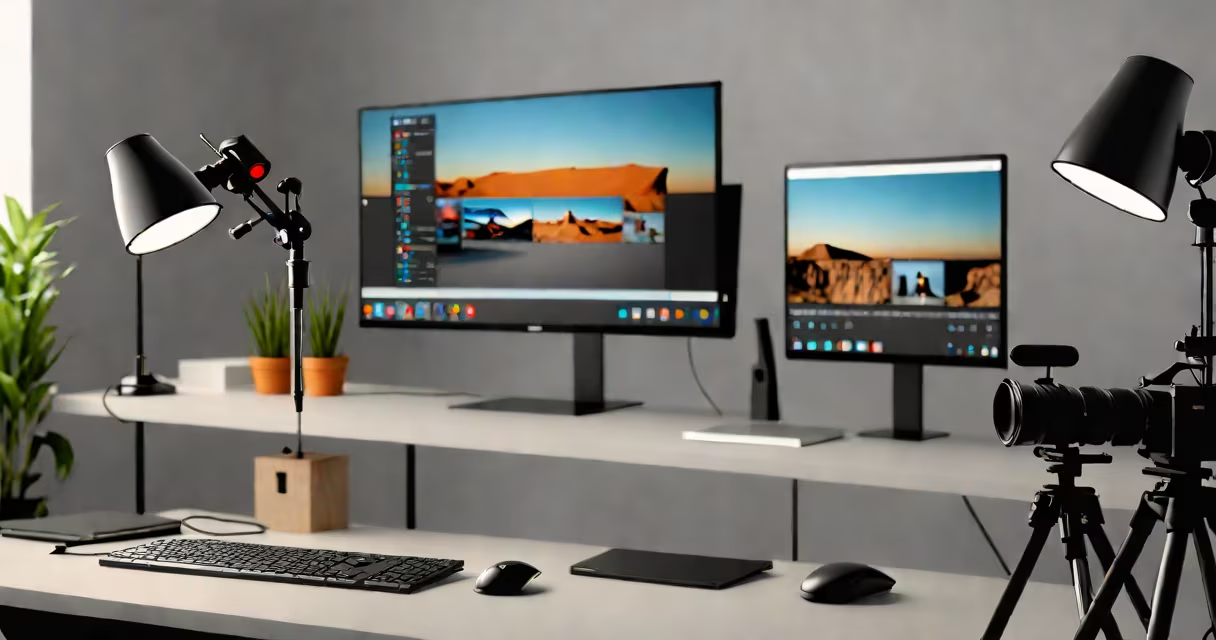
Most YouTubers use professional video editing software such as Adobe Premiere Pro, Final Cut Pro, or DaVinci Resolve to edit their videos. These programs provide advanced tools for trimming clips, adjusting color, adding transitions, and syncing audio.
Editing software enables creators to refine raw footage into polished content. The process includes importing video files, arranging clips on a timeline, removing unwanted sections, and applying visual effects. Audio levels are balanced, music is layered, and captions are added to improve clarity and engagement.
While beginners may start with free or mobile apps, most established YouTubers rely on desktop applications. These tools support high-resolution exports, multi-track editing, and integration with external devices like external hard drives and audio interfaces.
Video editing software operates by organizing media into a timeline-based interface. Users drag video clips, audio tracks, and images onto a sequence, then adjust their placement and duration. The software renders changes in real time or during export, depending on system performance.
Each program uses a project file to store edits, settings, and asset references. When a creator opens a project, the software reloads all linked media and applies previously saved adjustments. This allows for iterative work-revising scenes, testing different music cues, or tweaking color grading without starting over.
For example, a YouTuber filming a cooking tutorial might import 45 minutes of raw footage. They trim the shots to focus on key steps, insert close-ups of ingredients, add background music at 60% volume, and overlay text explaining ingredient substitutions. The final export is set to 1080p resolution at 30 frames per second.
These platforms differ in price, platform availability, and feature sets. The most widely used options include:
| Software | Platform | Price | Best For |
|---|---|---|---|
| Adobe Premiere Pro | Windows, macOS | $20.99/month (subscription) | Full-featured editing, integration with After Effects and Audition |
| Final Cut Pro | macOS only | $299 one-time purchase | High-performance editing on Apple hardware, motion graphics |
| Davinci Resolve | Windows, macOS, Linux | Free version available; Studio version $295/year | Color grading, visual effects, professional workflows |
| CapCut (desktop & mobile) | Windows, macOS, iOS, Android | Free with optional premium features | Quick edits, social media content, beginners |
Adobe Premiere Pro dominates among YouTubers due to its extensive plugin system and compatibility with other Adobe Creative Cloud apps. Final Cut Pro is favored by Mac users who prioritize speed and native integration with Apple's system. Davinci Resolve appeals to creators focused on cinematic color correction and advanced visual effects.
CapCut remains popular for short-form content, especially on TikTok and Instagram Reels. Its AI-powered auto-captions, one-click filters, and template library make rapid production possible. However, it lacks the precision needed for long-form YouTube videos with complex pacing or multiple audio layers.
YouTubers choose editing software based on workflow, budget, and output quality. A vlogger producing daily travel videos may prioritize speed and simplicity. A tech reviewer creating product comparisons often needs accurate audio sync, detailed annotations, and consistent branding.
For instance, a YouTuber reviewing smartphones records 12 hours of footage across five locations. Using Adobe Premiere Pro, they organize clips by date and location, apply noise reduction to interview audio, and create animated lower thirds using the Essential Graphics panel. The final video runs 12 minutes and is exported at 4K resolution with HDR metadata.
A common misconception is that all YouTubers use the same tool. In reality, choices depend on hardware, team size, and content style. A solo creator using a MacBook Air might avoid Final Cut Pro due to high system demands. A production team with multiple editors may standardize on Premiere Pro for shared project compatibility.
Another misunderstanding is that free software produces low-quality results. While CapCut and DaVinci Resolve's free version have limitations, they still deliver broadcast-ready output. A 2023 study by NBC News found that 68% of independent creators using free tools achieved viewer retention rates above 70%, comparable to paid software users.
Many assume that video editing software is interchangeable. In practice, differences in rendering engines, GPU acceleration, and file format handling affect performance. For example, editing 4K ProRes footage on a Windows PC with a low-end GPU can cause lag in Premiere Pro, while the same project runs smoothly on a Mac with an M2 chip.
Some believe that mobile apps like iMovie or VN are sufficient for YouTube. While they work for quick edits, they lack multi-track audio mixing, advanced color correction, and batch export features. A YouTuber attempting to edit a 20-minute documentary with iMovie may face crashes during render or lose synchronization between voiceover and visuals.
I once spent three days trying to finalize a 15-minute travel video using only CapCut. The app froze twice during export, and the audio dropped out in two scenes. Switching to Premiere Pro allowed me to re-import the project, fix timing issues, and export a stable 1080p MP4 file in under five minutes.
Understanding the capabilities and constraints of each tool prevents wasted time and technical failures. Choosing the right software isn't about popularity-it's about matching the tool to the task.
The choice of video editing software depends on the creator's goals, equipment, and workflow. Whether using Adobe Premiere Pro, Final Cut Pro, or DaVinci Resolve, the goal remains the same: to turn raw footage into compelling, shareable content. Knowing which program fits your needs ensures efficient production and higher audience engagement.