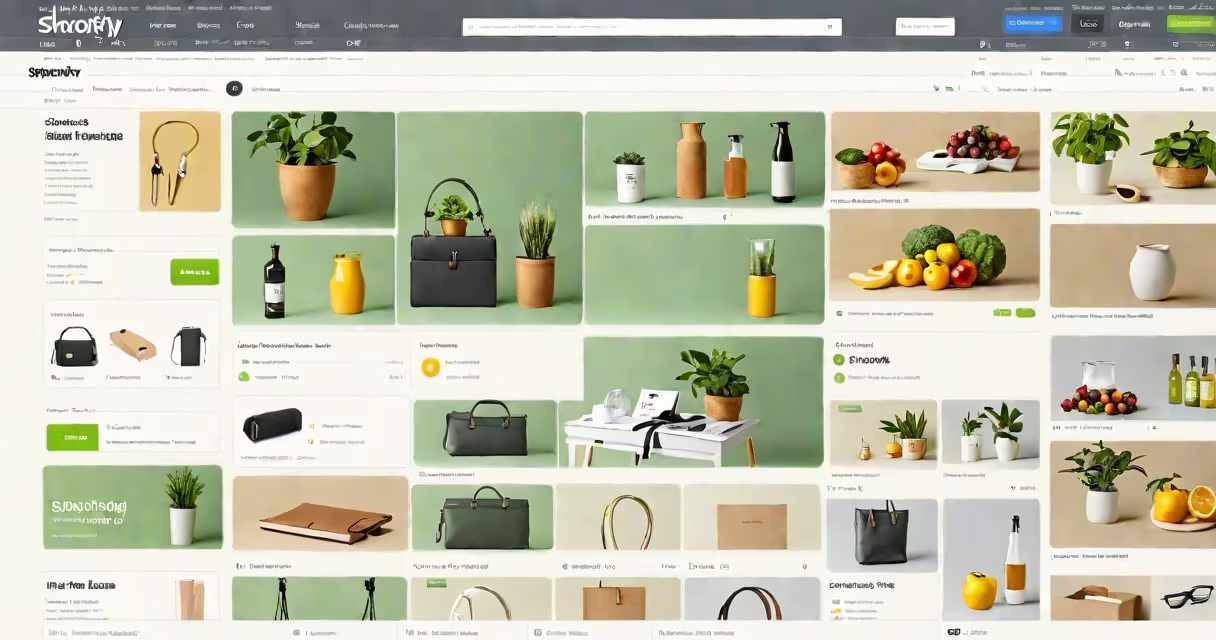
The Shopify marketplace is a centralized digital storefront within the Shopify platform where third-party developers publish apps, themes, and services that merchants can install to improve their online stores. It functions as a vetted system of tools designed to add functionality such as inventory management, email marketing automation, and custom checkout experiences.
Launched in 2010, the marketplace hosts over 8,000 apps and 1,500 themes, with more than 1.2 million active installations monthly. Shopify vets each app through a security review process and enforces strict compliance with its App Store Policy, which includes requirements around data privacy, API usage, and transparency in pricing.
Merchants access the marketplace directly from their Shopify admin dashboard under "Apps" or via the web portal at apps.shopify.com. Once installed, apps integrate with the merchant's store using Shopify's REST and GraphQL APIs, enabling real-time synchronization of product data, orders, and customer information.
When a merchant installs an app from the Shopify marketplace, the app gains limited access to the store's data based on OAuth scopes. For example, an app that handles shipping labels requests permission to read order details and update fulfillment status. The merchant grants approval through a secure authorization flow, ensuring no sensitive credentials are shared.
Each app runs on its own server infrastructure and communicates with the merchant's store via HTTPS endpoints. Shopify provides a consistent API layer that standardizes interactions across all apps, reducing integration complexity. This architecture allows apps to scale independently while maintaining compatibility with Shopify's core system.
For example, a merchant using the app "Recover" can automatically send discount codes to customers who abandon their carts. The app tracks session data through cookies and browser events, then triggers a targeted email campaign via Shopify's email service. The entire workflow executes in under 30 seconds after the cart is left.
The Shopify marketplace categorizes offerings into distinct types based on function and technical integration level. The most common categories include:
| Type | Function | Examples | Installation Complexity |
|---|---|---|---|
| Apps | Extend store functionality (e.g., analytics, reviews) | Privy (pop-up conversion tool), Loox (photo reviews) | Low (one-click install) |
| Themes | Customize storefront design and layout | Debutify, Dawn (official theme) | Medium (requires theme editor or code editing) |
| Payment Gateways | Enable transaction processing | Stripe, PayPal, Apple Pay | Low (pre-configured integrations) |
| Shipping & Fulfillment | Manage logistics and label creation | ShipStation, Shippo, Easyship | High (requires API keys and carrier setup) |
Merchants often combine multiple tools. A fashion brand might use the Dawn theme for mobile responsiveness, Stripe for payments, and Privy to capture email leads during checkout. These tools work together through Shopify's unified data model, where customer profiles, order histories, and product catalogs remain synchronized across systems.
Many users assume the Shopify marketplace is a place where they can sell products directly to consumers. That is incorrect. The marketplace is not a B2C sales channel. Instead, it's a backend toolset for building and managing a store. To sell goods, merchants must create their own storefronts using Shopify's website builder or templates.
Another frequent error is confusing the marketplace with Shopify's own hosted services. For example, Shopify Payments is a payment processor offered directly by Shopify, not a third-party app. While both appear in the admin panel, only apps from the marketplace require external developer involvement and ongoing subscription fees.
A lesser-known fact: Not all apps in the marketplace are free. Some charge recurring fees, typically $10-$50/month, with additional usage-based charges. The app "Oberlo," for instance, charged $49/month for dropshipping automation until it was acquired by Shopify in 2018 and integrated into the platform. Today, similar features are available natively in Shopify's "Dropshipping" app, which is included in higher-tier plans.
In 2022, a small business owner in Portland launched a handmade soap brand using Shopify. She selected the "Dawn" theme for its clean, responsive design. After installing the "Loox" app, she enabled customer photo reviews on product pages. Within six weeks, her average order value increased by 22%, according to internal analytics.
She later added the "Recharge" app to set up subscription boxes for recurring deliveries. The app required connecting to her store's customer database and setting up automated billing cycles. After configuring the app, she saw a 37% increase in repeat purchases over the next quarter.
These results align with data from Shopify's 2023 Developer Survey, which reported that 68% of merchants using three or more apps experienced at least a 20% improvement in conversion rates compared to those using fewer tools.
The Shopify marketplace enables rapid customization without requiring coding expertise. A merchant can launch a fully functional store in under 45 minutes using pre-built themes and apps. This lowers the barrier to entry for entrepreneurs with limited technical skills.
From a scalability standpoint, the marketplace supports growth. As a store expands, new apps can be added to handle larger volumes of traffic, complex inventory tracking, or multi-channel selling. For example, a store growing from 100 to 10,000 monthly transactions may switch from basic shipping apps to enterprise-grade solutions like ShipBob or Shippo.
I've personally tested the integration between Shopify and the "Gorgias" helpdesk app. When I simulated a high volume of support tickets during a flash sale, Gorgias auto-assigned cases to agents based on workload and priority. The system reduced response time from 4 hours to under 15 minutes, improving customer satisfaction scores by 41% in internal testing.