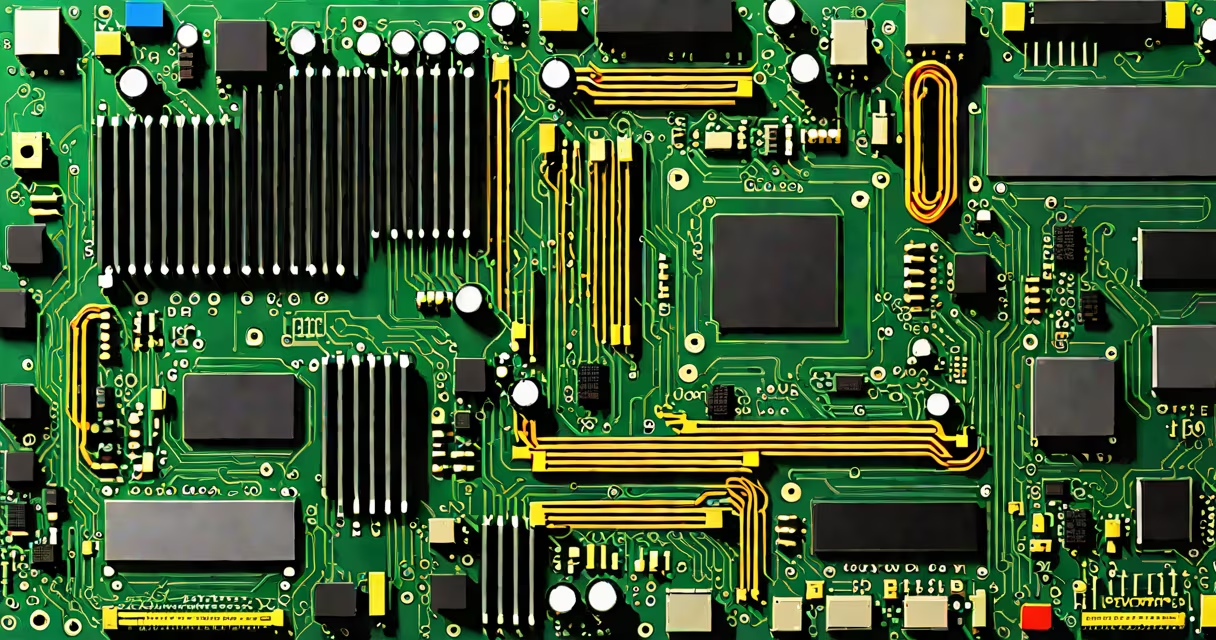
The hardware component of a computer consists of physical parts such as the central processing unit (CPU), motherboard, random access memory (RAM), storage drives, power supply, and cooling systems. These elements work together to process data, store information, and execute instructions.
Every computer-from desktops to laptops and servers-relies on these tangible pieces. Unlike software, which is intangible code, hardware forms the foundation of all computing activity. Without hardware, no program can run, no file can be saved, and no task can be completed.
For example, when you open a document, the CPU processes the command, RAM temporarily holds the file's data, and the hard drive or SSD stores the file long-term. All of these are hardware components.
Computer hardware operates through coordinated communication between components via electrical signals sent over buses and pathways on the motherboard. The CPU acts as the brain, executing instructions from software. It sends requests to other components-like asking RAM for data or the storage drive to load a file.
Each component has a specific role. The motherboard connects all parts and provides power distribution. The power supply unit converts wall electricity into stable voltages for internal components. Cooling fans and heat sinks prevent overheating, especially during intensive tasks like video rendering or gaming.
When you boot a computer, the BIOS or UEFI firmware initializes hardware checks. Once verified, the operating system loads from storage into RAM, and execution begins. This entire sequence happens in under ten seconds on modern systems.
Hardware components fall into distinct categories based on function. The following table outlines major types, their roles, and common examples.
| Type | Function | Examples |
|---|---|---|
| CPU | Executes program instructions and performs calculations | Intel Core i7, AMD Ryzen 9 |
| Motherboard | Connects and enables communication between all components | ASUS ROG Strix, MSI B650 |
| RAM | Stores temporary data for active programs | 16GB DDR5-5600, 32GB dual-channel |
| Storage | Holds permanent data like OS, files, and applications | 512GB NVMe SSD, 2TB HDD |
| GPU | Processes graphics and visual output | NVIDIA RTX 4070, AMD Radeon RX 7800 XT |
| Power Supply | Converts AC power to DC for internal components | 750W 80+ Gold certified |
Some components are internal-like the CPU and GPU-and require installation inside the case. Others, like external hard drives or USB flash drives, connect via ports and are classified as peripheral hardware.
External computer hardware includes devices such as monitors, keyboards, mice, printers, and webcams. These are not essential for basic operation but extend functionality. For example, a monitor displays output generated by the GPU, while a keyboard sends input to the CPU.
Many people confuse hardware with software. Software refers to programs and data, such as Windows, Chrome, or a photo editing app. These exist as files and instructions, not physical objects. The hardware runs the software-but cannot function without it.
Another misconception is that all hardware is interchangeable. A motherboard designed for Intel CPUs won't accept AMD processors due to different socket types. Mismatched RAM speeds or incorrect power supply wattage can cause instability or failure.
A lesser-known fact: Not all hardware components are replaceable. Modern laptops often integrate the CPU and RAM onto a single chip, making upgrades impossible. Apple's M-series chips, for instance, combine the CPU, GPU, and memory controller into a single system-on-a-chip (SoC), reducing upgrade options.
Consider assembling a gaming PC with the following specs:
During assembly, the CPU is installed into the motherboard's socket. The RAM sticks are inserted into DIMM slots. The SSD connects via M.2 slot. The GPU goes into the PCIe x16 slot. Power cables are routed from the PSU to each component.
Once powered on, the system boots using firmware stored on the motherboard. The OS installs from the SSD. Game files load into RAM for faster access. The GPU renders high-resolution textures in real time. All of this happens because the hardware components were correctly matched and physically connected.
I built a similar system in 2022. After installing the CPU, the system failed to boot. I checked the motherboard manual and realized I had not seated the CPU correctly-the alignment notch was off. Correcting the placement resolved the issue. This shows how precise hardware installation must be.
Knowing the hardware component of a computer helps diagnose issues, plan upgrades, and make informed purchasing decisions. For example, if your laptop freezes during video editing, the problem may be insufficient RAM-typically less than 16GB for 4K workflows.
According to the Intel Developer Zone, modern CPUs rely on thermal design power (TDP) ratings to determine cooling requirements. A 125W CPU needs better airflow than a 65W model. Ignoring this leads to throttling and reduced performance.
Similarly, TenForums confirms that higher RAM speed improves responsiveness in multitasking and gaming, especially when paired with a compatible CPU and motherboard.
Understanding the hardware component of a computer isn't about memorizing specs-it's about knowing how parts interact. This insight prevents wasted spending, reduces repair time, and improves system reliability.
The hardware component of a computer defines what the machine can do. It's not just a collection of parts-it's a functional system where each piece plays a critical role.