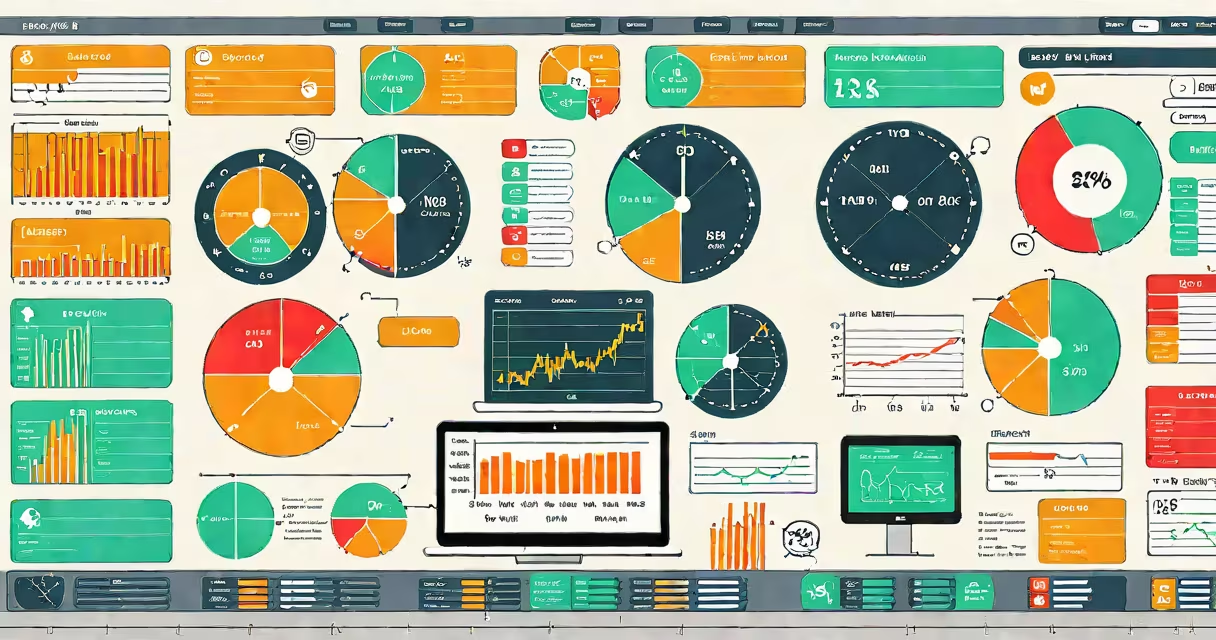
An ERP system integrates core business processes-finance, human resources, supply chain, manufacturing, and customer relationship management-into a single unified platform that automates workflows, centralizes data, and enables real-time decision-making across departments.
ERP systems eliminate data silos by replacing standalone software for accounting, payroll, inventory tracking, and order processing with one shared database. This allows teams to access consistent, up-to-date information without redundant data entry. For example, when a sales order is entered, the system automatically updates inventory levels, triggers production scheduling, and generates an invoice-all within seconds.
These systems are used by organizations of all sizes, from small manufacturers to multinational corporations. A retail chain with 50 stores uses an ERP to track sales per location, manage supplier deliveries, and adjust staffing based on demand forecasts. The system pulls data from point-of-sale terminals, warehouse systems, and payroll software to generate daily performance reports.
At its core, an ERP system operates through a centralized database and modular architecture. Each module handles a specific business function-such as accounts payable, procurement, or project management-and communicates with other modules via predefined rules and shared data fields.
When a user enters a purchase request in the procurement module, the system checks budget availability, verifies vendor contracts, and routes the request for approval. Once approved, it creates a purchase order, updates inventory, and schedules payment. All actions are logged and traceable, ensuring compliance and audit readiness.
Modern ERP platforms run on cloud infrastructure, allowing remote access from any device with internet connectivity. They support mobile apps for field staff to update service tickets or scan delivery receipts in real time. Integration with external tools like e-commerce platforms, banking gateways, and tax filing services further extends their reach.
ERP systems vary by deployment model, industry focus, and scale. The most common types are cloud-based, on-premise, and hybrid solutions.
| Type | Best For | Key Advantage | Example Use Case |
|---|---|---|---|
| Cloud ERP | Small to mid-sized businesses, fast-growing companies | Lower upfront cost, automatic updates, remote access | A startup with 30 employees uses a cloud ERP to manage payroll, invoicing, and project billing without hiring IT staff. |
| On-Premise ERP | Larger enterprises with strict data control needs | Full ownership of data, custom configuration, offline access | A pharmaceutical manufacturer hosts its ERP internally to meet FDA regulations requiring data residency within national borders. |
| Hybrid ERP | Organizations transitioning to the cloud | Gradual migration, selective data hosting | A university runs student enrollment and finance on-premise while using cloud modules for event registration and donor tracking. |
Some ERPs are tailored to specific industries. Manufacturing-focused systems include shop floor control and bill-of-materials tracking. Retail ERPs integrate with POS systems and loyalty programs. Healthcare ERPs comply with HIPAA and manage patient billing and provider scheduling.
ERP systems are often misunderstood as merely automated accounting software. While financial reporting is a key feature, ERP systems go far beyond bookkeeping. They coordinate activities across multiple departments, enabling cross-functional visibility and coordination.
Another misconception is that ERP implementation is purely technical. In reality, success depends heavily on organizational change management. A study by Panorama Consulting found that 54% of ERP projects exceed budget and timeline due to poor user adoption, not software flaws.
For example, a construction firm rolled out an ERP to replace paper-based job costing and subcontractor payments. Despite choosing a well-rated system, the project failed because foremen refused to log hours digitally. After training sessions and incentives, usage rose to 92% within six months. The system didn't fail-it was the people who did.
Consider a company that produces industrial pumps. Before ERP, the team used spreadsheets for inventory, separate software for production scheduling, and paper invoices for customers. Delays were frequent, stockouts occurred, and financial close took seven days.
After implementing a cloud-based ERP, the workflow changed:
Result: The company reduced order cycle time from 14 days to 4 days, cut inventory carrying costs by 22%, and shortened month-end close from seven days to two. These improvements came not from new hardware but from better data flow and standardized processes.
According to Gartner, organizations using integrated ERP systems report 30% higher operational efficiency compared to those relying on disconnected systems. The same report notes that companies with mature ERP implementations see faster response times to market changes and improved forecasting accuracy.
Every ERP system used for business operations shares one goal: to connect people, processes, and data across the organization. When implemented correctly, it becomes the nervous system of the enterprise-processing signals, coordinating responses, and adapting to change in real time.