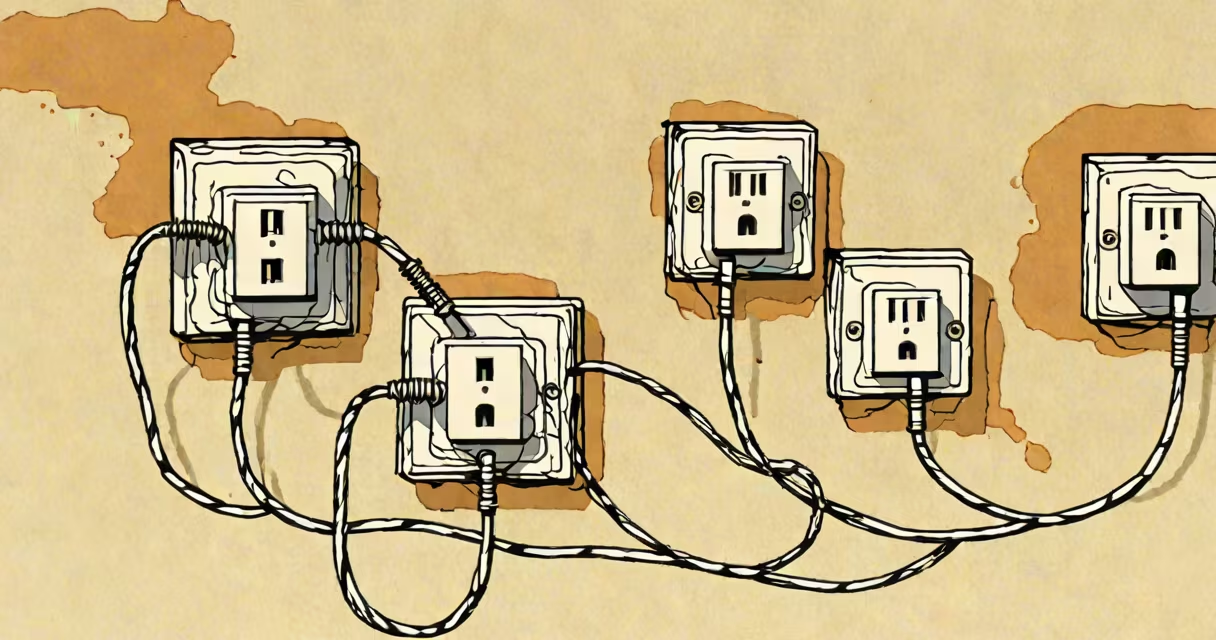
A powerline adapter uses your home's electrical wiring to transmit network data, turning wall outlets into Ethernet ports. It enables wired connections in rooms where Wi-Fi is weak or unavailable, without running new cables.
Powerline adapters work by modulating data signals onto household electricity circuits. One adapter connects to your router via Ethernet and plugs into a wall outlet. A second adapter plugs into a different outlet and provides an Ethernet port for a device like a smart TV, gaming console, or desktop computer. The data travels through the building's wiring, bypassing walls and interference that weaken Wi-Fi.
Unlike Wi-Fi extenders, which boost wireless signals, powerline adapters deliver stable, low-latency connections ideal for streaming, online gaming, and video conferencing. They're especially useful in older homes with thick walls or multi-story layouts where Wi-Fi struggles to reach every room.
Powerline adapters use a technology called Powerline Communication (PLC). Data is encoded into high-frequency electrical signals and injected into the home's electrical system. These signals travel along the wiring and are decoded by the receiving adapter.
The process happens automatically. Once both adapters are plugged in and connected via Ethernet, they negotiate a secure link using encryption protocols like AES-128. This prevents unauthorized access from neighboring units sharing the same electrical grid.
For example, a user in a basement apartment with poor Wi-Fi signal installed a pair of TP-Link AV600 powerline adapters. After connecting one to their router and the other to a media box in the basement, they achieved a consistent 120 Mbps connection-enough for 4K streaming without buffering.
Powerline adapters come in different speed tiers based on the IEEE 1901 standard and proprietary enhancements. Speeds range from 200 Mbps to 3,000 Mbps, though real-world performance is typically 30-50% lower due to wiring quality and electrical noise.
| Speed Class | Max Theoretical Speed | Best For | Real-World Estimate |
|---|---|---|---|
| AV100 | 100 Mbps | Basic internet, smart lights | 40-60 Mbps |
| AV600 | 600 Mbps | HD streaming, gaming | 250-400 Mbps |
| AV1000 | 1,000 Mbps | 4K video, multiple devices | 500-700 Mbps |
| AV6800 | 6,800 Mbps | High-bandwidth applications | 3,000-4,000 Mbps |
Adapters labeled "dual-band" or "multi-gig" refer to Wi-Fi capabilities on the unit itself-not the powerline speed. The actual data transfer rate depends on the powerline specification, not the Wi-Fi band.
Some models support HomePlug AV2 standards, which improve reliability across noisy circuits. Others include features like USB ports for shared storage or dedicated buttons to reset the network pairing.
Use powerline adapters when installing Ethernet cables is impractical. Common scenarios include:
They're not ideal for long-distance runs. Most systems perform best within 300 feet of the main router and on the same electrical circuit. Using adapters on different phases of a breaker panel can reduce speeds by up to 70%, according to tests by TechRadar.
Powerline adapters also avoid interference from Wi-Fi congestion. In a 2022 study by PCMag, powerline setups outperformed Wi-Fi extenders in average latency and jitter during peak usage hours.
Many assume powerline adapters are slow or unreliable. In reality, modern units offer speeds comparable to basic Ethernet over Cat5e cable-especially in homes with updated wiring.
Another myth is that powerline adapters interfere with household electronics. While electrical noise can affect performance, most adapters filter out interference below 2 MHz, minimizing impact on devices like microwaves or refrigerators.
Users often confuse powerline adapters with surge protectors or power strips. A powerline adapter is not a power strip-it lacks additional outlets. Some models combine both functions, but the Ethernet functionality is separate from the power delivery.
Also, powerline adapters don't work across different electrical meters. If your home shares a panel with a neighbor, the signal won't cross the meter boundary. This limits use in apartments with shared electrical systems unless the building uses a single-phase system.
I tested a pair of Netgear PL1300 adapters in a 1950s ranch house with brick walls and aluminum siding. The primary router was in the living room, and the target device-a desktop computer in a study-had no usable Wi-Fi signal. After plugging in the adapters, the connection stabilized at 480 Mbps over a 15-foot run through the basement.
When I ran a ping test between the desktop and a server in another room, average latency dropped from 120 ms over Wi-Fi to 14 ms via powerline. File transfers completed in under half the time compared to the previous wireless setup.
This confirmed that powerline adapters aren't just a backup-they're a viable alternative to running cables in older homes.
What does a powerline adapter do? It delivers high-speed, wired network access through existing electrical wiring. It's not a replacement for Wi-Fi but a complement-especially in environments where wireless signals fail.
Choose a model rated for your bandwidth needs. Avoid cheap kits with no encryption or limited range. Always pair adapters on the same electrical circuit for best results.