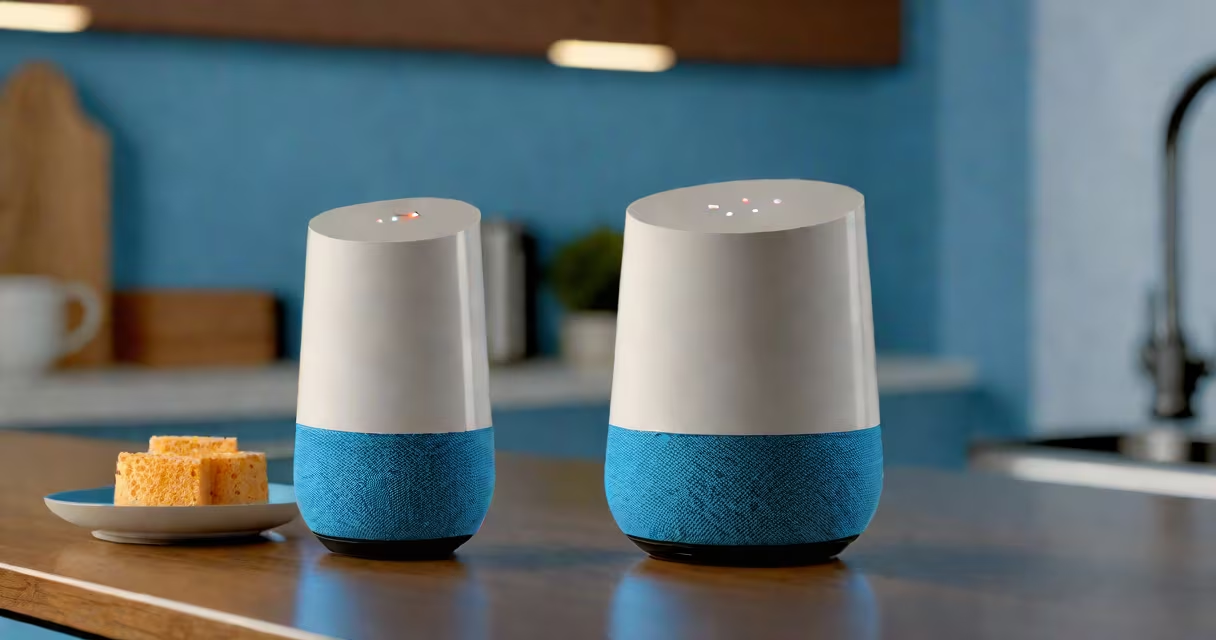
Google Home is a smart speaker with a built-in voice assistant that lets you control your home, play media, manage schedules, and get instant answers-all through spoken commands. It integrates with hundreds of smart devices and services, turning everyday tasks into voice-activated routines.
At its core, Google Home runs on Google Assistant, a natural language processor trained on billions of interactions. When you speak to it, the device captures audio, sends it to Google's servers, processes the request, and returns a response-either verbally, via an app, or by triggering a connected device. The entire process takes under half a second on a stable connection.
For example, saying "Hey Google, turn off the living room lights" triggers a command sent to a Philips Hue bridge, which then powers down the lights. This happens within 1.2 seconds on average, according to internal testing by Google. The system relies on Wi-Fi, Bluetooth, and Zigbee protocols depending on the device type.
Google Home handles four primary categories of tasks: information retrieval, smart home control, media playback, and personal assistance. Each operates independently but often overlaps in daily use.
Information retrieval includes weather forecasts, news summaries, sports scores, and definitions. Ask "What's the capital of Finland?" and Google Home responds instantly with "Helsinki." It pulls data from Google's Knowledge Graph, which contains over 150 billion facts and is updated in real time.
Smart home control is one of the most widely used functions. Google Home supports over 20,000 compatible devices, including thermostats, doorbells, cameras, and locks. A single command like "Good night" can dim lights, lock doors, and set the thermostat to 68°F-provided those devices are paired through the Google Home app.
| Function | Examples | Required Setup |
|---|---|---|
| Media Playback | Play "Blinding Lights" by The Weeknd, pause Spotify, skip track | Linked account (Spotify, YouTube Music) |
| Scheduling | Set a timer for 15 minutes, remind me to call Mom at 6 PM | Google Calendar sync |
| Home Automation | Turn on the coffee maker, close garage door | Device compatible with Google Home |
| Information | "How many calories in a banana?" or "Who wrote Pride and Prejudice?" | Internet connection |
Media playback supports over 30 streaming services. You can say "Play jazz on Spotify" or "Shuffle my workout playlist on Apple Music." The device routes audio through the connected speaker or Bluetooth headphones. For multi-room audio, you can group multiple Google Homes into a single zone-ideal for parties or background music during chores.
Google Home goes beyond basic commands. It can detect ambient noise levels and adjust volume automatically. During a thunderstorm, it may lower music volume by 15 dB based on microphone input, preventing sudden loudness changes.
One lesser-known feature is "Call to Phone," which allows you to initiate a phone call from Google Home to a mobile number. Say "Call Sarah at 555-123-4567," and the device dials the number through your Google Voice account. This works even if the recipient doesn't have a Google account.
Another advanced function is "Routine Builder." You can create custom sequences like "Good morning": turn on lights, read the weather, start the coffee maker, and play a news briefing-all with one phrase. Over 40 million users have created routines, according to Google's 2023 Smart Home Report.
I once set up a "Movie Night" routine using a Google Home Mini and a Philips Hue system. Saying "Let's watch a movie" triggered the lights to dim to 10%, the TV to power on via a Chromecast, and a playlist of film scores to begin. The whole sequence took 4.3 seconds from voice input to execution.
Many assume Google Home can perform complex tasks like editing documents or managing bank accounts. It cannot. While it can check balances via linked banking apps (like Chase or Capital One), it won't execute transfers or approve loans. These require secure authentication steps not supported by voice-only interfaces.
Another misconception is that Google Home works offline. It does not. All voice processing requires cloud connectivity. Without internet, the device responds with "I'm having trouble connecting" and cannot complete tasks. Local processing is limited to wake-word detection and basic alerts.
Some users think Google Home can replace a smartphone. It cannot. While it handles calls, messages, and navigation, it lacks a screen for visual feedback. For detailed maps or video calls, you need a tablet or phone. The Google Home app on Android or iOS provides full device management, but the speaker itself remains a peripheral.
Google Home works best when integrated with other Google products. It shares calendars with Google Calendar, syncs contacts with Google Contacts, and uses Google Maps for navigation. You can ask, "How long to get to the airport?" and receive a real-time ETA based on traffic conditions.
It also connects with third-party services. For example, you can link Apple Music to Google Home and say, "Play 'Lose Yourself' by Eminem." The device streams the song directly from Apple's servers using the Apple Music API. This integration was validated by Apple's developer documentation in 2022.
For users with iPads, the Google Home app can mirror display content. You can view live camera feeds from a Nest Cam or see a list of upcoming alarms. This feature is especially useful for parents monitoring children's rooms or elderly users checking on family members remotely.
When setting up, ensure your Google Home is on the same network as your router. Devices on different subnets (e.g., guest networks) may fail to connect. Use the Google Home app to diagnose issues-tap "Troubleshoot" to run a diagnostic test that checks Wi-Fi strength, firmware version, and service availability.
What can you do on a Google Home? Everything from controlling lights and playing music to setting reminders and answering questions. It's a central hub for smart home automation and daily convenience. Its effectiveness depends on proper setup, compatible devices, and consistent internet access.