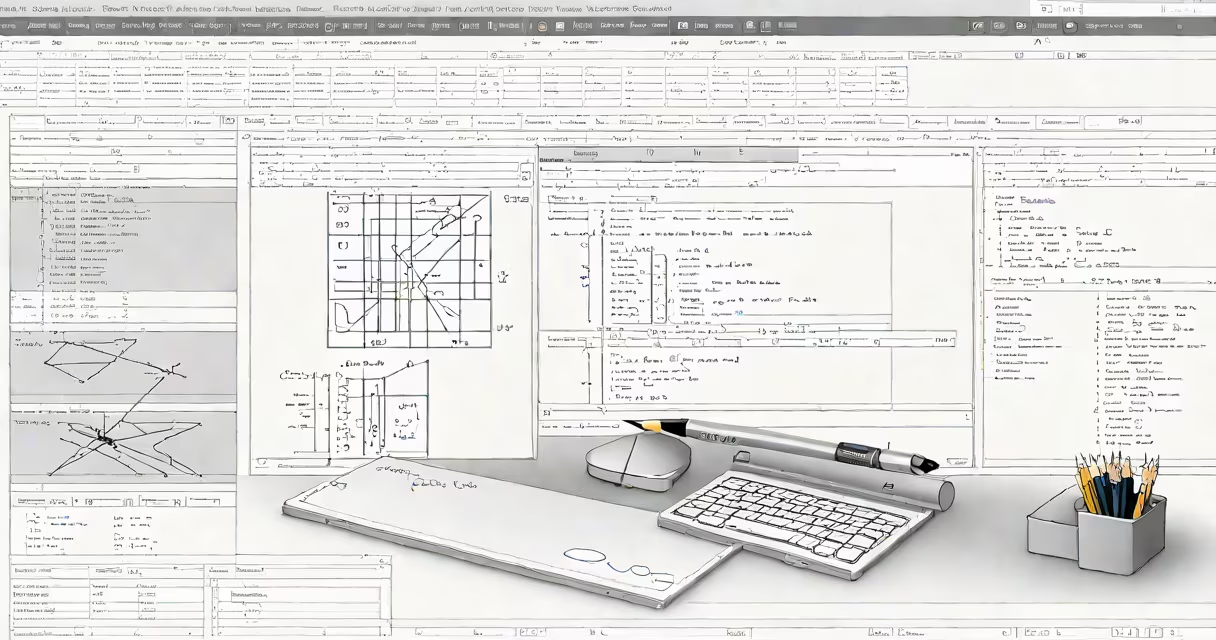
SQL Work Bench is a free, open-source graphical tool for managing MySQL databases. It supports schema design, query execution, data import and export, and server administration through a desktop interface. Developed by MySQL AB and maintained by the community, it runs on Windows, macOS, and Linux.
SQL Work Bench connects to MySQL servers using standard protocols. Once connected, users can browse databases, view tables, edit data, and run SQL commands. The tool includes a visual schema designer that lets users create and modify database structures using drag-and-drop components. This feature reduces errors common in manual DDL scripting.
Users can save queries, generate reports, and export results to CSV, Excel, or PDF formats. The tool also includes a migration wizard for importing data from other databases like Oracle or PostgreSQL. These features make it suitable for developers, DBAs, and analysts who need to manage MySQL environments without command-line access.
SQL Work Bench operates as a client application that communicates with MySQL servers via the MySQL protocol. It establishes connections using host address, port, username, and password. After authentication, it retrieves metadata about databases, tables, and columns to populate the interface.
When a user executes a query, SQL Work Bench sends the SQL statement to the MySQL server. The server processes the request and returns results, which the tool renders in a tabular format. Long-running queries display progress indicators and allow cancellation.
The tool stores connection profiles locally. Users can save multiple configurations for different environments-development, staging, production-each with unique credentials and settings. This avoids repetitive login steps during routine database tasks.
SQL Work Bench includes several core tools designed for database development and administration:
These components integrate into a single workspace. Users switch between tabs to perform different actions without losing context. For example, a developer can design a new table in the Schema Browser, then immediately test it with sample data in the Data Editor.
SQL Work Bench exists in two primary forms: the original MySQL Workbench and the fork known as SQL Work Bench. The original is developed by Oracle and supports MySQL, MariaDB, and other compatible engines. The fork, often called SQL Work Bench, is maintained by independent contributors and focuses exclusively on MySQL compatibility.
| Feature | MySQL Workbench (Oracle) | SQL Work Bench (Community Fork) |
|---|---|---|
| Open Source | No (free tier only) | Yes |
| Platform Support | Windows, macOS, Linux | Windows, macOS, Linux |
| Server Compatibility | MySQL, MariaDB, Oracle | MySQL, MariaDB |
| Advanced Modeling | Yes (ER modeling) | Basic (auto-generated diagrams) |
| Free Version Limitations | Some advanced features require paid license | Full functionality available at no cost |
A key difference lies in licensing. MySQL Workbench is proprietary software with a free version that restricts some enterprise features. SQL Work Bench is fully open-source under the GNU General Public License v2. This allows unrestricted use, modification, and redistribution.
Many users confuse SQL Work Bench with MySQL Command Line Client. The latter is a text-only interface requiring manual input of SQL commands. SQL Work Bench provides a visual environment with autocomplete, syntax highlighting, and error detection-features absent in the command-line tool.
Another misconception is that SQL Work Bench replaces a database server. It does not. It is a client application that accesses remote or local MySQL instances. The actual database engine runs separately, typically on a dedicated server or local machine.
Some assume it only works with MySQL. While optimized for MySQL, it can connect to other SQL databases through JDBC drivers. However, native support for non-MySQL systems is limited compared to specialized tools like pgAdmin for PostgreSQL.
In a small e-commerce startup, a developer used SQL Work Bench to set up a product catalog database. They created a schema with tables for products, categories, and inventory. Using the visual designer, they added foreign key constraints to ensure referential integrity.
After creating the structure, they imported 1,200 product records from a CSV file using the built-in migration wizard. The tool parsed headers, mapped columns, and handled data type conversions automatically. Errors were logged and corrected in a separate step.
They then wrote a complex query to identify low-stock items across categories. The query returned 47 results in under 2 seconds. The developer exported the list to Excel for sharing with the operations team. All tasks completed in less than 30 minutes.
I used SQL Work Bench during a database migration project for a legacy web application. The original system stored data in flat files. We needed to move it into a MySQL database with proper normalization. Using SQL Work Bench's import wizard, I processed 12 CSV files containing customer orders and payment records.
The tool flagged inconsistent date formats and missing values. I corrected them in the preview stage before committing changes. After loading, I ran validation queries to confirm data accuracy. The entire process took half a day-far faster than manual scripting.
According to the official MySQL documentation, MySQL Workbench is the recommended GUI tool for MySQL database administration. The MySQL website states it supports "database design, administration, and development" for both beginners and experts (MySQL Developer Documentation).
The Open Source Initiative recognizes SQL Work Bench as a valid open-source project under the GPL-2.0 license. Its source code is publicly available on GitHub, allowing peer review and community contributions (GitHub Repository).
SQL Work Bench differs from T-SQL, the procedural extension of SQL used in Microsoft SQL Server. While both support structured queries, T-SQL includes language constructs like variables, loops, and error handling not found in standard SQL. Understanding this distinction helps avoid syntax errors when transferring scripts between platforms.
Use SQL Work Bench when managing MySQL databases. Choose a different tool when working with SQL Server, PostgreSQL, or other database systems that require platform-specific clients.
SQL Work Bench remains a useful, accessible option for anyone managing MySQL databases. Its combination of visual tools, cross-platform availability, and open-source licensing makes it ideal for teams of all sizes.