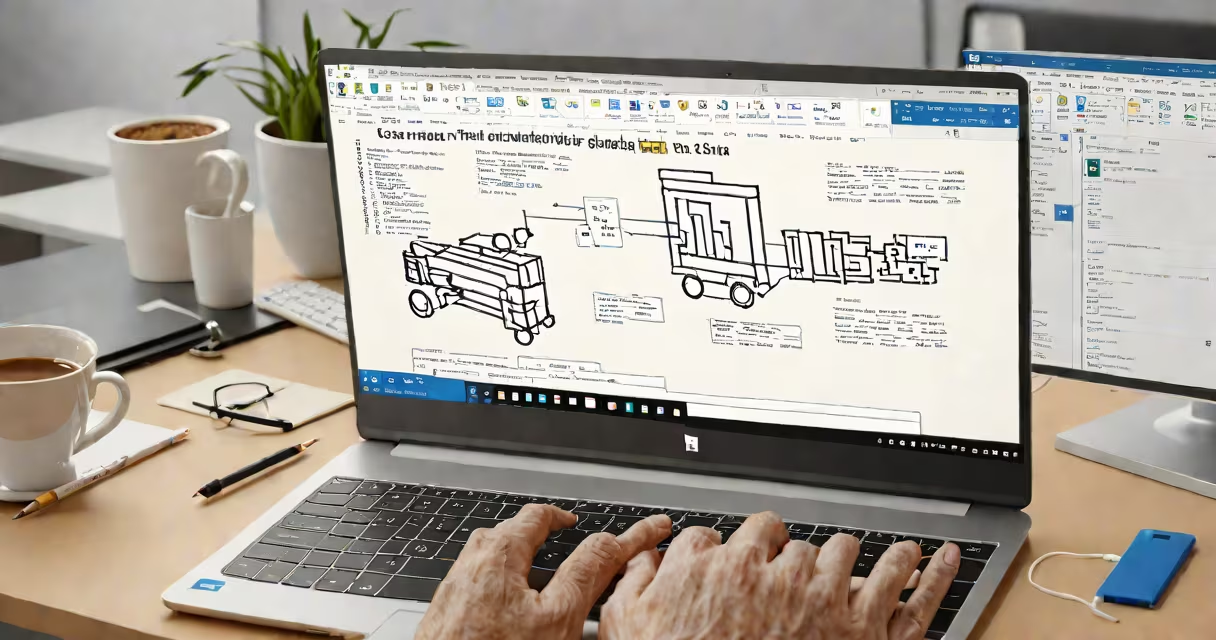
Office Word 2019 is a desktop-based word processing application included in the Microsoft Office 2019 set, designed for creating, editing, and sharing documents on Windows 10 and later. It supports offline use, advanced formatting, and compatibility with legacy file formats like.doc and.docx.
Word 2019 runs locally on your computer, meaning it doesn't require an internet connection to function. This makes it ideal for users who prioritize privacy, work in low-connectivity environments, or need consistent performance without cloud dependencies. It includes features such as improved grammar checks, enhanced track changes, and better integration with other Office applications like Excel and PowerPoint.
Unlike newer versions of Word available through Microsoft 365 subscriptions, Word 2019 is a one-time purchase with no automatic updates beyond security patches. It does not receive new feature rollouts after release, making it a stable option for organizations that prefer predictable software behavior.
Word 2019 operates as part of the Microsoft Office 2019 set, which includes Excel, PowerPoint, Outlook, and Access. It uses a ribbon interface with tabs for common tasks like formatting, layout, and references. The application launches directly from the Start menu or desktop shortcut and opens documents from local storage or network drives.
When you create a document, Word 2019 stores it on your device unless you choose to save it to OneDrive or another cloud service. You can apply styles, insert tables, manage citations, and collaborate using tracked changes and comments. The app supports macros written in Visual Basic for Applications (VBA), allowing automation of repetitive tasks.
For example, a university professor can draft a syllabus in Word 2019, format it with custom headers and footers, insert a table of contents, and then export it as a PDF for distribution. All actions happen locally, even if the document contains images or embedded charts from Excel.
Office Word 2019 is available in several editions tailored to different user needs:
| Version | Target User | Key Features | Cost |
|---|---|---|---|
| Home & Student | Individuals, students | Word, Excel, PowerPoint only | $149.99 (one-time) |
| Home & Business | Home users needing email and calendar | Word, Excel, PowerPoint, Outlook | $249.99 (one-time) |
| Professional | Advanced users, small businesses | All apps including Access and Publisher | $499.99 (one-time) |
Each version installs the same core Word 2019 engine. Differences lie in bundled applications and licensing terms. The Professional edition includes full access to all Office components, while Home & Student excludes Outlook and other business tools.
Word 2019 does not support macOS. Users on Apple systems must use Word for Mac, which has a separate development cycle and limited feature parity. For example, Word 2019 on Windows supports advanced layout options like text wrapping around shapes, while the Mac version lacks full control over floating objects.
Office Word 2019 is often mistaken for Microsoft 365 Word, which is updated monthly and includes cloud collaboration features like real-time co-authoring. Word 2019 does not support live co-editing or shared document links via Teams or SharePoint. Changes are saved locally until manually uploaded.
Another frequent error is assuming Word 2019 is a free product. It is not. While Microsoft offers a free web version of Word at office.com, that version lacks advanced formatting tools and macro support. Word 2019 requires a paid license, though it can be purchased at retail or through volume licensing programs.
A lesser-known distinction: Word 2019 does not include AI-powered features like Editor (which suggests phrasing improvements) or Ideas (which generates visuals from text). These tools were introduced in later versions under Microsoft 365. Word 2019 relies on traditional grammar and spelling checkers, which are less context-aware.
I used Word 2019 for six months while writing technical documentation for a government agency. The system ran on a locked-down Windows 10 machine with no internet access. I created 32-page reports with complex tables, cross-references, and embedded diagrams. The app performed reliably, even with large files. When I needed to share drafts, I exported them as PDFs and sent them via encrypted email.
However, I encountered limitations. When a colleague edited the same document using Word Online, some formatting shifted due to differences in font rendering. Also, I couldn't use the "Insights" pane to pull data from external sources, a feature available in newer versions.
According to Microsoft's official documentation, Word 2019 reaches end-of-life support in October 2025. After that date, no further security updates will be issued. Organizations relying on Word 2019 must plan migration to a supported version by then.
Office Word 2019 remains a functional choice for users who value stability, offline capability, and long-term software consistency. It is not a cloud-first tool, nor does it evolve with subscription-based updates. Its strength lies in predictability and reliability-not innovation.