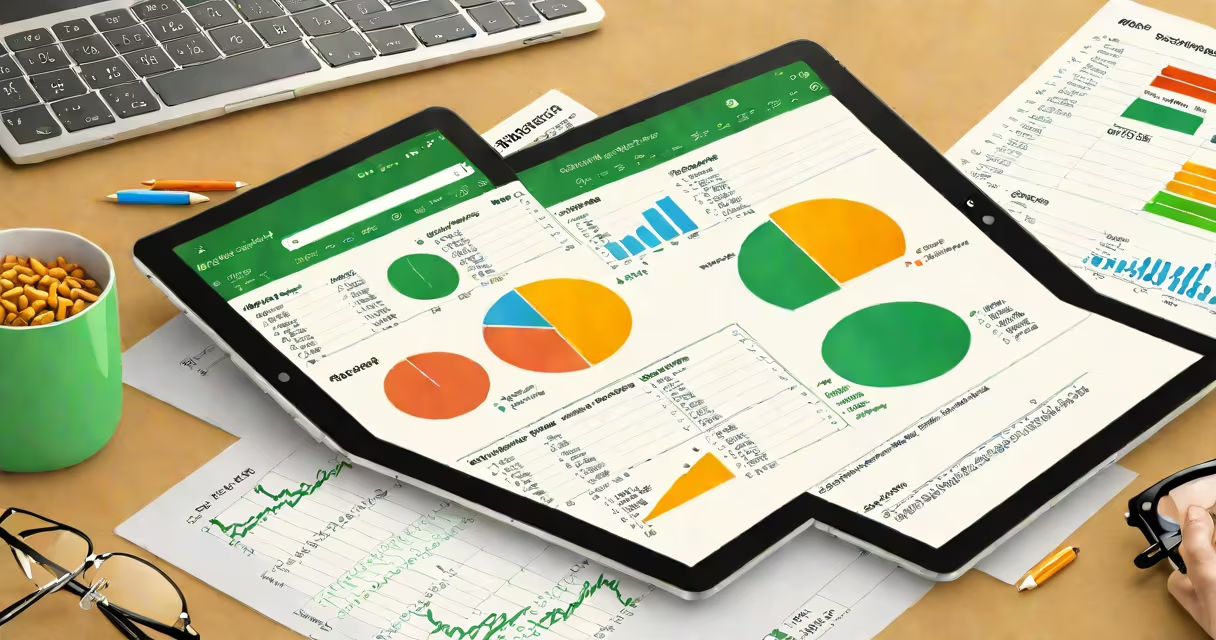
Microsoft Excel for Android is a mobile application that brings core spreadsheet functionality from the desktop version of Excel to Android smartphones and tablets. It allows users to view, edit, create, and collaborate on Excel files using touch controls, with features including formulas, charts, pivot tables, and cloud integration via OneDrive.
The app runs on Android 6.0 (Marshmallow) or later and supports both touchscreen and keyboard input. It syncs automatically with Microsoft 365 accounts, enabling real-time co-authoring and access to files stored in OneDrive or SharePoint. The interface adapts to screen size, offering a simplified layout optimized for mobile use while preserving compatibility with .xlsx, .xls, and .csv file formats.
Excel for Android is part of the Microsoft 365 set, available free for basic use with a Microsoft account. Advanced features such as Power Query, advanced charting, and VBA macros require a paid subscription. The app is distributed through the Google Play Store and is updated regularly with new capabilities and security patches.
When you open Microsoft Excel for Android, the app displays a list of recent files and templates. Tapping a file launches the workbook in edit mode. Touch gestures allow scrolling, selecting cells, and dragging to copy ranges. A virtual keyboard appears when entering data or editing formulas.
Formulas function similarly to their desktop counterparts. For example, typing =SUM(A1:A5) into a cell returns the total of values in cells A1 through A5. The app supports over 400 functions, including financial, logical, and date/time operations. Results update instantly as values change.
Charts and graphs appear as interactive visualizations. Tap a chart to edit its data source, switch between bar, pie, or line styles, or export it as an image. Pivot tables are accessible in the "Insert" tab under "PivotTable," though they require a stable internet connection and may lag on older devices due to processing demands.
Microsoft Excel for Android includes several key capabilities:
However, certain desktop-only features are unavailable. For example, macros written in VBA cannot run on Android. The app also lacks advanced data modeling tools like Power Pivot and does not support custom add-ins. Some complex formatting options, such as conditional formatting with multiple rules, may display incorrectly on smaller screens.
A notable limitation is the absence of full-screen mode in most versions. Users must manually hide the navigation bar to maximize workspace, which affects usability during presentations or detailed editing sessions.
There are two primary versions of Microsoft Excel for Android:
| Version | Availability | Key Features |
|---|---|---|
| Free (basic) | Google Play Store | Core editing, basic formulas, file viewing, limited cloud sync |
| Microsoft 365 (paid) | Subscription required | Advanced functions, real-time co-editing, offline access, priority support |
The app is available in different regional editions tailored to language and locale settings. These editions adjust date formats, currency symbols, and default templates based on location. For example, users in Germany see euros (€) and decimal commas, while U.S. users see dollars ($) and period decimals.
Some enterprise organizations deploy Excel via Microsoft Intune or other MDM (Mobile Device Management) platforms, allowing IT admins to enforce policies like data encryption, app lock, and restricted file sharing.
Many users assume Excel for Android offers the same feature set as the desktop version. This is incorrect. While the app supports over 90% of common functions, advanced tools like Solver, Data Analysis Toolpak, and macro recording are absent. Attempting to open a large workbook with hundreds of sheets may cause crashes or slow performance on devices with less than 2GB RAM.
Another misconception is that the app requires a Microsoft 365 subscription to function. It does not. Basic file creation, editing, and saving work with a free Microsoft account. However, features like co-authoring, cloud backup, and access to premium templates require a paid plan.
A third error involves file compatibility. Some users report that Excel for Android fails to open files created in older versions of Excel (pre-2007). This happens because those files use the .xls format, which the app supports only partially. Converting such files to .xlsx format resolves the issue.
I used Microsoft Excel for Android to track weekly sales data for a small retail business. The file contained 12 months of entries across 15 product categories. I imported a CSV exported from the store's POS system, cleaned duplicate entries using the "Remove Duplicates" tool, and applied conditional formatting to show top-performing products.
After creating a monthly revenue chart, I shared the file with my manager via Microsoft Teams. We both edited the forecast sheet simultaneously-changes appeared within seconds. I saved the file to OneDrive, which backed it up automatically. Later, I accessed the same file on my tablet during a client meeting and presented the dashboard using split-screen mode.
This workflow demonstrates how Excel for Android enables mobility, collaboration, and real-time decision-making without requiring a laptop.
According to Microsoft's official documentation, Excel for Android processes up to 1 million rows per file, though performance degrades beyond 100,000 rows on devices with low memory. The app also supports accessibility features such as screen reader compatibility and high-contrast mode, ensuring usability for people with visual impairments.
Microsoft Excel for Android is not a replacement for the desktop version, but it is a capable tool for managing spreadsheets on the go. Its strength lies in accessibility, collaboration, and integration with the broader Microsoft system.