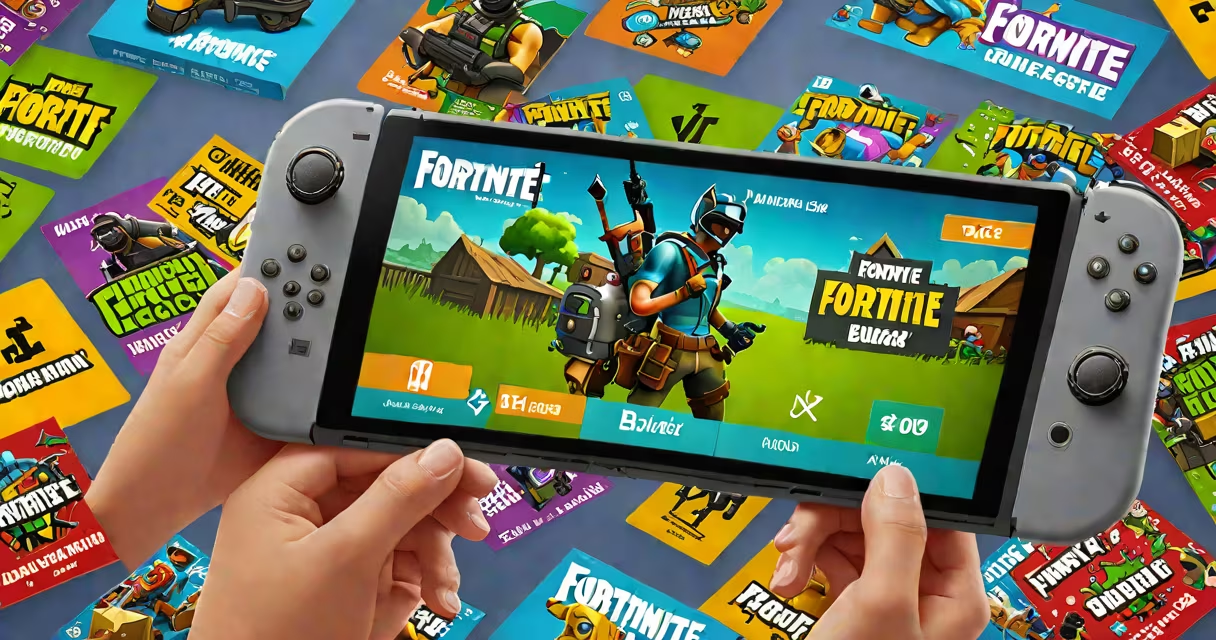
Fortnite V-Bucks for Nintendo Switch are digital in-game currency used to purchase cosmetic items like skins, emotes, and battle passes within the game. They are bought through the Nintendo eShop using a credit card, PayPal, or prepaid gift card.
V-Bucks are not physical items. They exist solely within the Fortnite account tied to your Nintendo Switch. You cannot transfer them between platforms or redeem them outside the game. The currency is managed by Epic Games, not Nintendo.
On the Nintendo Switch, you can only buy V-Bucks through the official Fortnite app in the Nintendo eShop. Third-party sellers offering "free" V-Bucks or "discounted" bundles are scams. These often lead to account bans or phishing attempts.
When you buy V-Bucks on the Switch, the transaction happens through the Nintendo eShop. You select the amount (1,000, 2,800, or 6,000 V-Bucks), confirm payment, and the balance updates in your Fortnite account within minutes.
The Nintendo eShop handles the payment processing. Once confirmed, the V-Bucks appear in your Fortnite profile under the "Store" tab. You can then spend them on outfits, dances, and other cosmetics.
For example: Buying 2,800 V-Bucks costs $29.99 USD. This amount is deducted from your linked payment method via the eShop. The V-Bucks appear in your Fortnite account immediately after confirmation. No waiting, no shipping.
Only three V-Bucks packages are available on the Nintendo Switch eShop:
| V-Bucks Amount | Price (USD) | Equivalent (EUR) | Best For |
|---|---|---|---|
| 1,000 | $9.99 | €9.49 | First-time buyers, small purchases |
| 2,800 | $29.99 | €28.49 | Regular players, battle pass access |
| 6,000 | $59.99 | €56.99 | High-engagement players, collectors |
Prices vary slightly by region due to local taxes and exchange rates. Always check the eShop pricing in your country before purchasing.
There is no "free" V-Bucks option. Any website claiming to offer free V-Bucks for Nintendo Switch is fraudulent. These sites often require personal information, login credentials, or payment details to "enable" the currency. Once entered, your Fortnite account may be compromised.
You buy Fortnite V-Bucks for Nintendo Switch directly through the Nintendo eShop. Open the eShop, search for "Fortnite," and select the "Buy V-Bucks" option. The process takes less than two minutes.
Why do players buy them? V-Bucks fund cosmetic progression. You can't buy weapons or gameplay advantages with them. All purchases are visual-only. A player who spends $59.99 on 6,000 V-Bucks gains access to exclusive skins, such as the "Lunar" or "Mecha" series, which are not obtainable through gameplay alone.
For context: In 2023, Epic Games reported that 62% of Fortnite players on consoles purchased V-Bucks monthly. The average spend was $14.99 per month. This reflects consistent engagement rather than one-off spending.
Many players assume they can use a Nintendo Switch gift card to buy V-Bucks. This is incorrect. Nintendo Switch gift cards are only valid for games, apps, and downloadable content in the eShop. They cannot be used to buy in-game currency for third-party titles like Fortnite.
Another error: Players sometimes try to use a friend's Nintendo Account to buy V-Bucks. This fails because the purchase must be linked to the account that owns the Switch. You cannot share payment methods across accounts.
A lesser-known fact: V-Bucks do not expire. Unlike some game currencies, they remain in your account indefinitely. Even if you stop playing Fortnite for months, your unused V-Bucks stay available. However, they cannot be refunded or exchanged for cash.
I purchased 2,800 V-Bucks on my Nintendo Switch during the 2023 Season 5 launch. I used the eShop, selected the package, and completed the payment via PayPal. The V-Bucks appeared in my Fortnite profile within 90 seconds. I spent them on the "Neon" skin and the "Pulse" emote. Both were unlocked instantly and usable in matches that night.
During the purchase, I noticed that the eShop required me to re-enter my Apple ID password (for the Nintendo Account) even though I had previously signed in. This is normal behavior for security verification. The system prompts for re-authentication after certain actions.
After the purchase, I checked my account history in the Fortnite app. The transaction showed up under "Recent Activity" with a timestamp and a unique reference number. This allows you to track purchases if needed.
If you don't want to use a credit card, you can buy a Nintendo eShop gift card from retailers like Walmart, Target, or Amazon. These cards come in denominations of $10, $20, $50, and $100. You enter the code in the eShop to add funds to your account.
Once you have funds, you can buy V-Bucks. For example: A $50 gift card covers the cost of 2,800 V-Bucks ($29.99) and leaves $20.01 in balance. This is useful for users who prefer not to link a bank card.
Fortnite V-Bucks for Nintendo Switch are a secure, direct way to improve your in-game experience. They are not a substitute for gameplay skill, but they do allow you to express individuality through custom appearances. Always buy through official channels to avoid fraud.