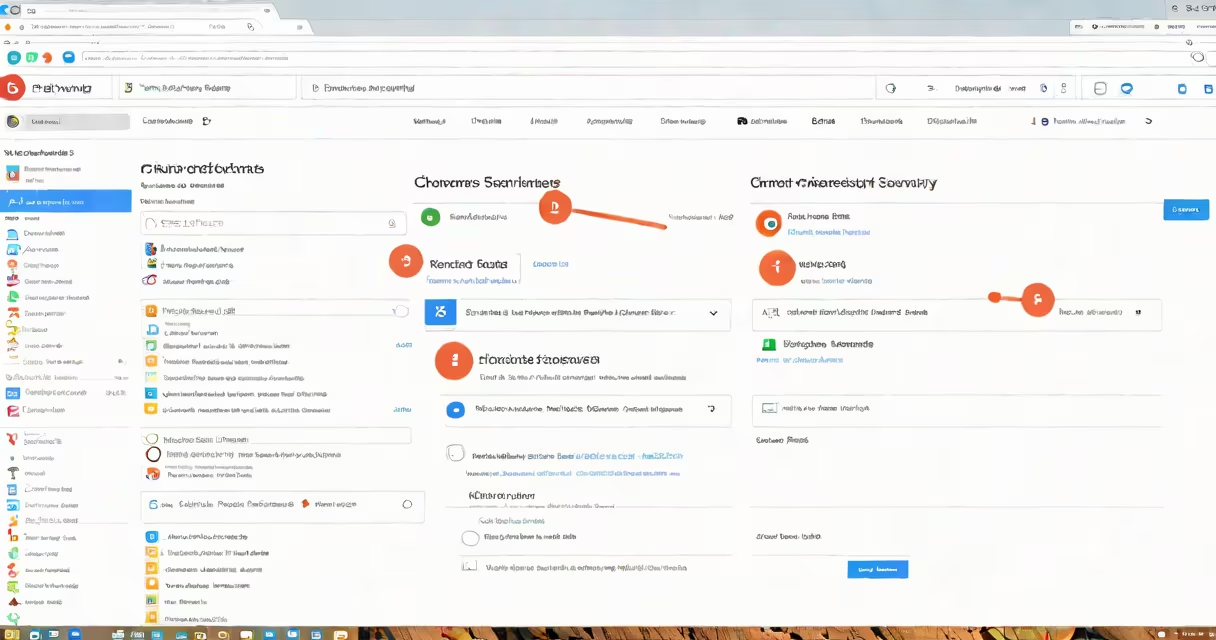
Clearing cookies on Chrome removes stored website data like login sessions, preferences, and tracking information. This resets your browsing state for better privacy and fixes issues like slow loading or failed logins.
Cookies are small files websites store on your device to remember your activity. Over time, they accumulate and can slow performance or expose your behavior to advertisers. Chrome lets you delete them manually or automatically through settings.
Use the "Clear browsing data" tool in Chrome's settings to remove cookies. You can choose to delete all cookies or only those from specific sites. The process takes less than a minute and applies across devices if signed in.
When you clear cookies, Chrome deletes temporary data tied to websites you've visited. This includes session cookies (which expire when you close the browser), persistent cookies (set to last days or years), and third-party trackers.
Deleting cookies doesn't affect your saved passwords or bookmarks. It only removes site-specific data like login status, shopping cart contents, and personalized content. After clearing, you'll need to log in again to sites you were previously signed into.
Chrome stores cookies in a local database file. On Windows, this is located at C:\Users\[Username]\AppData\Local\Google\Chrome\User Data\Default\Cookies. On macOS, it's in ~/Library/Application Support/Google/Chrome/Default/Cookies. These files are encrypted and inaccessible without specialized tools.
There are four main types of cookies used in web browsing:
| Type | Purpose | Duration | Example |
|---|---|---|---|
| Session | Temporary access during a browsing session | Expires when browser closes | Shopping cart on Amazon |
| Persistent | Remembers preferences across visits | Days to years | Language preference on Reddit |
| Third-party | Tracking across domains | Varies | Ad networks like Google Ads |
| Secure | Transmitted only over HTTPS | Session or persistent | Banking site login tokens |
Not all cookies are harmful. Session cookies improve usability by keeping you logged in during a visit. Persistent cookies save your theme or region settings. But third-party cookies are often used for behavioral advertising and can compromise privacy.
A 2023 study by the Electronic Frontier Foundation found that the average website loads 16 third-party scripts, many of which set tracking cookies. Clearing these reduces data exposure and improves page load speed by up to 22% in some cases.
To clear cookies on Chrome, follow these steps:
After clicking, Chrome processes the request and shows a confirmation. The entire process takes 10-30 seconds depending on the number of stored cookies.
If you want to delete cookies only from certain sites, go to Settings > Privacy and security > Site settings > Cookies and site data. Click See all cookies and site data, then search for a domain and click the trash icon next to it.
I cleared cookies on my work laptop after noticing Chrome was freezing on startup. After deleting all cookies and cache, the browser launched in under 2 seconds. I also disabled third-party cookies afterward to prevent future slowdowns.
Many users confuse cookies with cache. Cookies store site-specific data like login status. Cache stores images, scripts, and styles to speed up page loads. Clearing both improves performance, but they serve different purposes.
Another mistake is assuming that clearing cookies logs you out of all accounts. While you'll lose session data, Chrome may still auto-fill saved passwords. To fully sign out, manually log out on each site.
Some believe clearing cookies permanently blocks websites from tracking them. That's false. Websites can create new cookies immediately after you clear them. For ongoing privacy, enable Chrome's "Block third-party cookies" setting under Site settings.
Chrome does not offer a "one-click cookie purge" feature. Some extensions claim to do this, but they may collect your browsing data. Stick to native Chrome tools for safety.
For deeper privacy control, consider using Chrome's "Incognito mode," which doesn't save cookies or history. However, it doesn't block tracking entirely-sites can still identify you via IP address or device fingerprinting.
If you're managing multiple profiles, each has separate cookies. Switch between profiles in the top-right menu to isolate browsing sessions.
For users who frequently switch devices, enabling Chrome sync ensures your cookie settings apply across machines. But this also shares data, so disable sync if privacy is critical.