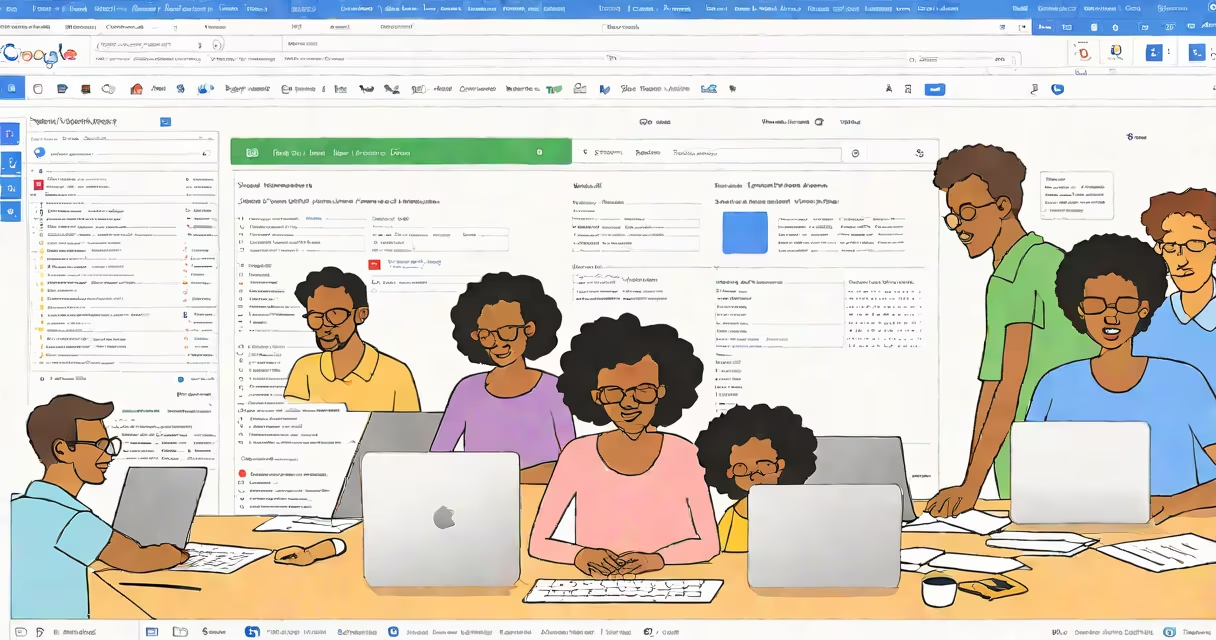
Google Docs software is a web-based word processing application that allows users to create, edit, and share documents in real time from any device with internet access. It operates entirely in the browser, requiring no installation, and stores files automatically in Google Drive.
Developed by Google and part of the Google Workspace set, Google Docs software supports rich text formatting, embedded images, tables, headers, footnotes, and version history. It enables multiple people to work on the same document simultaneously, with changes visible instantly across all connected devices.
Unlike traditional desktop word processors such as Microsoft Word, Google Docs software does not rely on local storage. All edits are saved continuously to the cloud, eliminating the risk of lost work due to crashes or forgotten saves. This model supports smooth collaboration across time zones and geographic boundaries.
When you open a Google Docs software file, it loads directly in your web browser using JavaScript and Google's cloud infrastructure. The app connects to your Google account and retrieves the latest version of the document from Google Drive.
As you type, your cursor appears in real time, and other collaborators see your changes within seconds. Each user's cursor is color-coded, so you can track who wrote what. Comments, suggestions, and tracked changes are available through the "Suggesting" mode, which lets reviewers propose edits without altering the original text.
Documents are stored in encrypted form on Google's servers. Access is granted via shared links or email invitations. Permissions can be set to view-only, comment, or edit, giving creators fine-grained control over collaboration levels.
Google Docs software offers several modes tailored to different workflows:
| Mode | Use Case | Key Feature |
|---|---|---|
| Editing Mode | Active writing and revision | Real-time co-authoring with live cursor tracking |
| Suggesting Mode | Review and feedback | Edits appear as suggestions; accept or reject them later |
| View Only Mode | Reading or presentation | No editing allowed; prevents accidental changes |
| Offline Mode | Working without internet | Enabled via Chrome extension; syncs when connection resumes |
Advanced features include templates for resumes, reports, and meeting agendas. You can insert equations using LaTeX syntax, embed charts from Google Sheets, and link to external resources. The "Explore" panel provides AI-powered suggestions for phrasing, citations, and image search.
For accessibility, Google Docs software supports screen readers, keyboard navigation, and high-contrast themes. It complies with WCAG 2.1 standards and includes built-in tools for checking readability and grammar.
Many assume Google Docs software lacks advanced formatting capabilities compared to desktop editors. This is incorrect. While it doesn't support complex page layout features like master pages or multi-column text flows, it handles most standard publishing tasks effectively.
A frequent error is thinking that sharing a link grants full editing rights. In reality, anyone with the link can edit unless permissions are explicitly restricted. Always check the sharing settings before distributing sensitive documents.
Another misconception is that Google Docs software requires constant internet access. While the primary interface runs online, offline editing is supported through the Chrome browser extension. Changes sync automatically when reconnected.
One non-obvious fact: Google Docs software uses a conflict-free replicated data type (CRDT) algorithm to resolve simultaneous edits. This ensures consistency even when two users modify the same paragraph at the same time. The system merges changes without requiring manual resolution, unlike older collaborative tools.
In education, teachers use Google Docs software to assign group projects. A biology instructor at a public high school in Austin, Texas, assigned a research paper to four students. They collaborated on a single document, with each student responsible for a section. The teacher reviewed drafts in real time and left comments directly in the text. The final submission was completed in under two days, with no version conflicts.
Businesses use Google Docs software for drafting contracts, meeting minutes, and marketing materials. A small design agency in Portland, Oregon, uses it to manage client briefs. When a new project begins, the team creates a shared document outlining goals, timelines, and deliverables. Team members update progress daily, and stakeholders review updates during weekly syncs.
Nonprofits often rely on Google Docs software for grant proposals. An environmental nonprofit in Seattle used it to draft a $50,000 proposal to a foundation. Five staff members contributed sections remotely. The lead writer compiled feedback, approved edits, and submitted the final version-all within 48 hours. The proposal was accepted.
For individuals, Google Docs software serves as a personal journal, resume builder, or travel itinerary planner. I once used it to organize a cross-country road trip with friends. We created a shared document listing stops, estimated travel times, and budget allocations. Each person updated their assigned segment, and we viewed the full plan on a shared tablet during the drive.
Google Docs software differs from Microsoft Word in several key ways:
Compared to Apple's Pages, Google Docs software offers superior cross-platform compatibility and better integration with third-party apps. Pages is limited to Apple ecosystems and lacks native real-time collaboration.
For users seeking to edit documents on mobile devices, Google Docs software outperforms alternatives. Its Android and iOS apps offer full functionality, including handwriting input and voice-to-text transcription.
Google Docs software is not just a replacement for paper-based writing-it's a platform for changing, distributed creation. Its strength lies in simplicity, accessibility, and the ability to evolve with user needs.