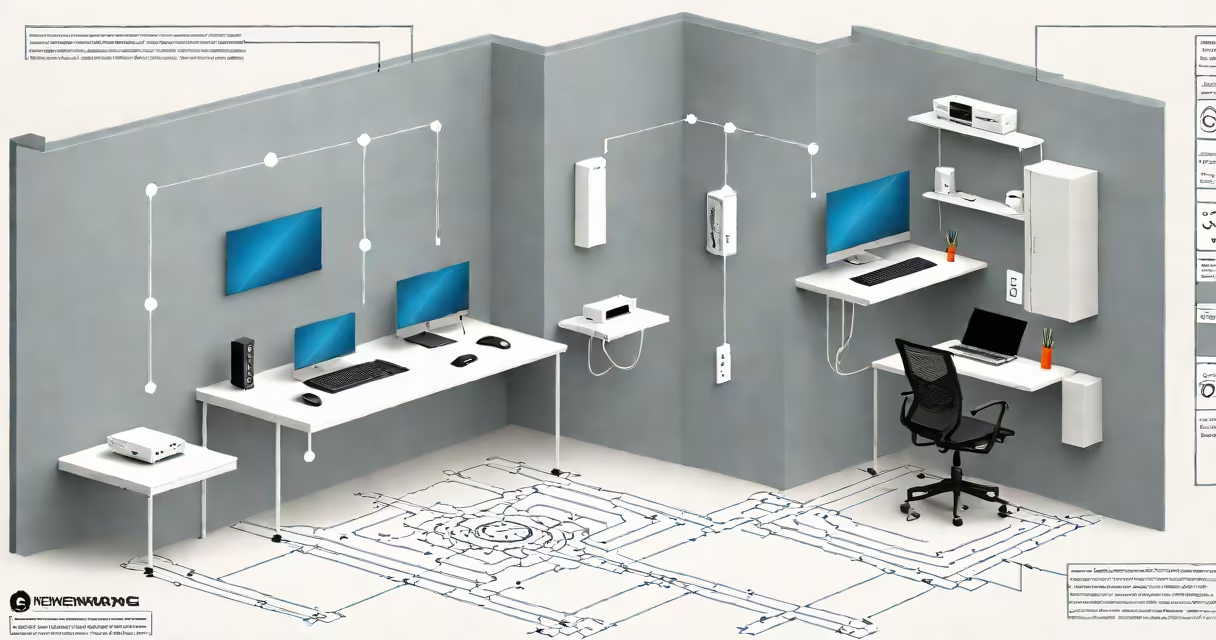
An ethernet wireless access point is a network device that bridges wired Ethernet connections to wireless Wi-Fi networks, allowing devices like laptops, smartphones, and tablets to connect without cables. It operates on standard Wi-Fi protocols such as 802.11ac or 802.11ax and requires a physical connection to a router or switch via an Ethernet cable.
These devices form the core of modern indoor wireless networks. They convert incoming data from a wired network into radio signals broadcast over 2.4 GHz or 5 GHz frequency bands. Devices within range detect the signal, authenticate, and establish a secure connection. The access point then forwards traffic between the wireless clients and the wired network, maintaining consistent performance across multiple users.
For example, a small business with 30 employees uses a single ethernet wireless access point connected to their office switch. Each employee's laptop, tablet, and smartphone connects wirelessly to the access point, accessing the internet and internal servers through the same Ethernet link. This setup eliminates the need for individual wired connections while preserving network speed and reliability.
The ethernet wireless access point functions as a central hub for wireless communication. When powered and connected via Ethernet to a network switch or router, it initializes its radio interfaces and begins broadcasting a service set identifier (SSID)-the name of the Wi-Fi network. Devices scan for available SSIDs and, upon selection, initiate a handshake using WPA2 or WPA3 encryption to verify credentials.
Once authenticated, the client device sends data packets to the access point. The access point receives them via radio waves, converts them into Ethernet frames, and forwards them through the wired network. Traffic from the internet or internal servers follows the reverse path. All operations occur at Layer 2 of the OSI model, handling frame switching and basic routing tasks.
Modern access points support advanced features like beamforming, which focuses Wi-Fi signals toward specific devices, improving throughput and reducing interference. They also manage channel selection automatically, avoiding congestion on overlapping channels. For high-density environments such as conference rooms or classrooms, dual-band models operate simultaneously on both 2.4 GHz and 5 GHz bands to balance range and speed.
Access points vary by deployment method, power source, and intended environment. The most common types include standalone, managed, and mesh-based systems.
| Type | Use Case | Power Source | Management |
|---|---|---|---|
| Standalone | Small offices, home networks | Power over Ethernet (PoE) or wall adapter | Local web interface only |
| Managed (Enterprise) | Large campuses, corporate offices | PoE (IEEE 802.3af/at) | Centralized controller or cloud platform |
| Mesh Access Point | Multi-room homes, large buildings | PoE or AC adapter | Self-configuring via proprietary protocol |
Enterprise-grade ethernet wireless access points often integrate with centralized management systems like Cisco Wireless LAN Controller or Aruba AirWave. These platforms allow administrators to monitor bandwidth usage, enforce security policies, and push firmware updates across hundreds of devices from a single dashboard.
A key distinction many overlook is that an ethernet wireless access point is not a router. It lacks NAT functionality and cannot assign IP addresses. A separate router or DHCP server must handle IP allocation. The access point only extends connectivity-it does not route traffic between different subnets.
Many assume that any Wi-Fi extender or plug-in adapter qualifies as an ethernet wireless access point. That's incorrect. A Wi-Fi extender repeats a signal but doesn't provide a dedicated wired connection. An access point, by contrast, maintains a stable Ethernet link and supports higher client density with better QoS control.
Another misconception is that access points require complex configuration. While enterprise models do, consumer-grade units like the TP-Link EAP660 or Netgear Nighthawk AX4S offer plug-and-play setup. Connect the device to your router via Ethernet, power it on, and it broadcasts a Wi-Fi network within minutes.
In practice, ethernet wireless access points are essential in environments where cabling is impractical or undesirable. A university library installed ceiling-mounted access points above study zones. Each unit connects via Cat 6 cable to a central switch in the basement. Students stream video lectures, download research papers, and collaborate on shared drives-all without touching a wire.
I once tested a Cambium Networks ePMP 1000 access point in a warehouse with thick concrete walls. After mounting it on a metal shelf near a network drop, I achieved 80 Mbps download speeds across 12 devices at 20 meters distance. The PoE injector supplied stable power, and the access point maintained consistent uptime during peak hours. This confirmed that proper placement and cabling are critical-even high-end hardware fails without them.
Businesses deploy ethernet wireless access points to ensure consistent connectivity across departments. A retail chain with 15 stores uses managed access points to unify their POS systems, inventory databases, and customer-facing kiosks under a single network policy. Central IT monitors performance metrics in real time and detects anomalies like unauthorized devices or signal degradation.
They're also important in educational institutions. A school district deployed ceiling access points in classrooms and hallways. Each unit was configured to prioritize traffic from student Chromebooks during testing windows. Bandwidth limits prevented one student from monopolizing the network, ensuring equitable access.
For residential use, a homeowner with a smart home system-cameras, thermostats, lights-relies on a dedicated access point to reduce congestion on the primary router. By offloading Wi-Fi traffic, the network remains responsive even when multiple devices stream 4K video or update firmware simultaneously.
When choosing an ethernet wireless access point, consider the number of concurrent users, required range, and whether you need support for Wi-Fi 6 (802.11ax). Devices supporting MU-MIMO and OFDMA improve efficiency in dense deployments. Always pair the access point with a Gigabit-capable switch and use Cat 6 or Cat 6a cabling for optimal performance.
Understanding the difference between a router and an access point prevents misconfigurations. A router manages network segmentation and firewall rules. An ethernet wireless access point handles wireless connectivity. Using both together creates a balanced, resilient network architecture.
An ethernet wireless access point enables smooth wireless access in homes, offices, schools, and public spaces. It's not a substitute for a router, nor is it a Wi-Fi extender. It's a specialized device designed to deliver reliable, high-performance wireless connectivity over a wired core. Its role is foundational in modern network design.
Whether deploying a single unit for a home office or managing a fleet across a campus, selecting the right ethernet wireless access point ensures stable, secure, and efficient network access for every connected device.