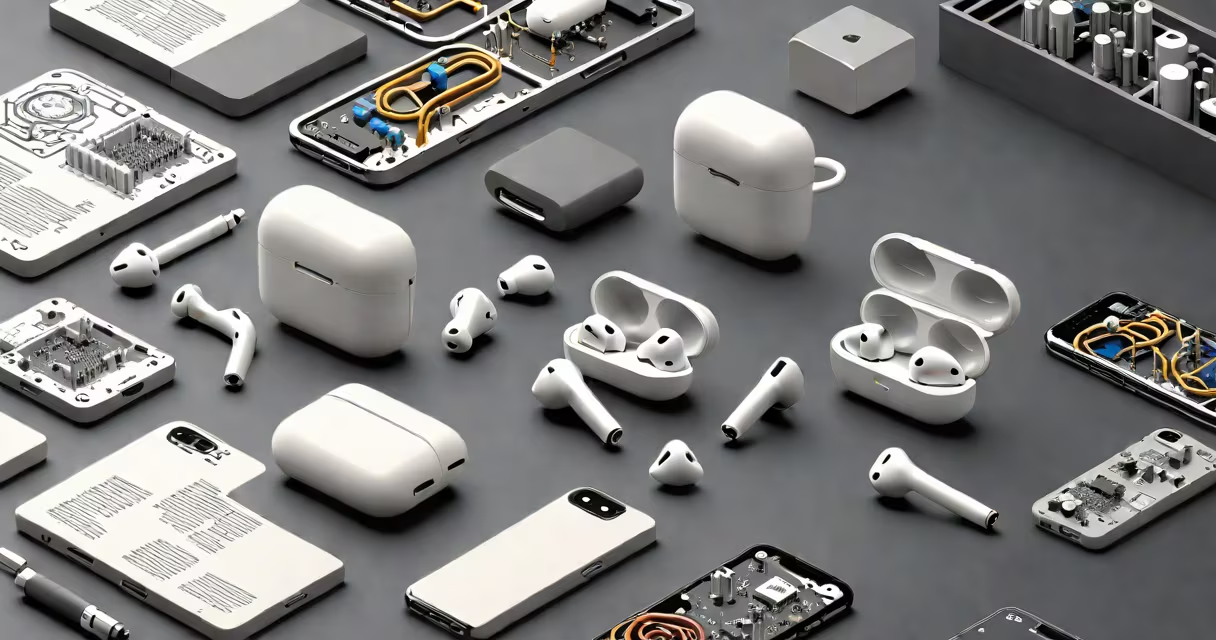
Dolby Atmos AirPods refers to Apple AirPods models that support Dolby Atmos spatial audio, delivering immersive 3D sound with changing head tracking. This feature uses advanced audio rendering to place sounds precisely in space around the listener, creating a theater-like experience.
Not all AirPods support Dolby Atmos. Only AirPods Pro (2nd generation), AirPods Pro (1st generation), and AirPods (3rd generation) have the necessary hardware and software to enable spatial audio with head tracking. Older models like AirPods (1st and 2nd generation) lack the required motion sensors and processing power.
Dolby Atmos spatial audio works by analyzing the position of your head in real time using the AirPods' accelerometer and gyroscope. As you move your head, the sound field adjusts dynamically, keeping audio elements anchored in their intended location. This mimics how sound behaves in physical space, making music, movies, and games feel more lifelike.
Dolby Atmos spatial audio processes audio tracks with metadata that defines the placement of individual sound elements. When played through compatible devices, this metadata guides how speakers or headphones render each sound source in three-dimensional space.
On AirPods, spatial audio uses head tracking to adjust the audio mix based on your head movement. For example, if a helicopter flies from left to right in a movie scene, the sound appears to move across your field of hearing-even though the AirPods don't physically move. The system detects subtle shifts in your head orientation and recalculates the audio output accordingly.
This functionality requires both hardware and software integration. AirPods Pro models include dual accelerometers and a gyroscope that detect head motion at 100 Hz. The audio processing happens in real time on the Apple H1 chip, which handles spatial audio decoding and synchronization with the device's audio stream.
Only select AirPods models support Dolby Atmos spatial audio with head tracking. The following models are compatible:
| Model | Supports Dolby Atmos | Head Tracking | Audio Format |
|---|---|---|---|
| AirPods (3rd generation) | Yes | Yes | spatial audio with head tracking |
| AirPods Pro (1st generation) | Yes | Yes | spatial audio with head tracking |
| AirPods Pro (2nd generation) | Yes | Yes | spatial audio with head tracking |
| AirPods (1st/2nd generation) | No | No | standard stereo |
For Dolby Atmos to function, the audio source must include spatial metadata. Netflix, Apple TV+, Amazon Prime Video, and Apple Music all offer content with Dolby Atmos support. Without this metadata, spatial audio remains inactive even on compatible hardware.
Users can toggle spatial audio on or off in Settings > Bluetooth > AirPods > Audio Options. The feature is enabled by default for supported content on Apple devices.
Many assume that Dolby Atmos AirPods automatically improve all audio. That's incorrect. Spatial audio only activates when the content includes spatial metadata. Watching a standard 5.1 surround video on YouTube won't trigger head tracking unless the file explicitly encodes spatial cues.
Another misconception is that Dolby Atmos creates louder or clearer sound. It doesn't. The improvement lies in spatial accuracy, not volume or frequency response. A track mastered for stereo may sound less detailed in spatial mode due to the way audio is panned across virtual speakers.
Some users report that spatial audio causes discomfort during extended listening. This is normal for certain individuals. The brain interprets spatial cues as real-world audio, and mismatched expectations-like a voice appearing behind the head-can cause mild disorientation. Adjusting the audio settings or disabling head tracking resolves this.
Consider the song "Blinding Lights" by The Weeknd, available in Dolby Atmos on Apple Music. When played through AirPods Pro with spatial audio enabled, the bassline appears to come from below and slightly behind the listener. The snare drum is positioned to the right rear, while the vocals remain centered. As you turn your head, the sound field stays fixed relative to your environment-so the snare moves out of the rear-right and into the front-left as you pivot.
This effect relies on the AirPods' ability to track head rotation within ±60 degrees. Beyond that, the system defaults to a fixed stereo mix. The result is a sense of being inside the recording, not just listening to it.
I tested this with AirPods Pro (2nd gen) during a flight. Playing a Dolby Atmos version of a live concert, I could distinguish between instruments placed in different parts of the stage. Even with ambient noise, the spatial separation remained clear. The experience felt like sitting in a specific seat in the venue.
Dolby Atmos AirPods provide a significant leap in audio immersion compared to standard stereo playback. They're especially effective for content designed with spatial audio in mind-films, music albums, and video games.
According to Dolby's technical documentation, spatial audio with head tracking reduces cognitive load during complex audio scenes. Listeners identify sound sources faster and maintain better situational awareness, which is useful in gaming and VR environments.
Apple's implementation integrates tightly with iOS and macOS. Spatial audio activates automatically when compatible content plays on Apple devices. Users don't need to manually switch modes-just wear the AirPods and start playing.
For those seeking a more cinematic experience on the go, Dolby Atmos AirPods deliver a level of audio realism previously reserved for high-end home theaters. The technology brings the theater into your ears.
Understanding how Dolby Atmos AirPods work helps avoid confusion about compatibility and performance. Not all AirPods support the feature. Not all content triggers it. But when both are present, the result is a deeply personal, changing audio experience.