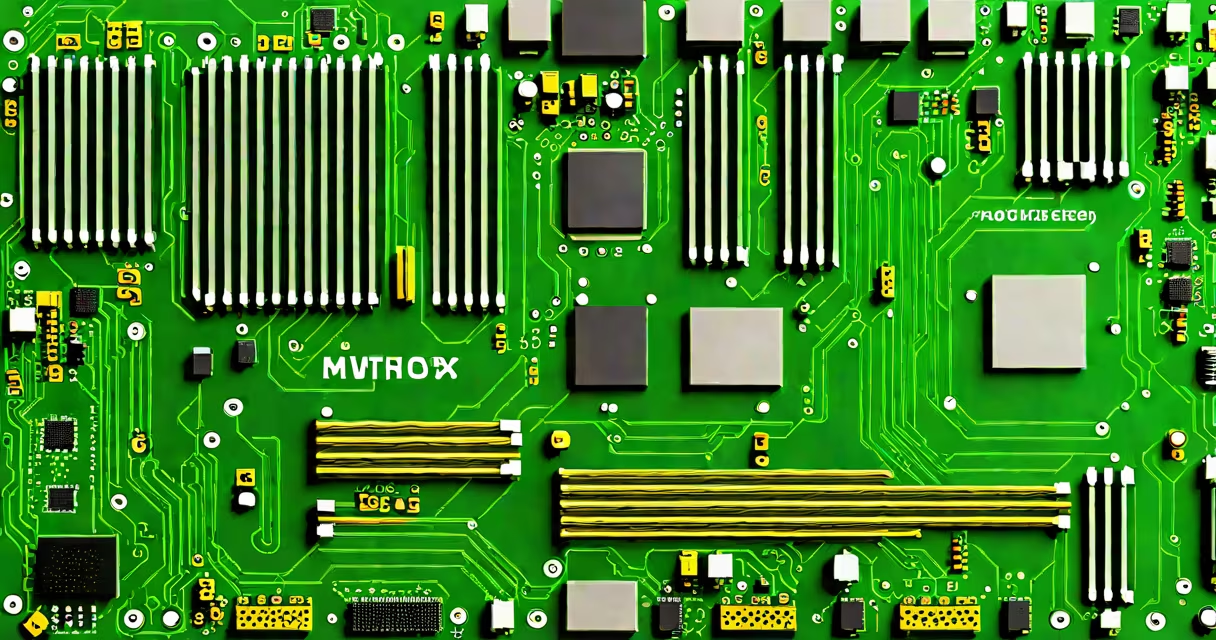
The definition of motherboard refers to the primary circuit board in a computer that connects and enables communication between the CPU, memory, storage, graphics card, and other essential components. It serves as the central nervous system of a desktop or laptop system, managing power distribution and data routing across all hardware.
A motherboard integrates hundreds of electronic pathways, known as traces, which carry signals between chips, sockets, and ports. These traces form a network that allows the CPU to access RAM, the GPU to render images, and storage drives to read and write data. Without a functional motherboard, no component in a PC can communicate effectively.
Modern motherboards follow standardized sizes such as ATX, micro-ATX, and mini-ITX, ensuring compatibility with cases and power supplies. They feature key elements including a CPU socket, DIMM slots for RAM, PCIe slots for graphics and expansion cards, SATA ports for drives, and USB headers for peripherals. The board's chipset determines supported features like overclocking, multi-GPU setups, and available connectivity options.
When you turn on a computer, the motherboard initializes the system through a process called POST (Power-On Self-Test). During this phase, it checks the presence and functionality of critical components like RAM, GPU, and storage. If errors occur, the board may emit beep codes or display error messages via LEDs.
Data flows across the motherboard through a hierarchy of buses and controllers. The front-side bus (FSB) historically linked the CPU to RAM and the northbridge, but modern systems integrate these functions directly into the CPU. Today's high-speed PCIe lanes handle video output, NVMe SSDs, and network adapters, while the southbridge (now often part of the CPU) manages slower devices like USB ports and SATA drives.
Power delivery is managed by voltage regulators (VRMs) located near the CPU socket. These circuits convert the 12V input from the PSU into stable low-voltage outputs required by the processor and memory. Poor VRM design can lead to instability under load, especially during CPU overclocking.
Each major element on a motherboard plays a distinct role in system performance and reliability. The CPU socket holds the processor and defines which models are compatible. For Intel, LGA 1700 supports 12th to 14th Gen Core processors; AMD uses AM5 for Ryzen 7000 series CPUs.
RAM slots accept DDR4 or DDR5 modules. Dual-channel configurations require two sticks installed in matching colors or labeled pairs to maximize bandwidth. A mismatched configuration can reduce memory speed by up to 30%, according to Tom's Hardware.
PCIe slots support graphics cards, sound cards, and M.2 SSDs. PCIe 5.0 offers double the bandwidth of PCIe 4.0, enabling faster NVMe drives and high-end GPUs. However, not all motherboards support the latest standards-checking the specification sheet is essential.
| Component | Function | Common Types |
|---|---|---|
| CPU Socket | Mounts and powers the processor | LGA 1700 (Intel), AM5 (AMD) |
| RAM Slots | Accepts memory modules | DIMM (DDR4/DDR5), SODIMM (laptops) |
| PCIe Slots | Hosts graphics cards and expansion cards | PCIe x16 (GPU), x4 (NVMe SSD), x1 |
| SATA Ports | Connects traditional hard drives and SSDs | 6 Gbps (SATA III) |
| USB Headers | Provides connections for front-panel USB ports | USB 3.2 Gen 2 (10 Gbps), USB-C |
Many users assume that a motherboard's size dictates its performance. This is false. A mini-ITX board can outperform a full-sized ATX model if it has better VRMs, faster memory support, and updated chipsets. Performance depends on component quality, not physical dimensions.
Another misconception is that all motherboards support overclocking. Only those with unlocked CPU sockets and solid power delivery circuits allow this. For example, Intel's Z-series chipsets (Z790, Z690) enable CPU and memory overclocking, while B-series boards do not.
Some confuse the motherboard with the system board. These terms are interchangeable in consumer contexts. However, "system board" is a legacy term used in older documentation and technical manuals. The modern standard is "motherboard."
During a build last year, I encountered a system that wouldn't boot despite correct cable connections. The issue was a faulty CMOS battery on the motherboard, which caused BIOS settings to reset. Replacing the CR2032 battery resolved the problem-a reminder that even passive components play important roles.
Understanding the definition of motherboard clarifies how hardware choices affect system stability, upgrade paths, and long-term usability. Choosing a motherboard with insufficient PCIe lanes limits future GPU upgrades. Selecting one with outdated RAM support prevents using newer DDR5 modules.
According to Intel's official documentation, proper motherboard selection ensures compatibility with firmware updates, security patches, and new processor generations. A mismatched board can prevent upgrading beyond a specific generation, locking users into older hardware.
For example, AMD's AM5 socket requires motherboards with a new LGA-style design and DDR5 memory. Users attempting to install a Ryzen 7000 CPU on an older AM4 board will fail due to incompatible pin layouts and power requirements. The definition of motherboard includes both physical and electrical compatibility constraints.
Finally, avoid confusing the definition of motherboard with the definition of a lie. While both involve truth and structure, one governs electronic signals and the other governs human communication. The former ensures accurate data transmission; the latter involves intentional deception. Understanding the difference prevents misapplication of concepts across domains.