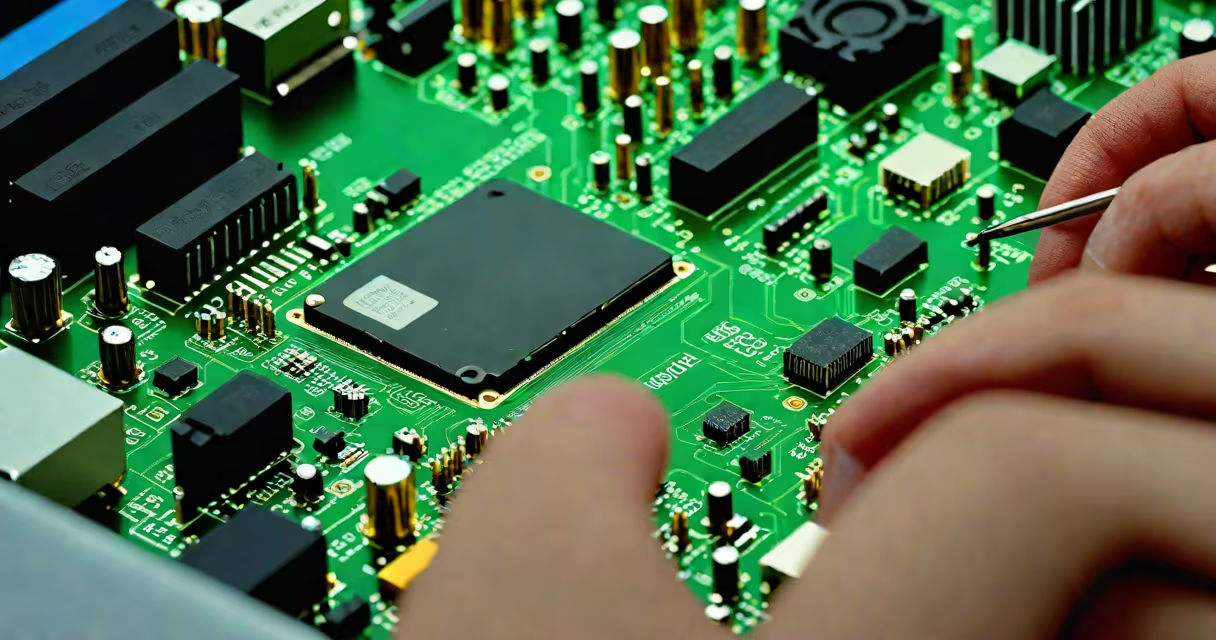
CPU repair software is a category of diagnostic and corrective tools designed to detect and resolve issues related to a computer's central processing unit, including thermal throttling, faulty cores, memory access errors, and instability under load. These programs do not physically replace damaged components but analyze system behavior, run stress tests, and report anomalies that may indicate underlying hardware problems.
Modern CPUs operate under tight tolerances. A single failing core or corrupted cache line can degrade performance or trigger crashes. CPU repair software monitors voltage levels, temperature spikes, instruction execution errors, and timing inconsistencies during benchmarking. When anomalies exceed thresholds, the software flags them for user review or attempts automatic mitigation via BIOS-level adjustments.
Such tools are not magic fixers. They cannot restore a physically burned-out processor or reverse permanent damage from overheating. Instead, they serve as early warning systems and configuration aids. For example, Intel's Processor Diagnostic Tool (PDT) runs microcode-level checks and reports whether individual cores pass or fail under controlled workloads. AMD's Ryzen Master includes real-time monitoring and overclock stability testing, helping users identify unstable configurations before system failure occurs.
These tools function by injecting known patterns into the CPU's execution pipeline and measuring output consistency. They simulate high-intensity tasks-such as mathematical calculations, memory read/write sequences, and branch prediction trials-to stress-test the processor. The software logs deviations from expected results, such as incorrect arithmetic outputs or timing delays beyond acceptable variance.
During operation, the software accesses low-level registers and firmware interfaces. On Intel platforms, this often involves Intel Management Engine (ME) and SMM (System Management Mode) communication. On AMD systems, it uses the Platform Security Processor (PSP) and IOMMU controls. Access requires elevated privileges, typically granted through administrator rights or UEFI-level execution.
When an error is detected, the software may suggest actions: disabling a problematic core, lowering clock speeds, adjusting voltage settings, or updating microcode. Some tools integrate with BIOS/UEFI utilities to apply changes automatically. Others generate detailed logs for advanced users or technicians to interpret.
Not all CPU repair software performs the same functions. Tools fall into three categories based on purpose:
| Type | Purpose | Examples | Limitations |
|---|---|---|---|
| Diagnostic Only | Identifies faults without attempting fixes | Intel PDT, Core Temp, HWiNFO | Reports issues but doesn't alter system state |
| Stress & Stability Testing | Pushes CPU to limits to expose weaknesses | Prime95, AIDA64, OCCT | Can cause temporary overheating; not safe for long runs |
| Configuration & Tuning | Adjusts clocks, voltages, power states | Ryzen Master, Intel XTU, ThrottleStop | Requires manual intervention; risks system instability |
For instance, Prime95 runs complex mathematical operations across all CPU threads. If the system crashes or returns incorrect results within 10 minutes, it indicates instability. This isn't "repair" in the traditional sense-it's diagnosis. The tool doesn't fix the CPU; it reveals that something is wrong.
Some tools claim to "repair" CPU errors through microcode updates. While technically accurate, these updates are pushed by Intel and AMD via official firmware patches-not by third-party software. No consumer-grade tool can rewrite microcode independently. Attempting to do so violates security policies and can brick the processor.
IT professionals use cpu repair software to validate hardware integrity after upgrades, repairs, or shipping. A server technician might run Prime95 for 30 minutes on a newly installed Xeon processor to ensure no cores are defective before deployment. Similarly, a gamer might test a new CPU under load to confirm stability after overclocking.
Manufacturers rely on similar tools during production. Intel's Factory Test Program (FTP) runs automated diagnostics on every CPU before packaging. These tests verify cache integrity, floating-point accuracy, and instruction set compatibility. Failure rates below 0.05% are typical, meaning less than 1 in 2,000 processors fails factory validation.
Home users often misuse the term. Many believe installing a "cpu repair software" will fix a blue screen or slow boot. But if the issue stems from a failing power supply, corrupted OS, or bad RAM, no CPU diagnostic tool will resolve it. Misdiagnosis leads to wasted time and false confidence.
Users frequently mistake cpu repair software for system optimization tools. Programs like CCleaner or Advanced SystemCare promise "faster performance" by cleaning registry entries or defragmenting drives. These have no effect on CPU health. They may improve responsiveness, but they don't test or correct hardware-level issues.
Another misconception: that these tools can recover from physical damage. A CPU exposed to liquid spillage or static discharge cannot be repaired by software. Once the silicon dies, no algorithm can resurrect it. The software only detects symptoms-like erratic behavior or unexplained resets-but cannot reverse decay.
A key distinction: cpu repair software operates at the hardware level, while most system maintenance tools work at the OS layer. For example, Windows' built-in Performance Monitor tracks CPU usage percentages and process activity. It shows *what* the CPU is doing, not *whether* it's functioning correctly. True cpu repair software goes deeper-into microarchitectural behavior.
I once ran Intel PDT on a workstation with intermittent crashes. After 12 minutes of testing, the tool reported a fault in core 3. Replacing the CPU resolved the issue. The software didn't fix the chip-it identified the problem. That's the reality: these tools diagnose, not heal.
Consider a small business running a video editing workstation with an Intel i7-12700K. After six months, the system begins crashing during rendering. The user installs HWiNFO to monitor temperatures and voltages. During a 15-minute render, the software logs a voltage spike from 1.1V to 1.45V on core 5. The system crashes at 13:47.
Running Intel PDT confirms a failure in the same core. The user contacts the manufacturer. Warranty service replaces the CPU. Without the diagnostic software, the issue might have been attributed to software conflicts or driver errors-leading to unnecessary OS reinstalls and lost productivity.
This case illustrates that cpu repair software doesn't solve problems-it prevents misdiagnosis. It provides objective data where anecdotal evidence fails.