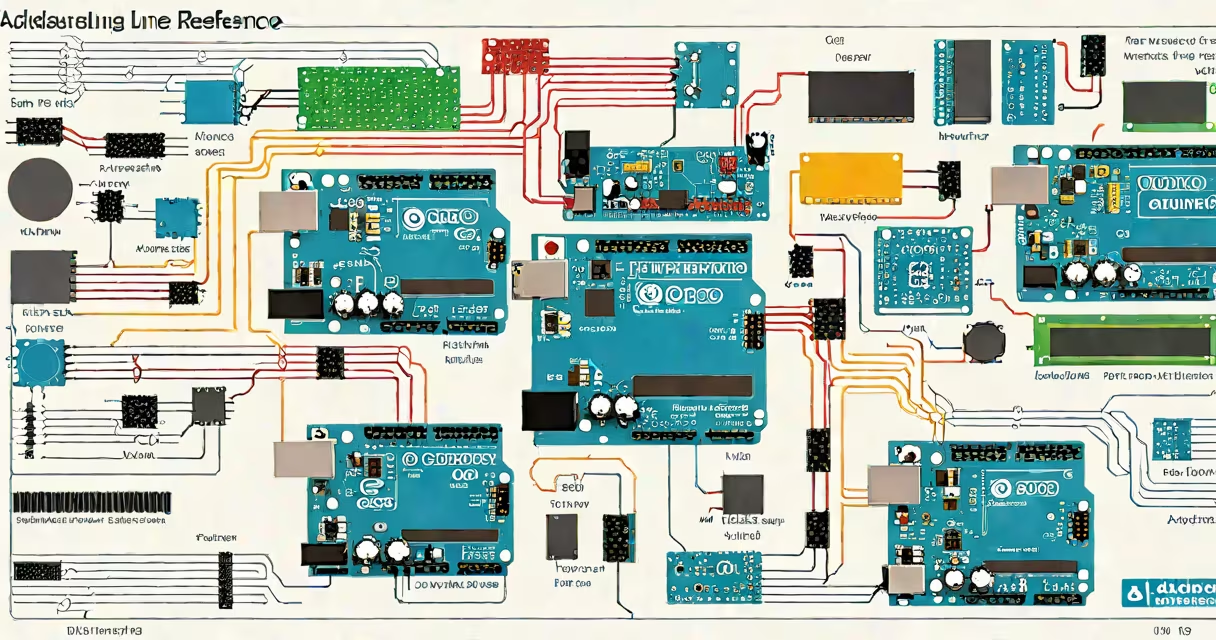
The Arduino language reference is a standardized set of functions, syntax rules, and library documentation that defines how code written in the Arduino IDE interacts with microcontroller hardware. It includes all built-in functions, data types, and wiring conventions used in Arduino sketches.
Developed by the Arduino team and maintained through community contributions, the reference serves as the official guide for writing reliable, portable code for AVR-based and ARM-based Arduino boards. It's not a programming language in itself but a specification layer over C++ that simplifies low-level hardware access.
For example, the function digitalRead(pin) returns HIGH or LOW based on a pin's voltage level. The reference documents this behavior, expected input values (0-13 for digital pins on Uno), return types (int), and timing constraints (up to 100ms delay between calls).
When you write a sketch in the Arduino IDE, the compiler translates your code into machine instructions using the Arduino language reference as a rulebook. This ensures consistent behavior across different Arduino models-even those with varying processor speeds or memory sizes.
Each function listed in the reference has a defined signature. For instance, analogWrite(pin, value) requires a pin number (0-15 on most boards) and a value between 0 and 255. The reference specifies that this function uses pulse-width modulation (PWM) to simulate analog output, even though the microcontroller has no true analog output capability.
Without the reference, developers would have to reverse-engineer register settings or consult datasheets for each chip. The reference abstracts away these details, allowing users to focus on logic rather than bit manipulation.
The Arduino language reference organizes functionality into categories: input/output, timing, math, communication, and memory management. Each category contains functions with consistent naming patterns and predictable behaviors.
| Category | Key Functions | Use Case Example |
|---|---|---|
| Input/Output | pinMode(), digitalWrite(), analogRead() |
Reading a button press and lighting an LED |
| Timing | delay(), millis(), micros() |
Measuring time between sensor triggers |
| Communication | Serial.begin(), Wire.begin(), attachInterrupt() |
Transferring data to a computer via USB or talking to a sensor over I²C |
| Math & Logic | map(), constrain(), min(), max() |
Scaling sensor readings from 0-1023 to 0-100% |
These functions are implemented using C++ templates and macros. For example, map(value, fromLow, fromHigh, toLow, toHigh) maps a number from one range to another. Internally, it performs a linear transformation: (value - fromLow) * (toHigh - toLow) / (fromHigh - fromLow) + toLow.
A common mistake is assuming delay(1000) blocks all other operations. The reference clarifies that this function halts execution for exactly 1000 milliseconds, during which no interrupts or background tasks run. This can cause missed signals in real-time applications.
Engineers, hobbyists, and educators use the Arduino language reference to build everything from home automation systems to robotics prototypes. It's essential for debugging, optimizing performance, and ensuring compatibility across devices.
For instance, a temperature monitor using a DS18B20 sensor relies on the OneWire library, documented in the reference. Without it, developers would need to manually handle the 1-Wire protocol's timing requirements, including setting precise delays and checking bus states.
Even advanced users refer to the reference when integrating third-party libraries. A project using an OLED display with SSD1306 controller requires correct initialization sequences. The reference confirms that display.begin(0x3C, true) sets the I²C address and enables internal clock calibration.
One non-obvious detail: the reference treats LOW and HIGH as integer constants (0 and 1), not boolean values. This matters because comparing them with == true leads to unexpected results. The correct comparison is if (digitalRead(pin) == HIGH).
Many assume the Arduino language reference supports floating-point arithmetic natively. It does not. While variables declared as float exist, operations involving division or decimal precision may lose accuracy due to limited RAM and no FPU on older boards.
Another misconception: delay() is safe for long pauses. The reference notes that calling delay(10000) in a loop prevents the system from responding to external events. For real-time applications, use millis() to track elapsed time without blocking.
I once built a motion-sensing alarm using a PIR sensor and a buzzer. Initially, I used delay(5000) after triggering the alarm. The device failed to detect new motion until the delay ended. Switching to millis() tracking allowed continuous monitoring. The reference confirmed this pattern as best practice.
Some confuse the Arduino language reference with the Arduino IDE interface. The IDE provides a code editor, compiler, and uploader. The reference is a separate documentation resource hosted online at arduino.cc/reference/en. It's updated independently and includes version-specific notes.
For example, the tone() function behaves differently on Arduino Nano (ATmega328P) versus ESP32 (ESP32-S3). On the Nano, it uses Timer2; on the ESP32, it uses a dedicated hardware timer. The reference documents these differences under "Platform-specific behavior".
The Arduino language reference is the definitive guide to writing reliable, efficient code for Arduino microcontrollers. It standardizes function behavior, defines syntax, and documents edge cases. Whether building a simple LED blinker or a complex environmental sensor network, developers rely on it to avoid errors and ensure portability.