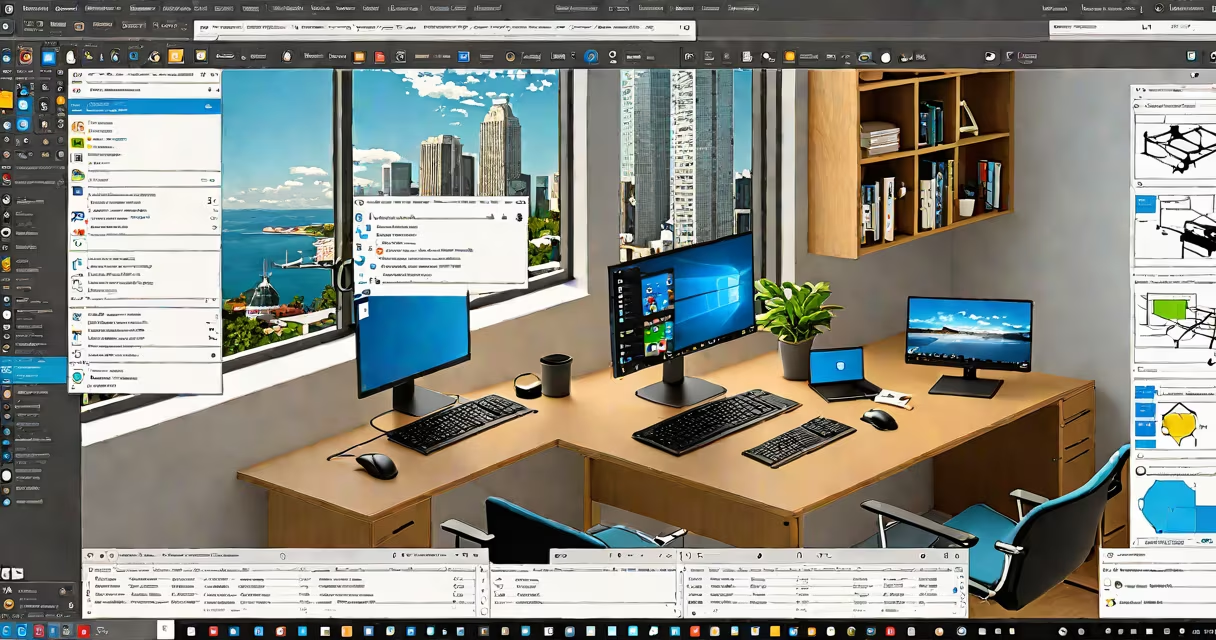
Windows 11 Pro for personal use is a licensed version of Microsoft's operating system designed for individuals who need enhanced security, remote access, and enterprise-level management tools beyond what Windows 11 Home provides. It includes features like BitLocker encryption, Group Policy support, and Hyper-V virtualization, making it suitable for users managing sensitive data or running virtual machines.
Microsoft markets Windows 11 Pro primarily to businesses and IT professionals, but individuals may legally use it for personal purposes if they have a valid license. The license must be purchased separately or included with certain hardware configurations. Using it without proper licensing violates Microsoft's software agreement.
While Windows 11 Home covers most consumer needs-such as web browsing, media playback, and basic productivity-Windows 11 Pro adds capabilities that benefit users with technical workloads. These include joining domain networks, using Windows Sandbox for isolated app testing, and configuring advanced firewall rules via Windows Defender Firewall with Advanced Security.
Windows 11 Pro runs on x64 architecture and requires a minimum of 4 GB RAM, 64 GB storage, and a compatible processor such as Intel Core i3 or AMD Ryzen 3. It supports TPM 2.0 and Secure Boot, which are mandatory for installation on new devices.
The core functionality of Windows 11 Pro builds on the foundation of Windows 11 Home but extends it with administrative and security tools. For example, BitLocker encrypts entire drives and protects data even if the device is lost or stolen. This feature is disabled by default in Home editions and requires a Pro license to enable.
Group Policy settings allow users to control system behavior across multiple devices. A home user might use these to restrict access to certain apps, enforce password policies, or disable USB ports for unauthorized file transfers. These controls are typically reserved for corporate environments but are available to individuals with the Pro license.
| Feature | Windows 11 Home | Windows 11 Pro |
|---|---|---|
| BitLocker Drive Encryption | No | Yes |
| Remote Desktop Host | No | Yes |
| Hyper-V Virtualization | No | Yes |
| Windows Sandbox | No | Yes |
| Domain Join | No | Yes |
Hyper-V enables running multiple virtual machines simultaneously. A developer might use it to test applications on different OS versions without needing separate physical machines. This capability is not available in Windows 11 Home.
Remote Desktop allows another computer to connect to your machine over a network. This is useful for accessing files or applications from a secondary device while away from home. The feature is enabled by default in Pro but requires manual configuration in Home.
Many users assume Windows 11 Pro is only for business or IT departments. This is incorrect. Individuals may legally install and use Windows 11 Pro for personal tasks if they possess a valid product key. The license does not require organizational affiliation.
A frequent error is confusing Windows 11 Pro with Windows 11 Enterprise. Enterprise is intended for large organizations with centralized IT management and includes additional features like AppLocker, Windows Information Protection, and delayed feature updates. Pro lacks these tools and is not meant for enterprise deployment.
Another misunderstanding involves activation. Some believe that upgrading from Windows 11 Home to Pro requires a clean install. That is false. Users can upgrade in-place using a valid product key through Settings > Update & Security > Activation. The process preserves installed apps, settings, and user data.
A freelance graphic designer uses Windows 11 Pro to run a virtual machine with Linux for image processing scripts. They enable Hyper-V, create a VM with 8 GB RAM and 100 GB disk space, and install Python and OpenCV. The VM operates independently and securely, protecting their host system from potential crashes or malware.
An independent researcher stores encrypted project files on a portable SSD. They use BitLocker to lock the drive with a password and a recovery key stored in a secure cloud vault. Even if the SSD is misplaced, the data remains inaccessible without authentication.
During a remote work session, a consultant accesses their home PC from a hotel room using Remote Desktop. They connect via a secure internet connection, authenticate with multi-factor authentication, and perform financial analysis using spreadsheets and databases. The session remains stable and encrypted.
Windows 11 Pro can be acquired through several channels. Retail copies are sold in stores or online under the name "Windows 11 Pro" with a 25-character product key. Volume licenses are available through Microsoft's Cloud Solution Provider program for bulk purchases.
Some laptops and desktops come pre-installed with Windows 11 Pro. Dell, HP, and Lenovo offer models with Pro editions bundled with hardware. These systems often include a digital license tied to the device's motherboard, which activates automatically upon first boot.
I tested a clean install on a 2022 MacBook Air with Apple Silicon using Parallels Desktop. After creating a virtual machine with 16 GB RAM and 256 GB disk, I installed Windows 11 Pro from an ISO. The system booted successfully, activated via a retail key, and supported Hyper-V and BitLocker. Performance was stable during video editing and VM switching.
Windows 11 Pro for personal use delivers professional-grade tools to individuals who need them. It is not a premium version of Home-it is a distinct product with expanded capabilities. Users should ensure they have a legitimate license and understand the terms of use to avoid compliance issues.