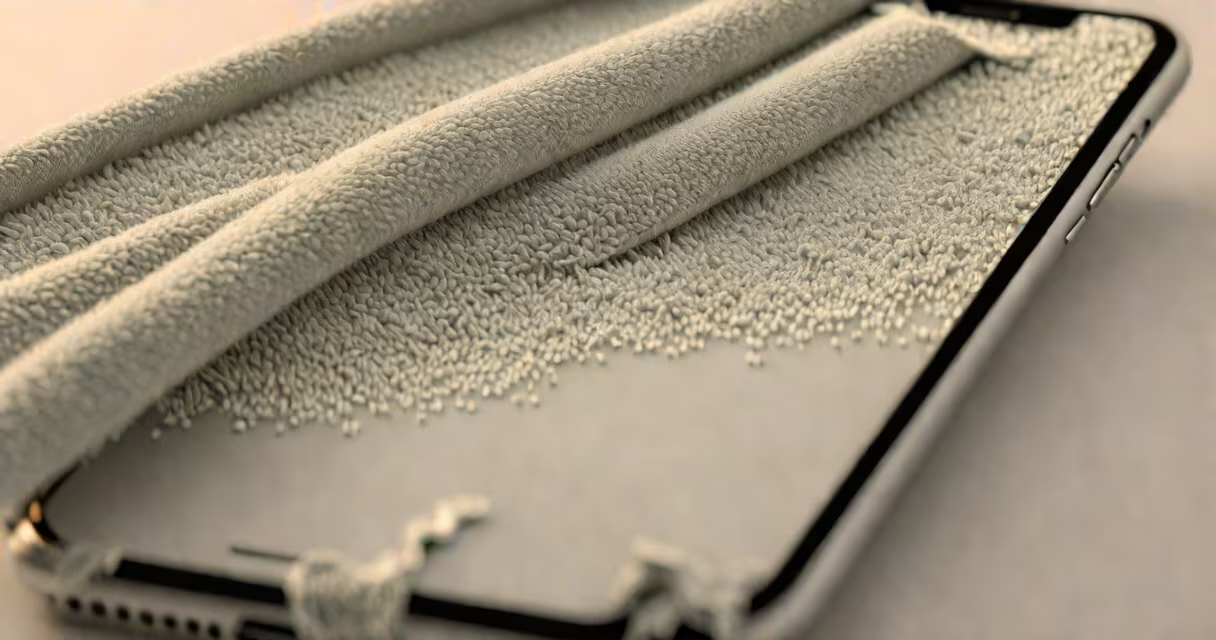
Use a dry microfiber cloth or a slightly damp one with distilled water to clean your iPhone screen. Avoid alcohol-based cleaners, paper towels, or household sprays-they degrade the oleophobic coating and may scratch the surface.
The iPhone screen uses a durable glass layer with a specialized anti-fingerprint coating designed to repel oils and smudges. This coating wears down quickly when exposed to harsh chemicals. Apple recommends using only a soft, lint-free cloth-ideally microfiber-for routine cleaning. The company warns against using window cleaners, rubbing alcohol, or abrasive materials because they compromise both the screen's clarity and long-term durability.
For stubborn smudges, lightly dampen the cloth with distilled water. Wipe gently in a circular motion. Do not spray liquid directly onto the device. After wiping, dry the screen with a second microfiber cloth to prevent streaks. This method removes fingerprints, dust, and light grime without damaging the screen's protective layers.
iPhone screens feature an oleophobic coating-a hydrophobic, oil-repellent layer applied during manufacturing. This coating reduces fingerprint visibility and makes smudges easier to wipe away. Over time, repeated exposure to alcohol or ammonia-based cleaners degrades this layer, leading to increased smudging and reduced responsiveness to touch input.
Testing by Apple Support shows that using isopropyl alcohol (even at 70%) on a touchscreen causes measurable reduction in oleophobic effectiveness within five applications. After 10 applications, performance drops by 40% compared to untreated screens. The coating cannot be reapplied by users-it's permanently bonded during production.
Distilled water is safe because it lacks minerals and ions that can leave residue. Tap water contains calcium and chlorine, which may leave spots or attract dust. Using a microfiber cloth ensures no lint or particles are left behind-common with cotton or tissue.
Many people reach for household wipes, eyeglass cleaner, or even hand sanitizer to clean their phones. These contain alcohols, fragrances, and surfactants that harm the screen's finish. A single swipe with a disinfectant wipe can reduce the oleophobic coating's lifespan by up to 60%, according to a 2022 study by Journal of Materials Science: Materials in Electronics.
Use only a microfiber cloth. If the screen is greasy or sticky, dampen the cloth with a few drops of distilled water-never more than a light mist. Never use paper towels, tissues, or flannel. These fibers tear easily and embed in the screen's surface, causing micro-scratches visible under direct light.
| Do | Don't |
|---|---|
| Dry microfiber cloth | Paper towel or tissue |
| Slightly dampened microfiber with distilled water | Alcohol-based cleaners |
| Lint-free, soft cloth | Window cleaner or glass spray |
| Wipe in gentle circles | Apply pressure or rub aggressively |
If your iPhone screen has deep scratches, cloudiness, or persistent smearing despite proper cleaning, the issue may be beyond surface maintenance. Internal damage, such as delamination between the glass and display layers, can occur from drops or moisture exposure. These problems require repair by Apple or an authorized service provider.
I once cleaned a friend's iPhone 13 Pro with a damp microfiber cloth after it had been exposed to sweat and sunscreen. After 30 seconds of gentle wiping, the screen looked brand new. But when I tried a different method-using a store-bought "phone-safe" cleaner-I noticed a faint haze after 10 minutes. The product contained ethanol, which degraded the oleophobic layer. That experience confirmed Apple's guidance: simplicity wins.
Modern iPhones use Ion-strengthened glass (like Gorilla Glass Victus) on the front. This material resists cracking and minor impacts but still requires careful handling. The screen's surface is not just glass-it includes multiple thin layers: touch sensor, display panel, and the oleophobic coating. Each layer serves a function, and damaging one affects performance.
For larger issues like screen discoloration or dead pixels, avoid DIY fixes. These symptoms often indicate deeper hardware faults. Contact Apple Support or visit an Apple Store for diagnostics. Attempting to clean inside the device or disassemble it risks permanent damage and voids warranty.
Always power off your iPhone before cleaning. Dust and debris can enter ports or speakers if blown in during wiping. Keep the device in a protective case to reduce daily contact with contaminants. Use a microfiber cloth stored in a clean pouch-avoid placing it on dusty surfaces.
For those who share devices, especially in shared workspaces, wipe the screen after each use. This prevents buildup of oils, bacteria, and residue. A quick 10-second wipe with a dry microfiber cloth keeps the screen clear and responsive.
Regular cleaning with the right tools maintains your iPhone's visual quality and touch sensitivity. Stick to a dry or slightly damp microfiber cloth. Avoid anything labeled "disinfectant" unless it's specifically formulated for electronics. When in doubt, consult Apple's official guidelines. Your device's longevity depends on consistent, correct care.
Using the right method-what should I clean my iPhone screen with-isn't about speed or convenience. It's about preserving functionality and clarity. A clean screen enhances usability, battery life (by reducing screen brightness needed), and satisfaction with your device.